System monitoring, optimization, and control apps.
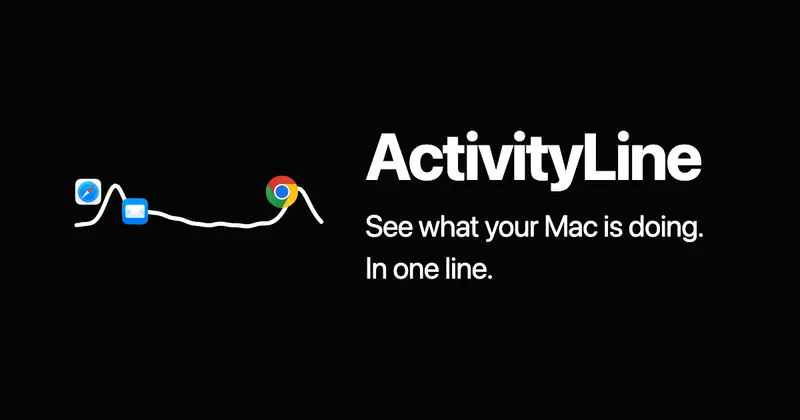
Menu bar system monitor showing CPU, GPU, RAM, and network activity in a single compact line that auto-switches to whichever metric spikes.
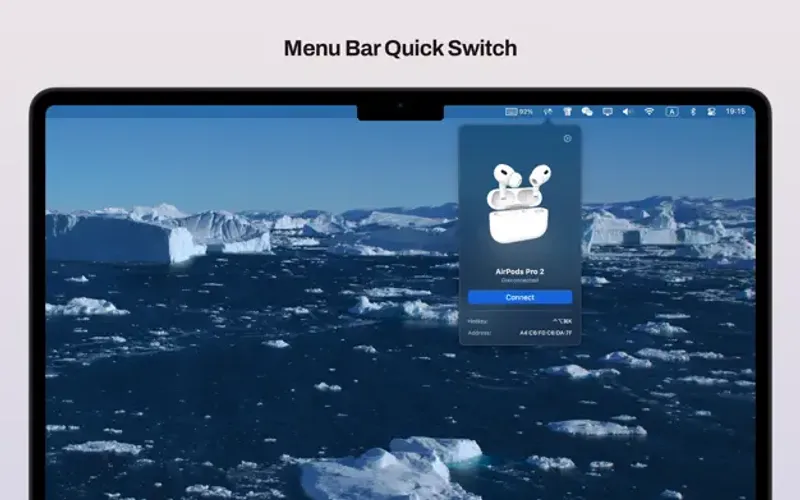
Take control of your wireless devices on macOS with instant AirPods status, battery monitoring for all your Apple devices, and seamless device handoff between Macs.
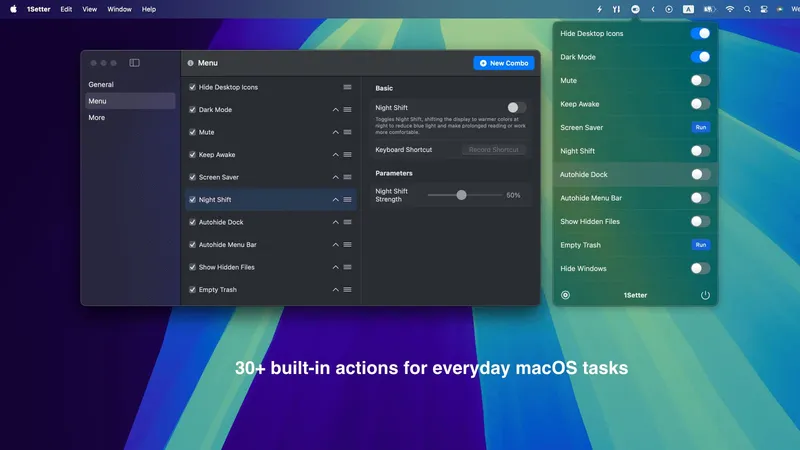
Quick access to macOS settings from the menu bar with one-click toggles for Dark Mode, hidden files, Desktop icons, volume, Night Shift, and custom combo actions.
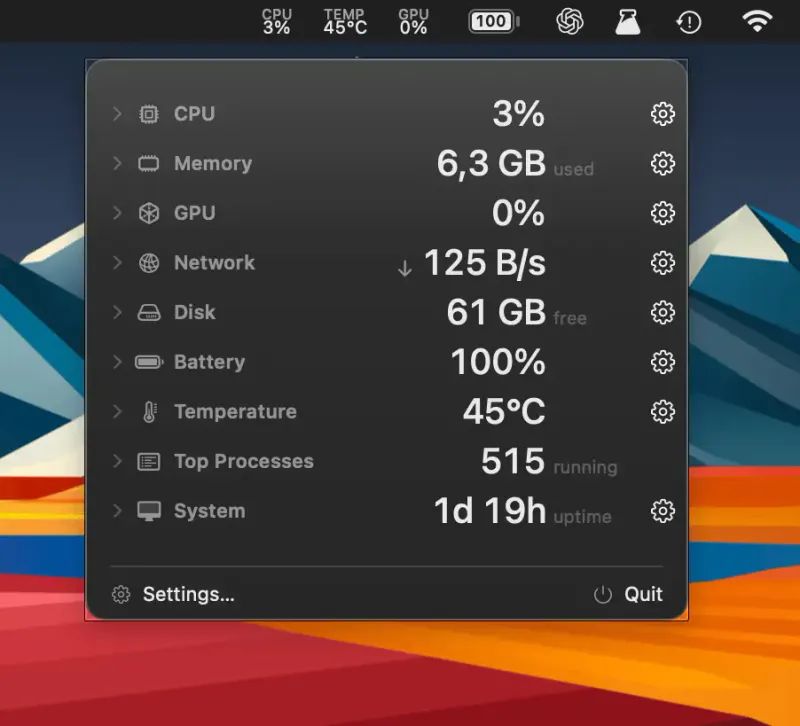
A lightweight, privacy-focused macOS system monitor with 16 customizable menu bar metrics including CPU, memory, GPU, network, disk, battery, and temperature.
Scans installed apps and detects available updates from Sparkle, Electron, GitHub, and Homebrew sources, all from the menu bar
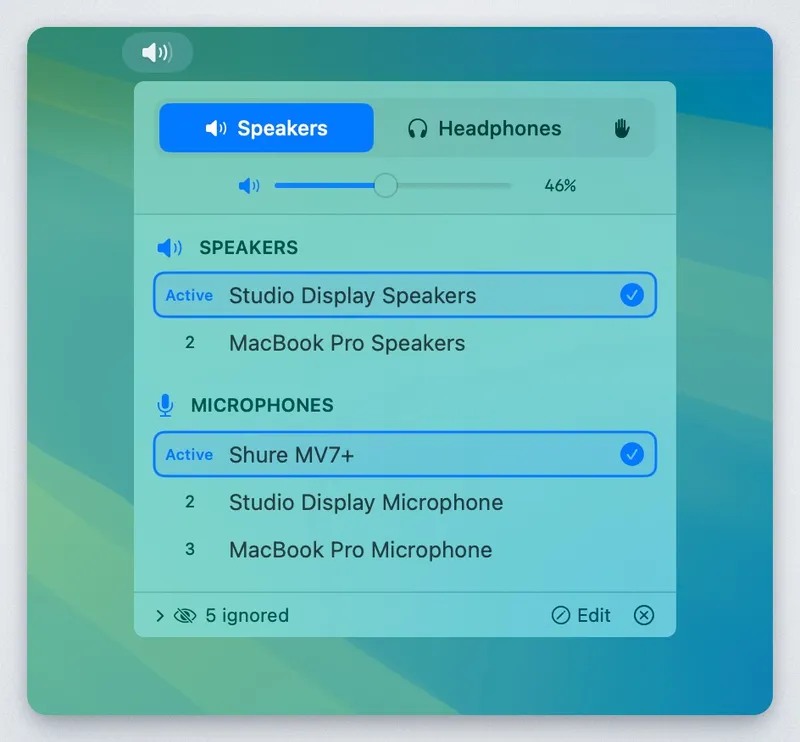
Automatically switches between audio devices based on your preferred priority order
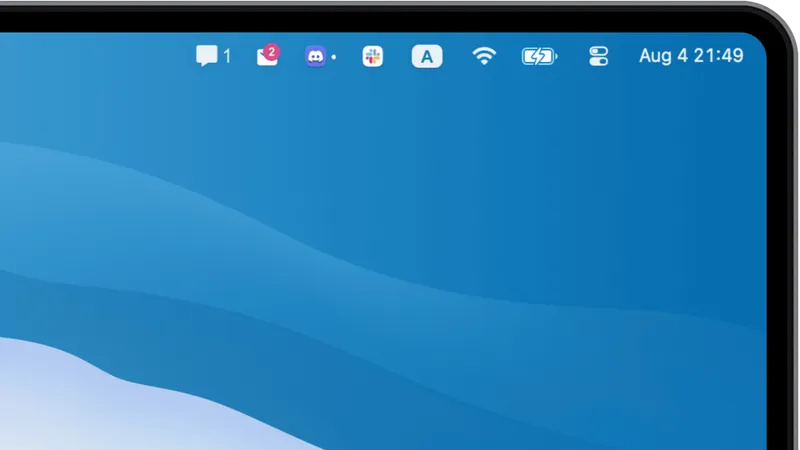
Displays notification badges for your favorite apps directly in the Mac menu bar. Perfect for users who hide their Dock but want persistent app notifications.
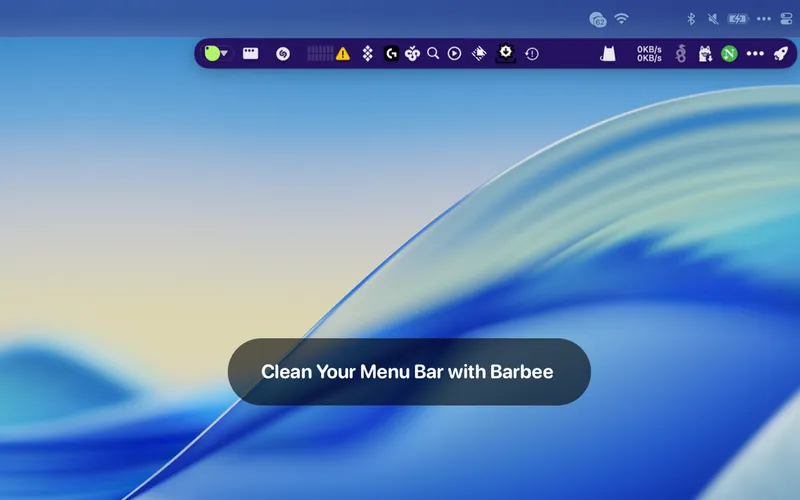
Clean up your Mac menu bar with smart hiding, automation, and customization features
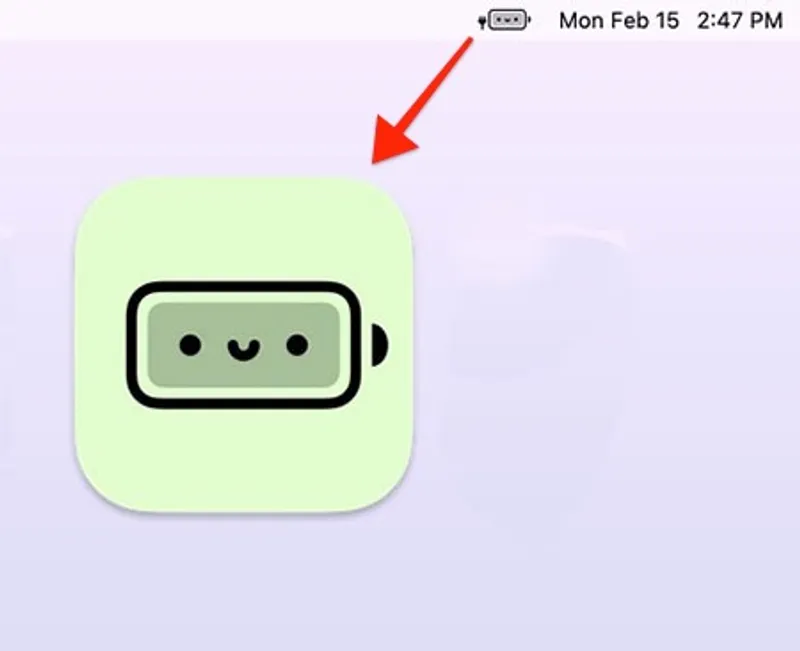
Replace your default battery indicator with adorable emoji versions that take the stress out of low battery warnings
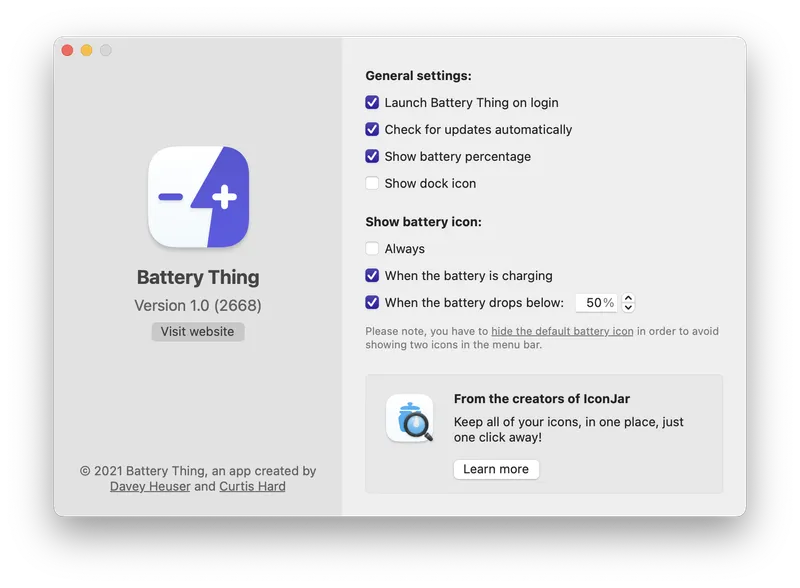
Control your Mac battery icon visibility while monitoring battery health and Bluetooth device statuses from a single menu bar app.
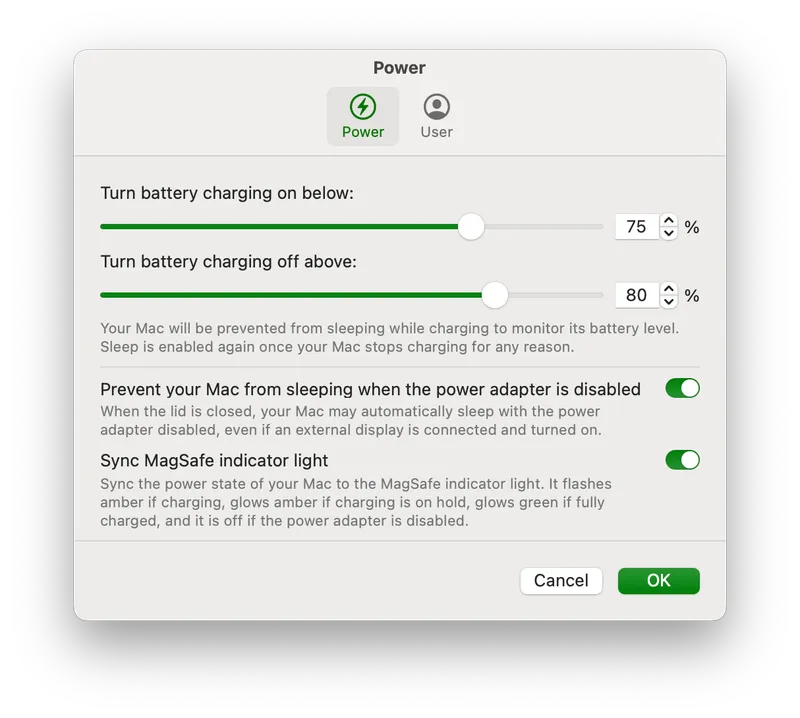
Archived Apple Silicon charge-limit utility: upper/lower thresholds and power-adapter control from the menu bar. GitHub archive since March 2026.
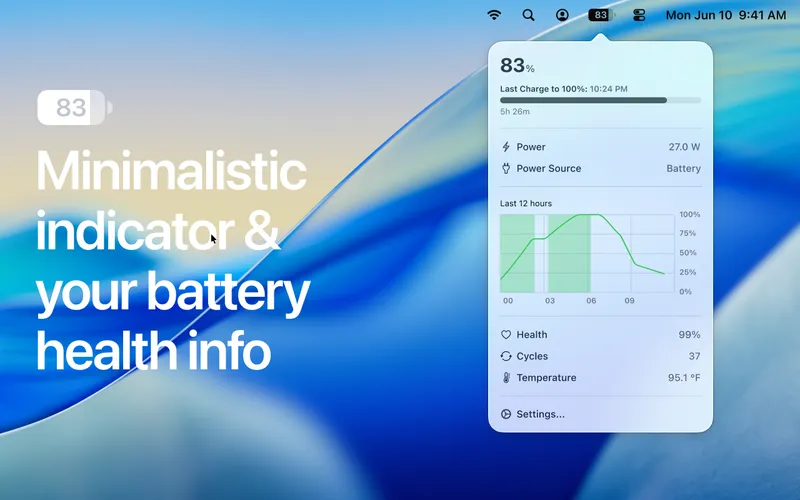
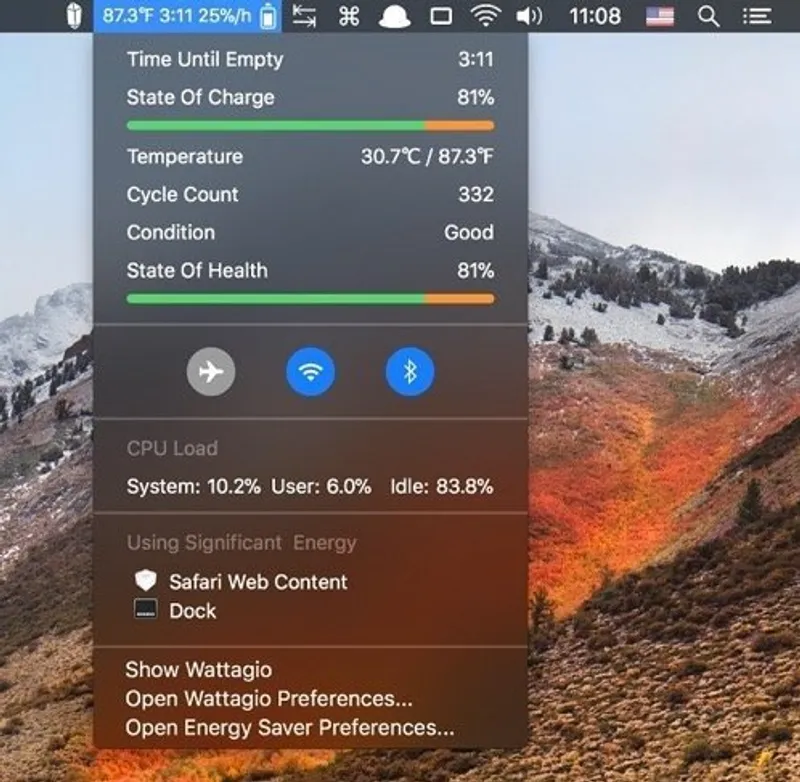
Monitor MacBook battery health, cycle count, and temperature directly from your menu bar
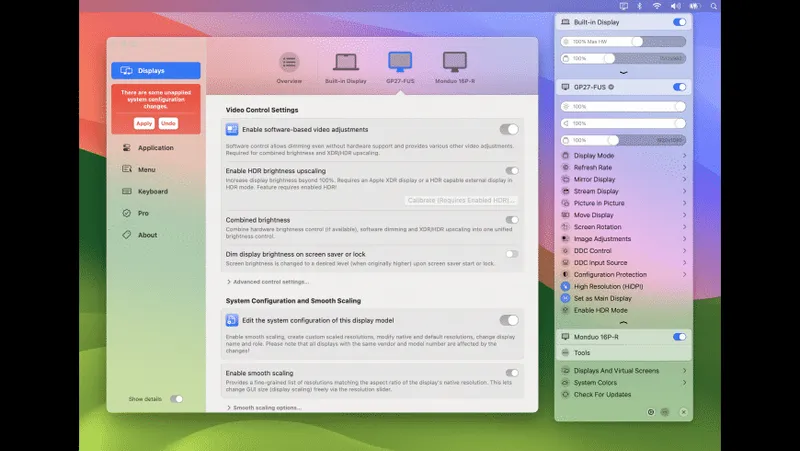
Unlock your displays on Mac with flexible HiDPI scaling, XDR/HDR brightness control, virtual screens, and advanced display management from the menu bar.
A lightweight battery monitor that displays charge percentage, health metrics, and power consumption in your menu bar
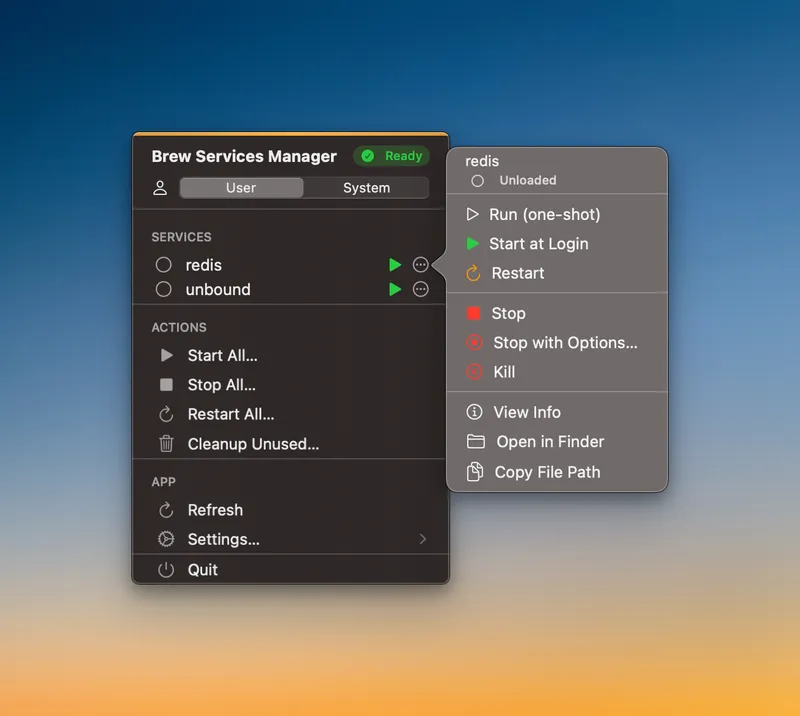
Manage Homebrew services straight from the menu bar. Start, stop, and monitor user or system services in real time.
Hide all running applications instantly with a single click for quick privacy when sharing your Mac
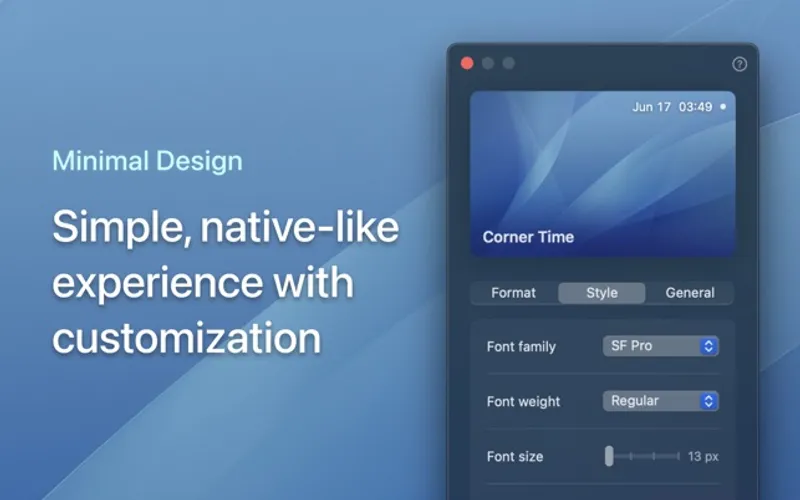
A minimalist clock that stays visible in your screen corner when the menu bar is hidden. Perfect for fullscreen workflows and distraction-free environments.
System monitoring and Dock customization with network stats, CPU/memory tracking, themes, and animated stickers
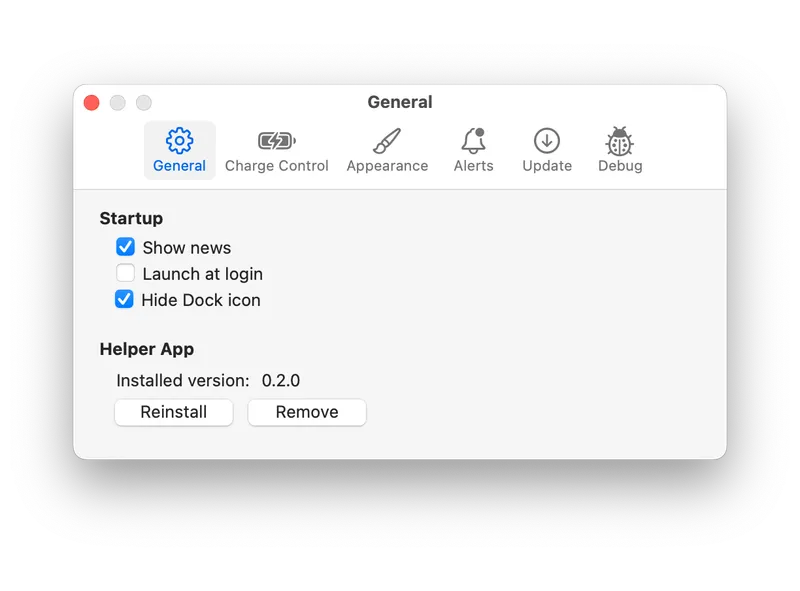
Battery charge management app that extends MacBook battery lifespan by preventing constant charging to 100%
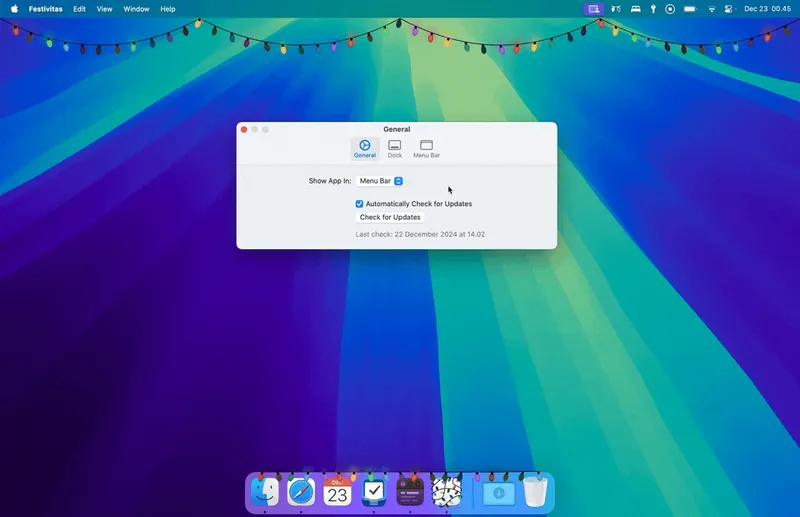
Transform your Mac dock and menu bar into a festive wonderland with customizable holiday lights that twinkle, chase, and react to your mouse movements.
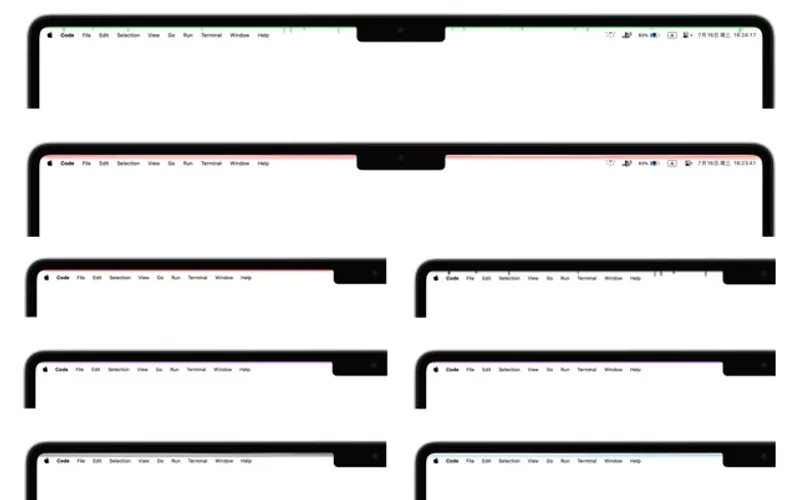
A delightful menu bar enhancement that adds dynamic light bands and colorful effects to personalize your Mac desktop experience

Hide menu bar icons to give your Mac a cleaner, minimalist look
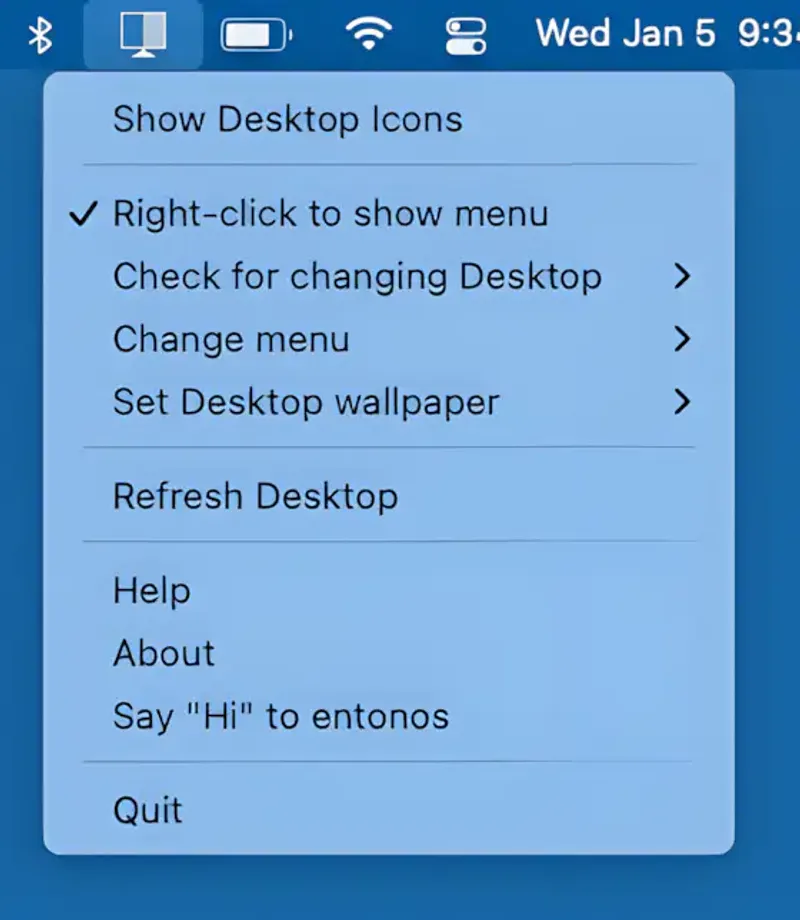
Hides Mac desktop clutter by overlaying a blank background, keeping your workspace distraction-free. Lightweight, customizable, and ideal for multi-desktop setups.
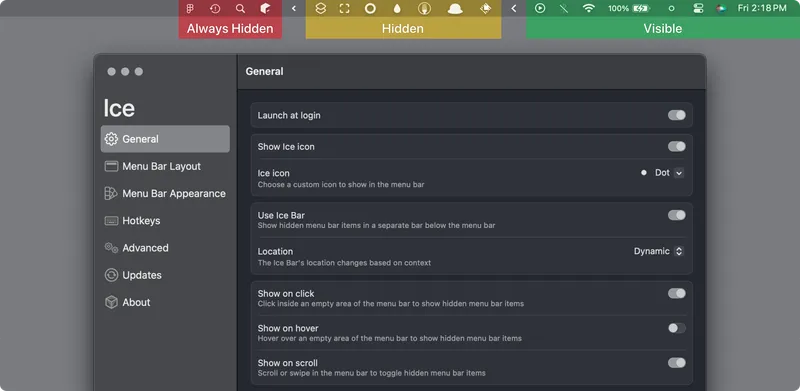
Powerful menu bar management tool that lets you hide, show, and rearrange menu bar items with drag-and-drop simplicity. Open source and designed specifically for macOS 14+.
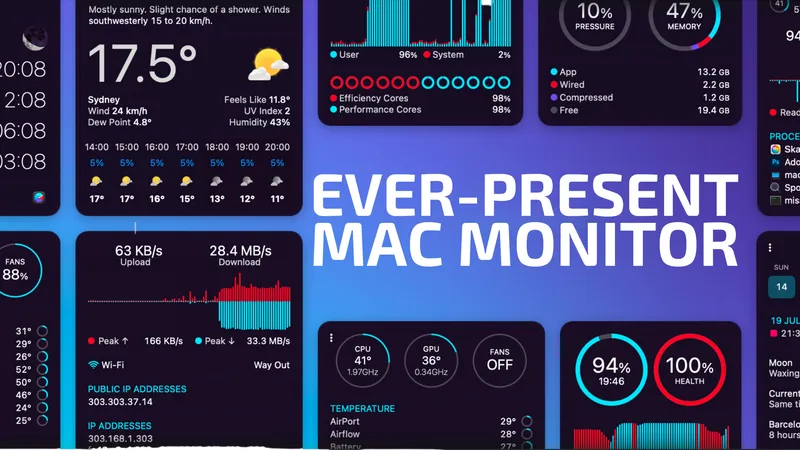
The ultimate system monitor for macOS with comprehensive CPU, GPU, memory, network, disk, and battery monitoring
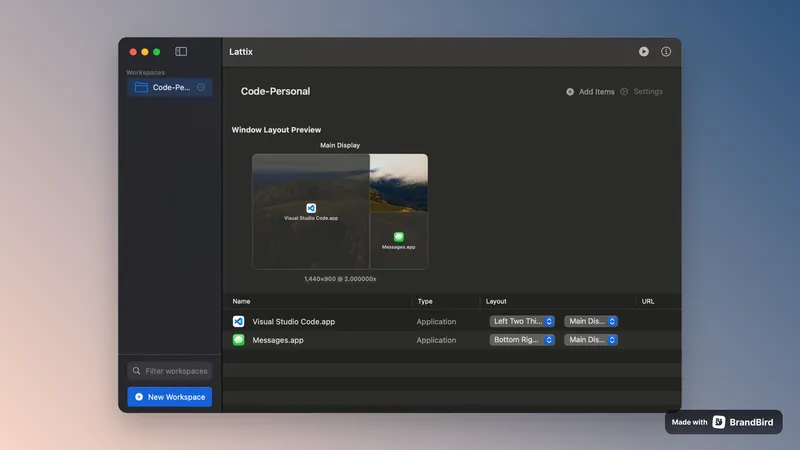
Advanced window management with custom layouts and instant workspace organization. Finally tame your chaotic multi-monitor setup with one-click workspace presets.
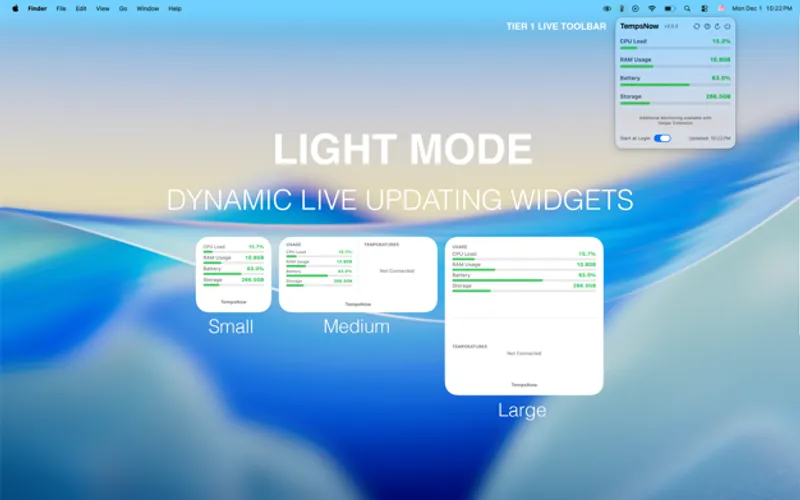
Lightweight system monitor displaying CPU, memory, storage, battery, and network stats in the menu bar
Open-source macOS menu bar utility that locks the screen while keeping AI agents, builds, downloads, and SSH sessions running uninterrupted.
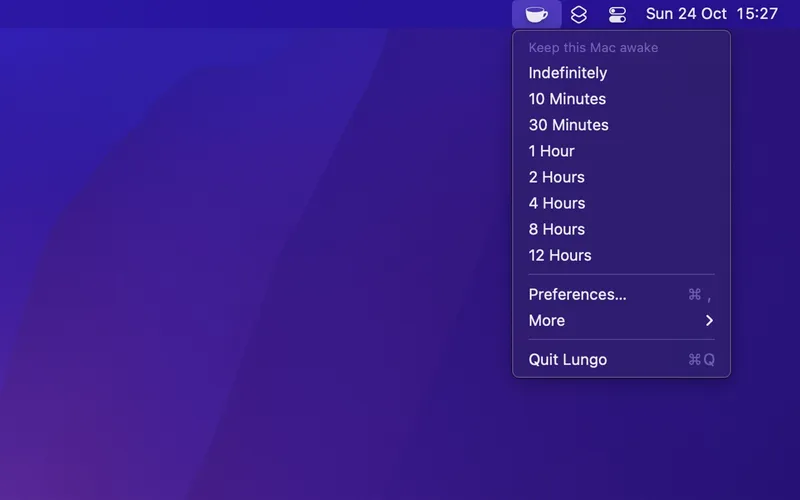
Prevents Mac from sleeping and screen from dimming for user-defined durations with automation support.
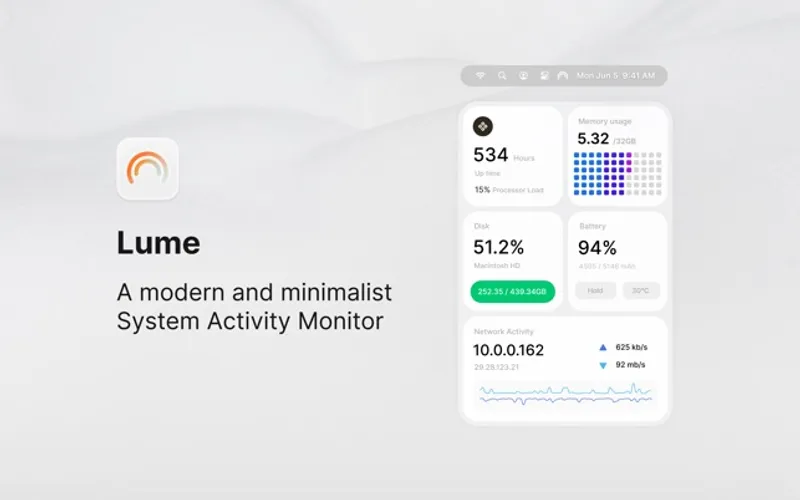
A modern, minimalist system activity monitor that provides clean CPU, memory, disk, and network insights without the complexity of traditional monitoring tools.
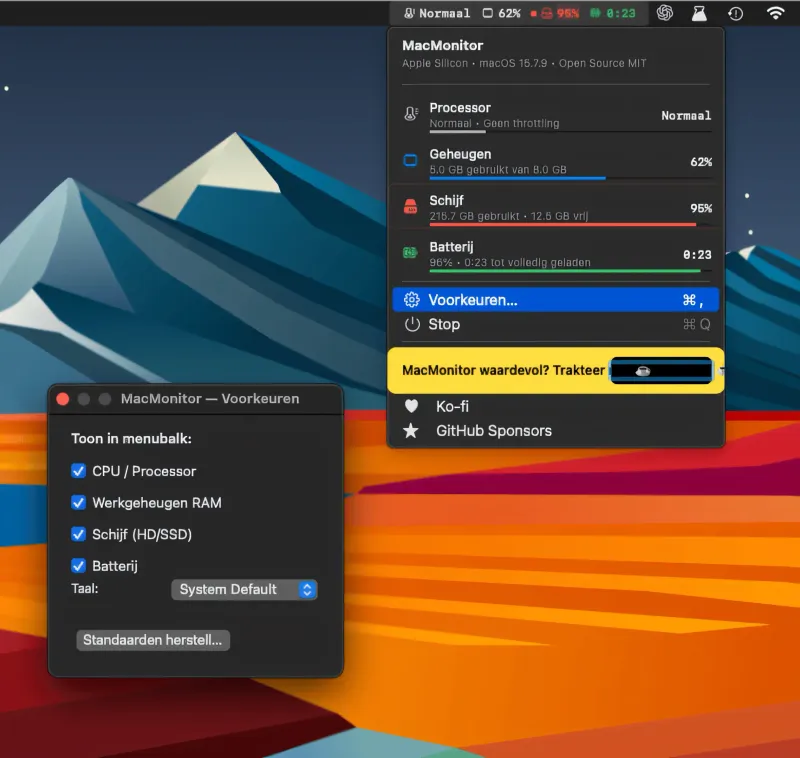
A lightweight, open-source macOS menu bar monitor for CPU thermal state, RAM, disk space, and battery status, written in native Swift with no telemetry.
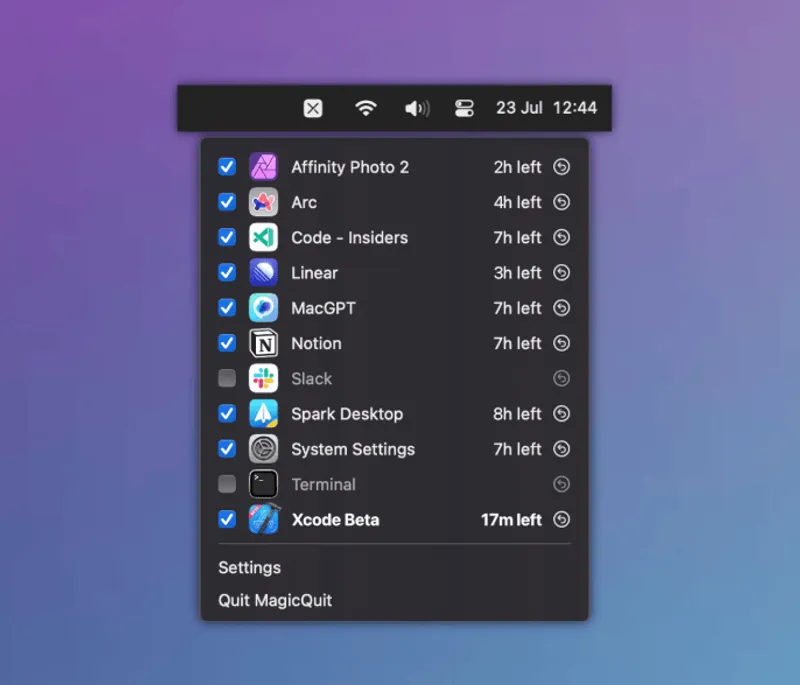
Automatically close inactive apps to free up memory and enhance battery life, while preserving your unsaved data and giving you complete control.
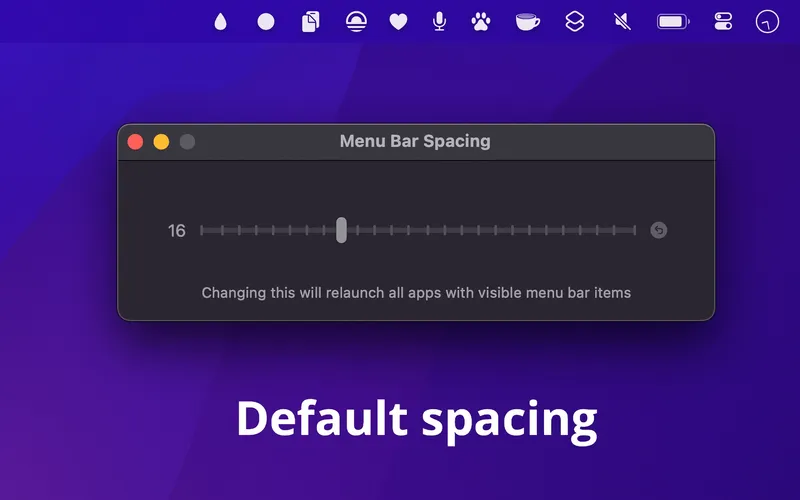
Customize the gap between menu bar items to fit more apps or create breathing room. Simple one-time setup that persists even after uninstalling.
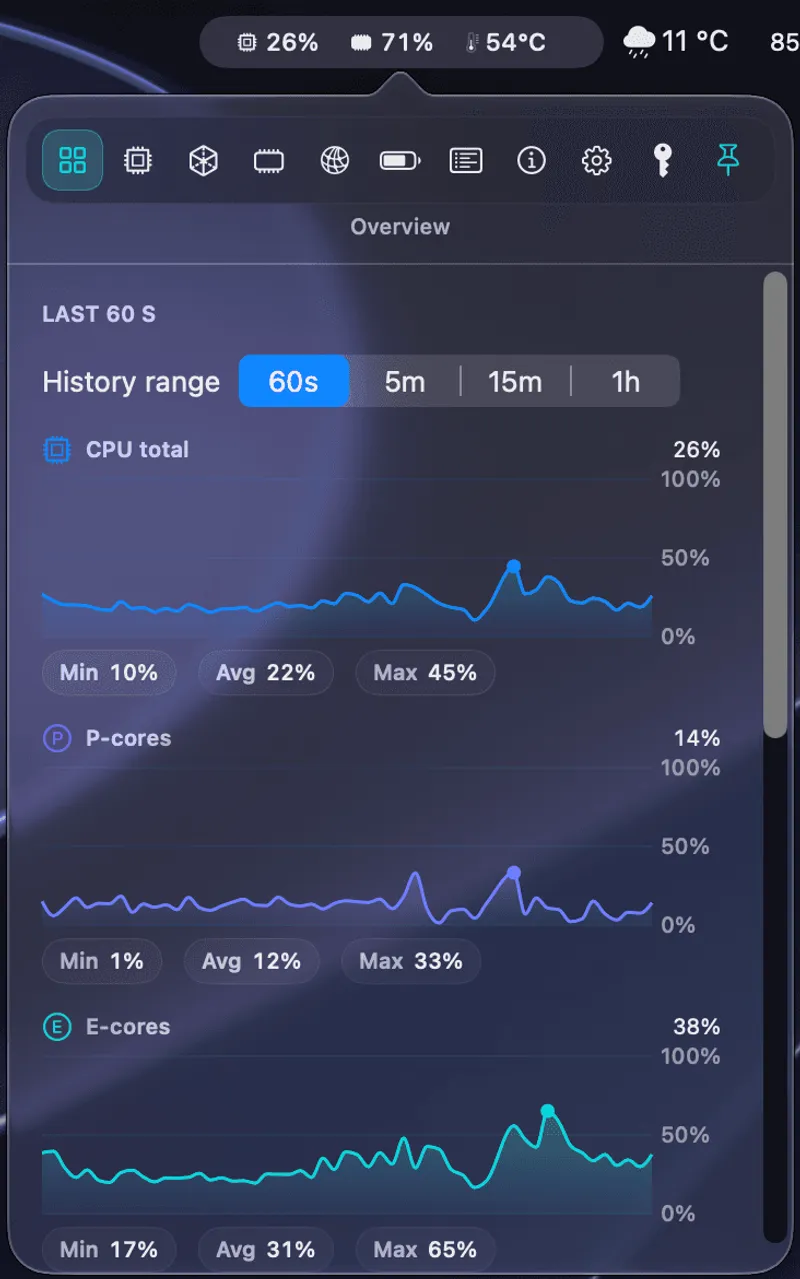
Native Apple Silicon system monitor displaying live CPU, GPU, RAM, temperature, and disk I/O metrics directly in the menu bar with a background hog detector.
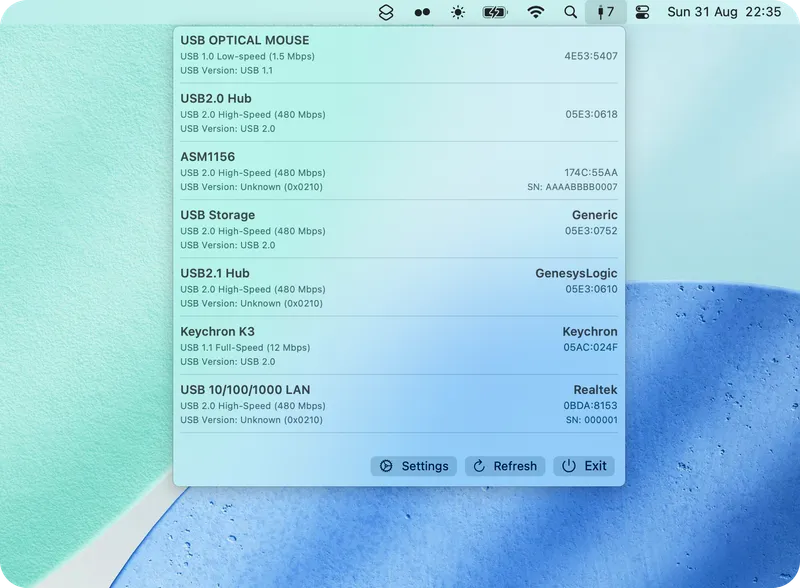
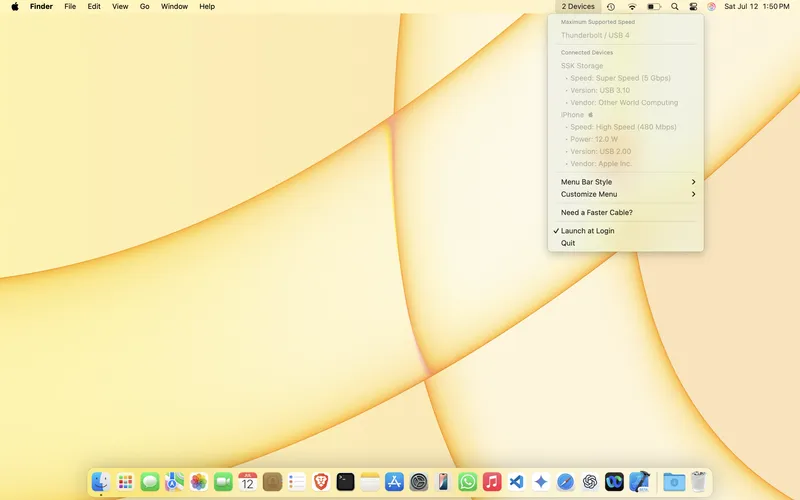
MenuBarUSB displays connected USB devices, USB 2.0/3.0/3.1 protocol speeds, and custom device names directly in the macOS menu bar. Free, open-source, and lightweight.
Enable three-finger trackpad gestures for middle-click and middle-drag functionality on macOS
Compact Mac menu bar launcher for apps, websites, shortcuts, and hardware widgets with no subscription or account required
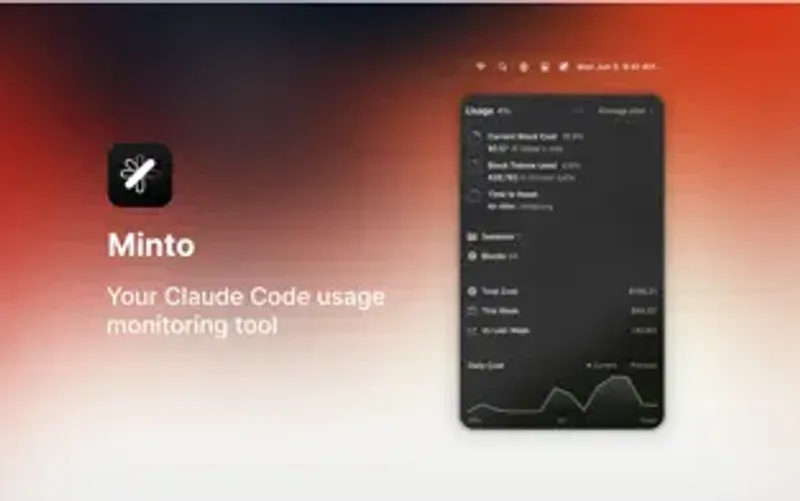
A specialized menu bar utility that tracks and displays Claude Code usage statistics for productivity-focused developers
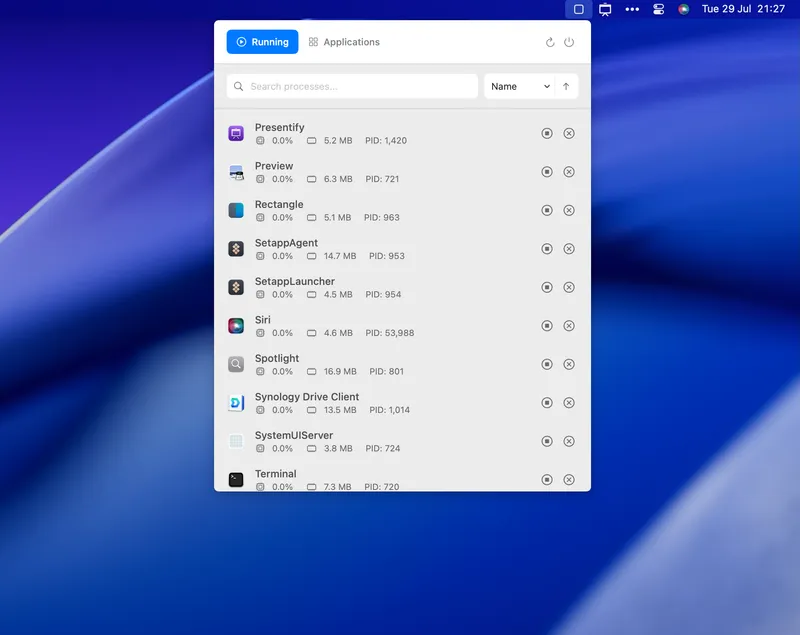
Comprehensive system monitoring and process management from your menu bar. Track CPU usage, memory consumption, and manage running apps without opening Activity Monitor.
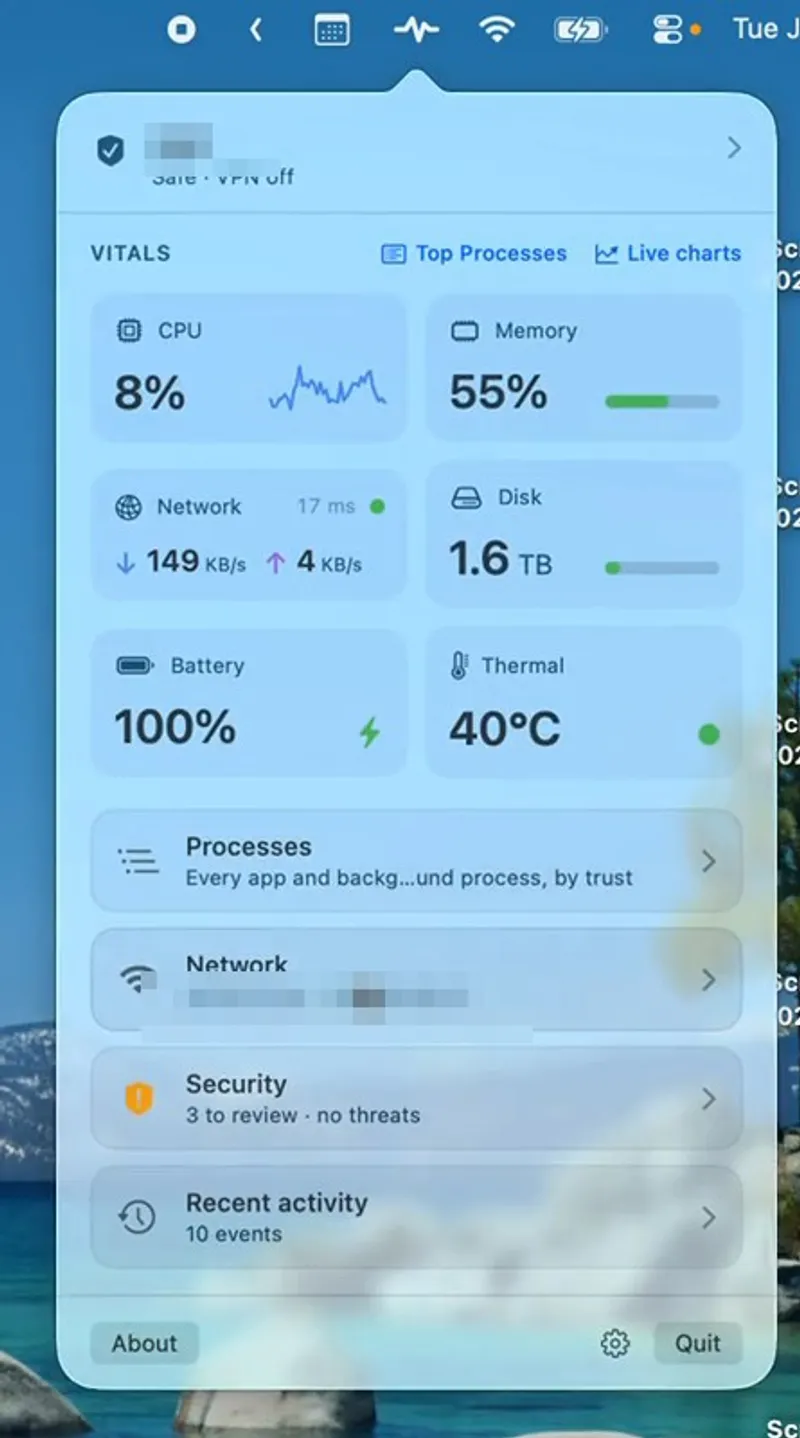
Free, open-source Mac menu bar monitor for system security, network health, and performance — 18 built-in tools spanning 25+ problem categories.
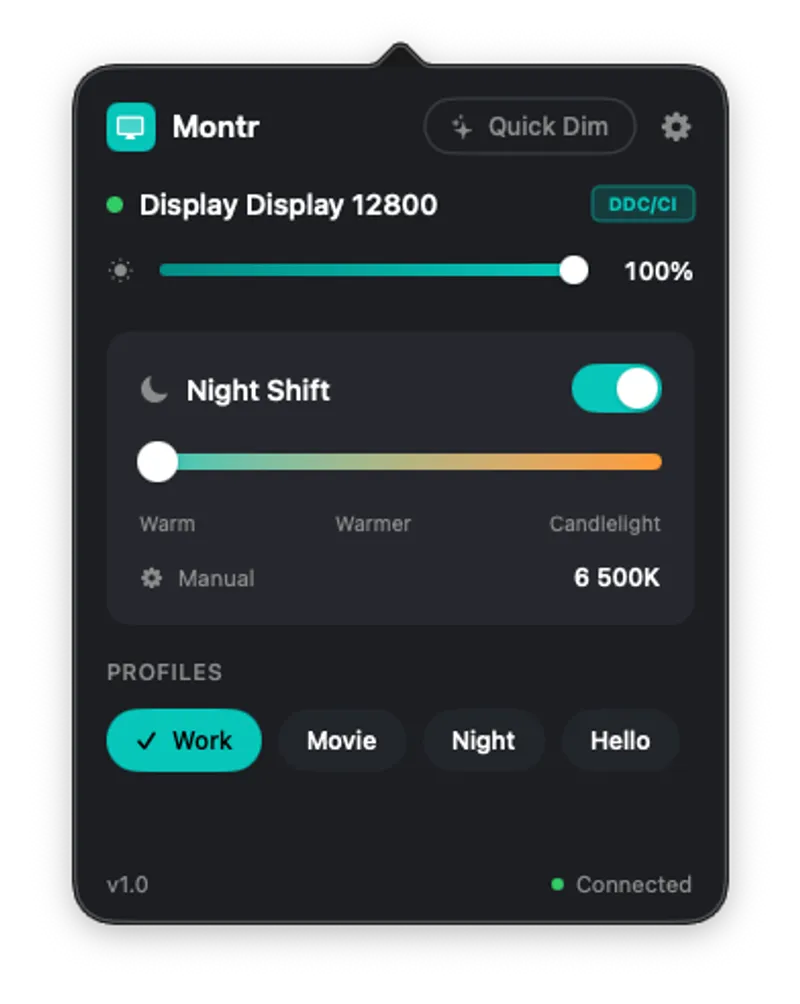
Control brightness and color temperature across multiple monitors with hardware-level adjustments and display profiles
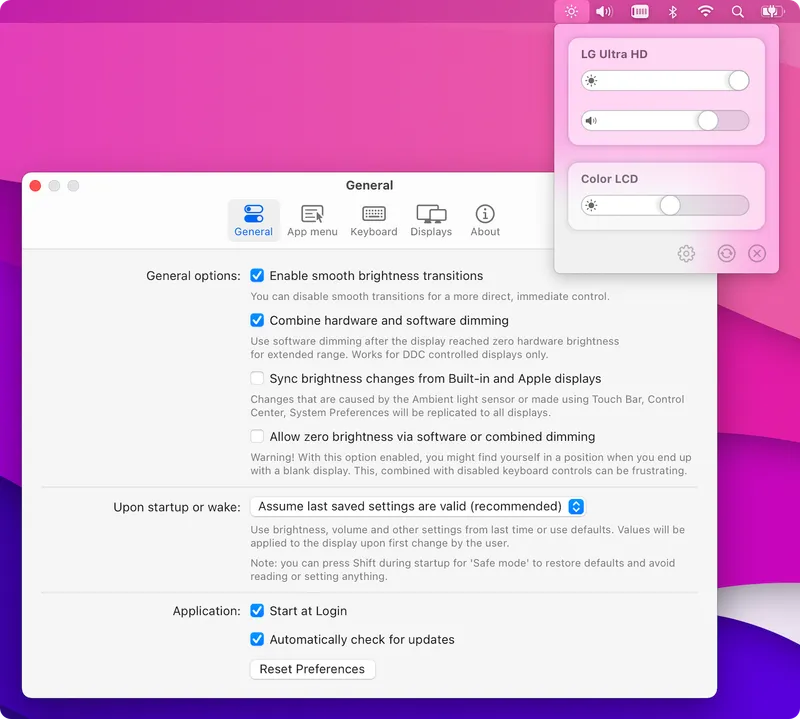
Control external monitor brightness and volume using your Mac keyboard keys. Open-source utility that brings native macOS display controls to third-party monitors.
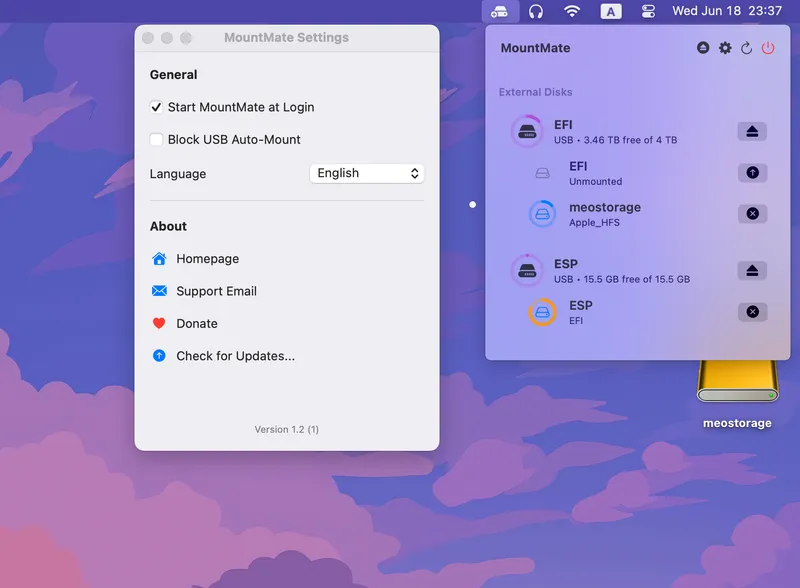
A lightweight menu bar app for effortless external drive management. Mount and unmount drives with a single click, check free space, and prevent unnecessary drive spin-ups.
A lightweight open-source menu bar utility for quickly toggling macOS dark mode with a keyboard shortcut and animated transitions
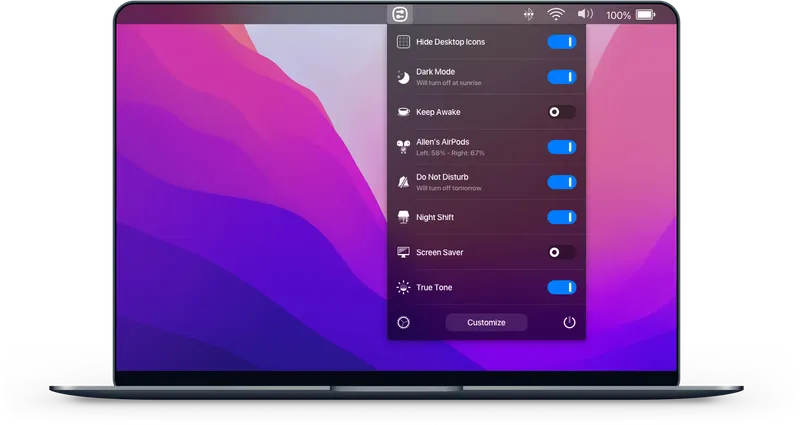
A powerful menu bar utility that puts all your essential system toggles in one convenient place
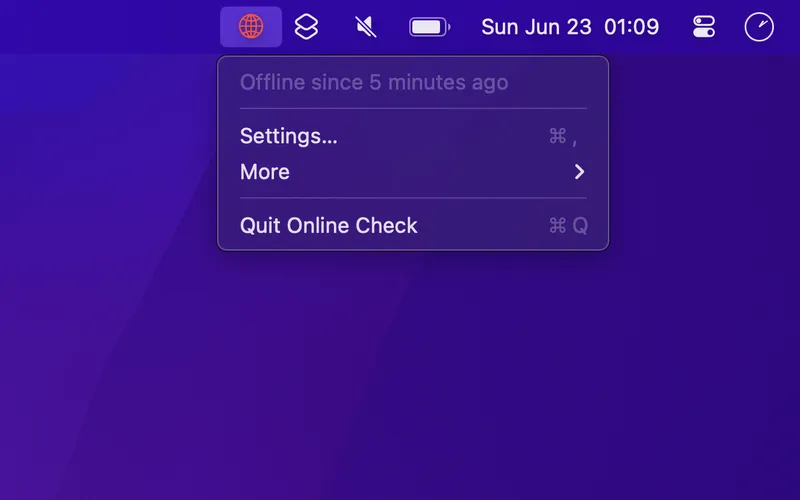
Real-time internet connectivity monitoring in your menu bar that actually verifies online status instead of just checking Wi-Fi connection.
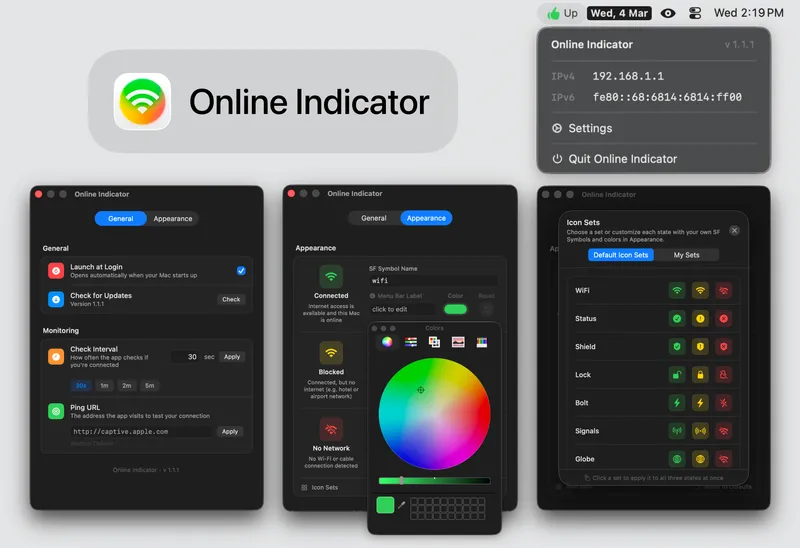
A network monitoring app that replaces the macOS Wi-Fi icon with customizable status indicators showing real internet connectivity.
Free open-source Mac utility with 20+ system toggles: dark mode, AirPods, desktop icons. Create custom switches with shell scripts. MIT license.
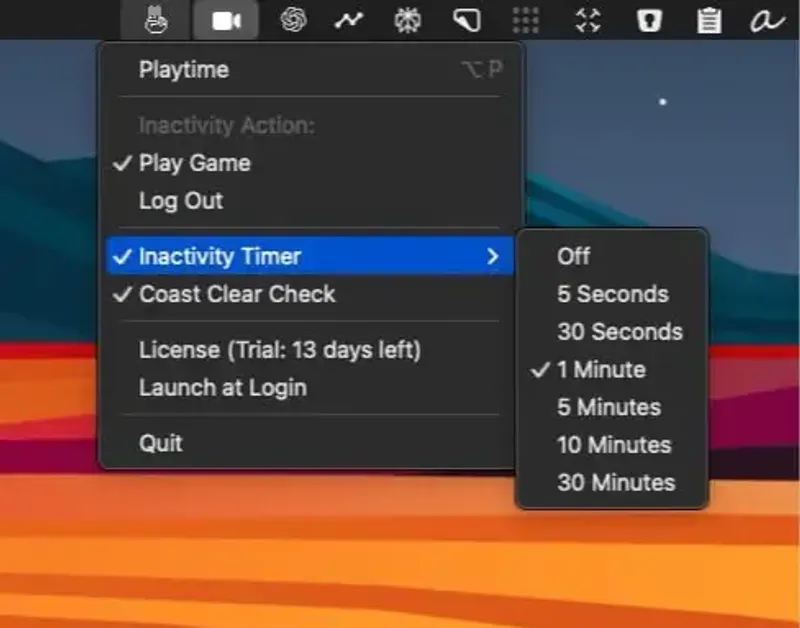
Prevents Mac sleep by playing an interactive Pong-like game with your cursor, or automatically logs you out when you step away.
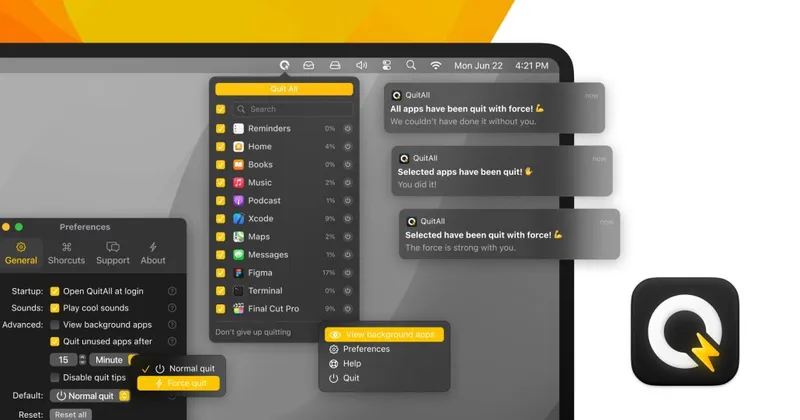
A fresh start without a restart. Quickly quit one, some, or all apps from one tidy spot, with auto-quit features and force quit options.
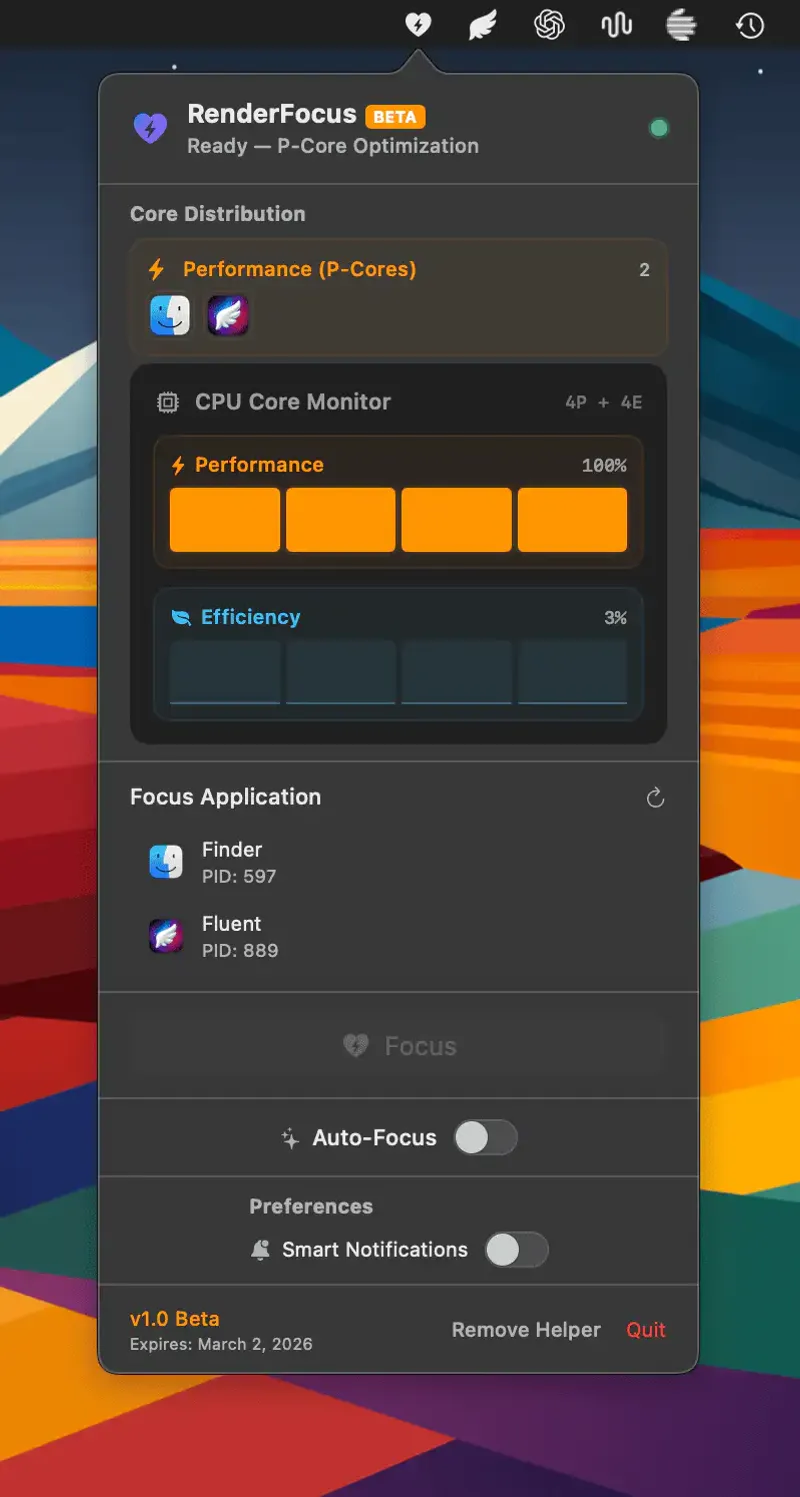
Apple Silicon CPU optimizer that routes background processes to Efficiency cores and reserves Performance cores for active renders, builds, or exports.
A delightful CPU usage monitor that displays an animated cat running in your menu bar. The cats running speed reflects your Macs CPU usage in real-time.
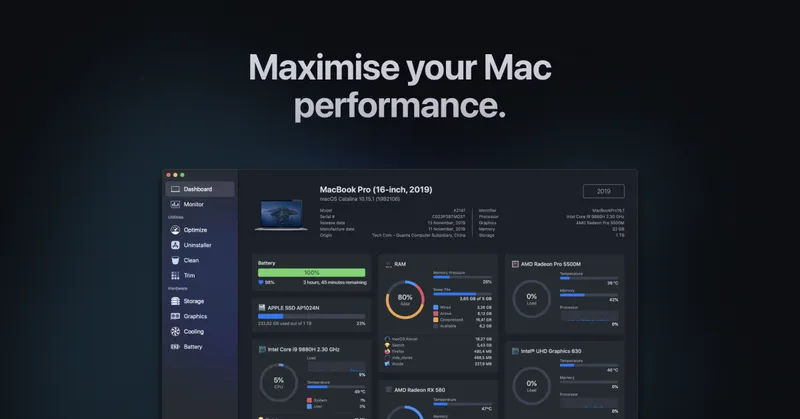
An all-in-one Mac performance monitor and system cleaner with advanced menu bar monitoring, disk cleanup, and app uninstaller capabilities
One-click Bluetooth device control from your menu bar with custom hotkey assignments, real-time battery monitoring, and smart connection management for all your devices.
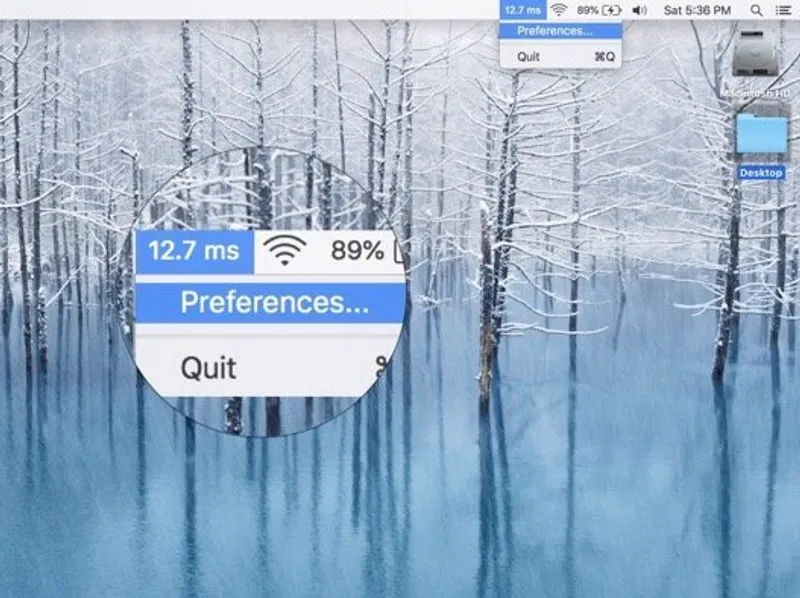
Real-time ping monitoring in your menu bar. Check your internet connection quality at a glance without opening Network Utility.
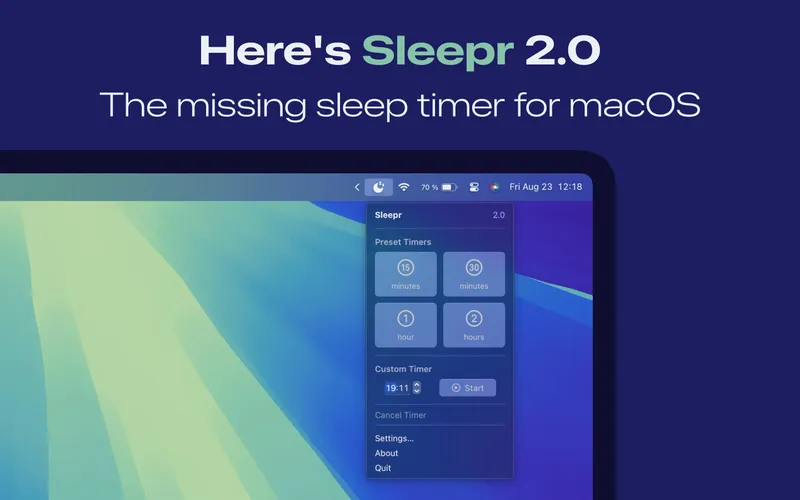
Brings back the sleep timer that Apple removed from macOS Ventura. Schedule your Mac to sleep after a set time with notification warnings.
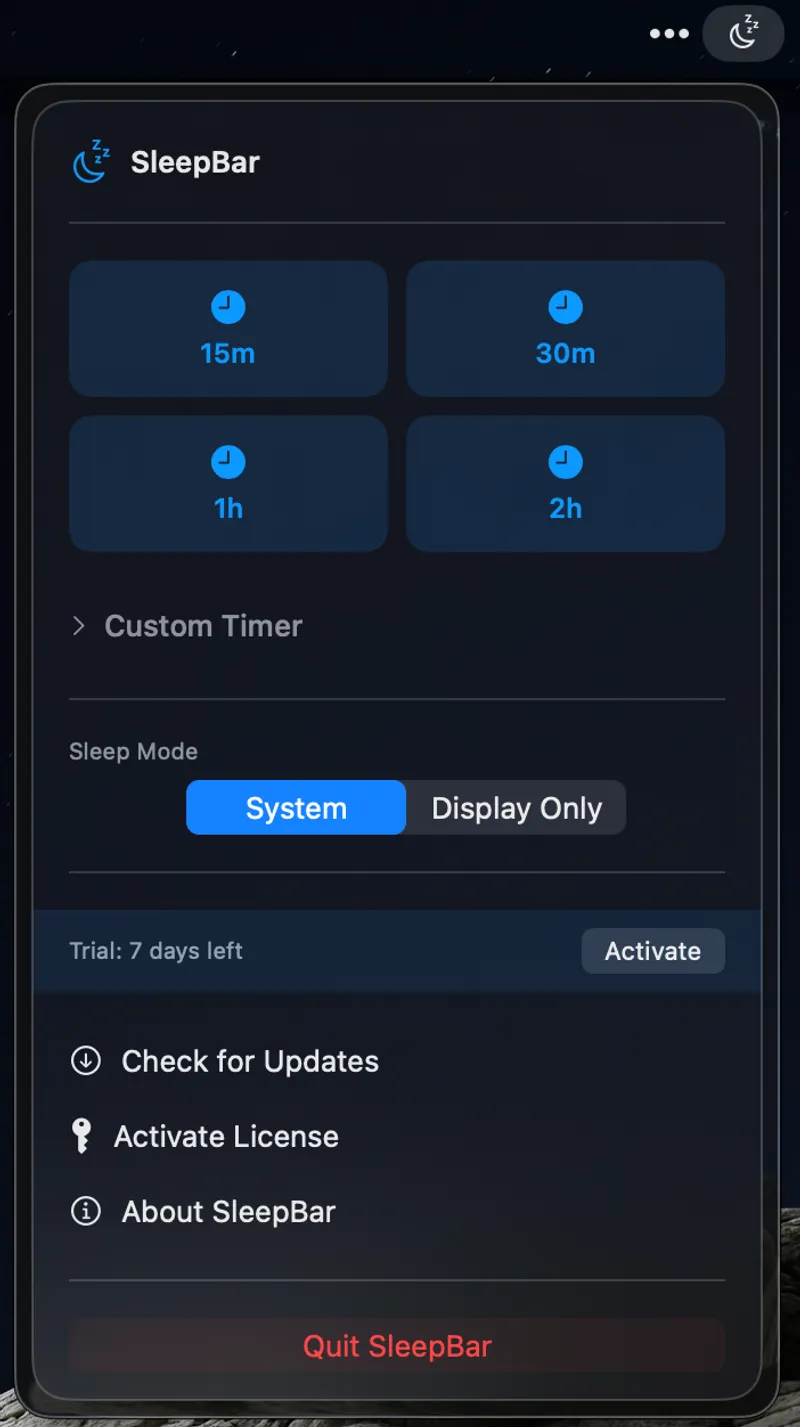
Schedule system or display sleep with quick presets, custom timers, or specific times
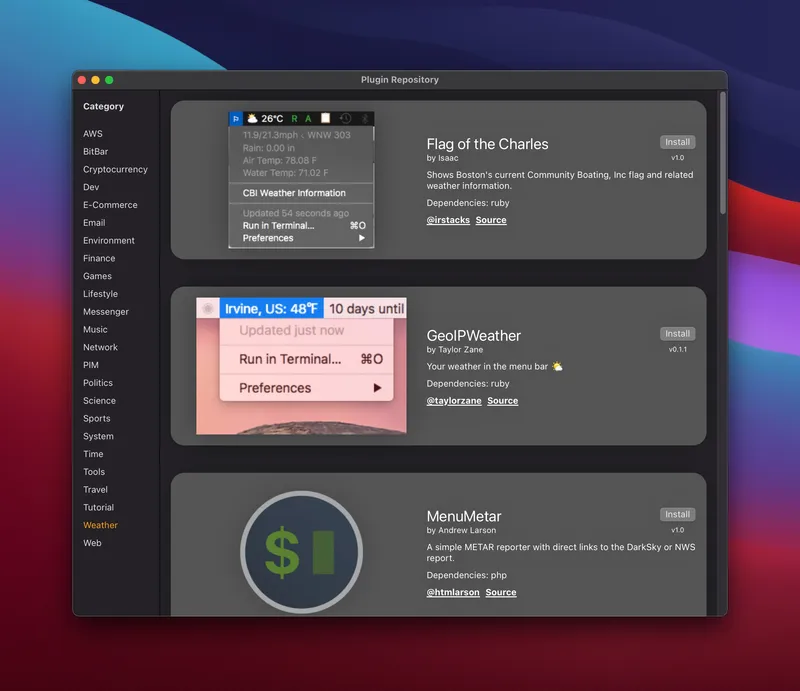
Put anything in your Mac menu bar with simple scripts and open-source flexibility
Privacy-first screen time tracker for Mac that monitors app and website usage with day, week, and month views, automatic idle time exclusion, daily limit notifications, and a desktop widget—all stored locally.
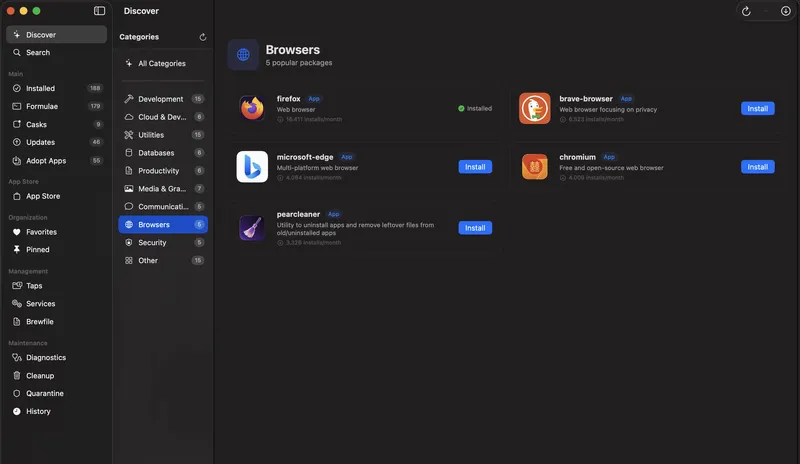
A native macOS GUI that brings Homebrew out of the terminal with package browsing, one-click installs, service management, and App Store integration
Real-time CPU and GPU temperature monitoring with lightweight menu bar widgets. Track your Mac hardware temperatures at a glance without impacting system performance.
Hide the MacBook notch with elegant black bars that blend seamlessly with your wallpaper. Free utility that makes your display feel more traditional.
Monitor USB device speeds, power consumption, and connection details directly from your menu bar. Professional-grade USB troubleshooting for Mac developers and power users.
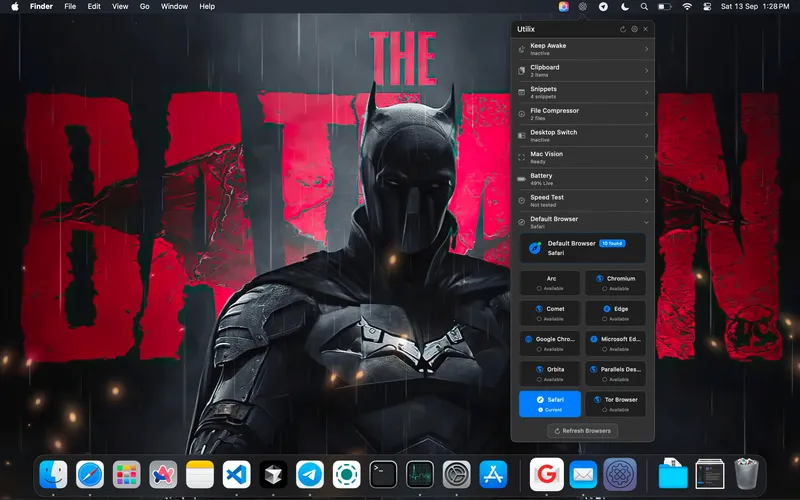
All-in-one productivity toolkit with 15 menu bar tools including clipboard history, screen text capture, Keep Awake, QR generation, and desktop edge switching.
System monitor that groups macOS processes by parent app to reduce Activity Monitor complexity from 1000+ processes to ~60 rows, with 30-day history, alerts, developer tools, and menu bar metrics.
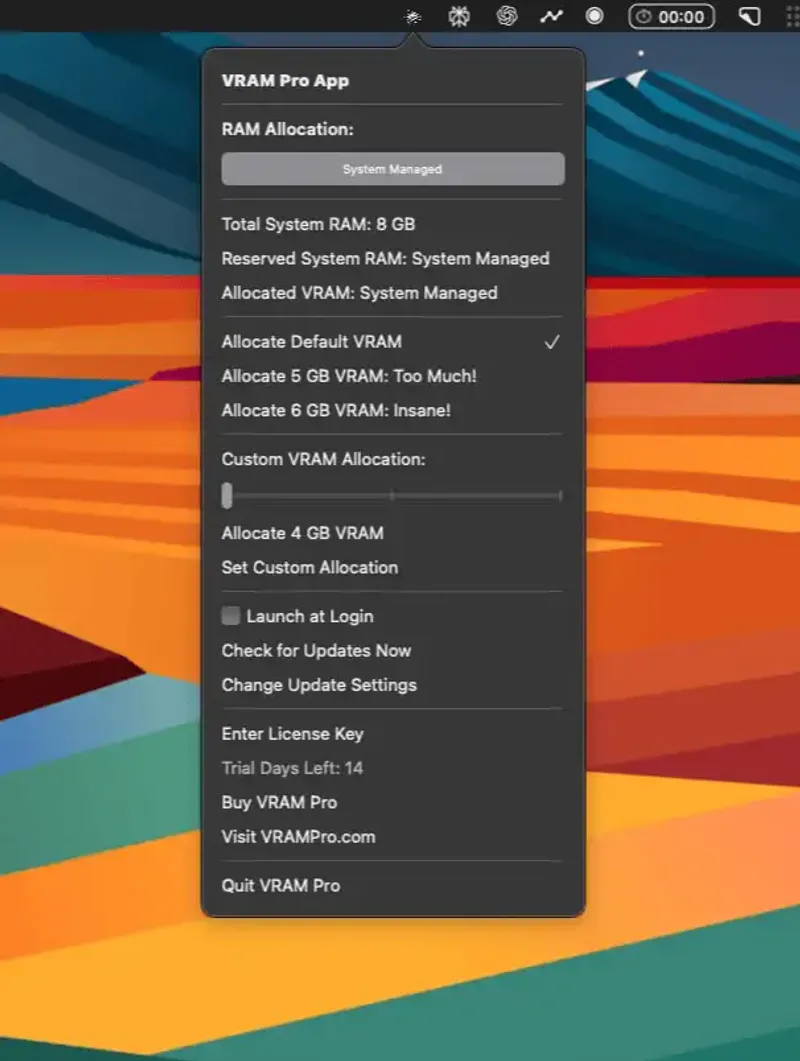
Manual GPU memory control for Apple Silicon Macs. Allocate unified memory to GPU tasks for AI workloads, video editing, and 3D rendering without touching the terminal.
Battery health monitor for MacBook that tracks energy consumption per app, displays detailed battery statistics, and sends threshold-based alerts from the menu bar
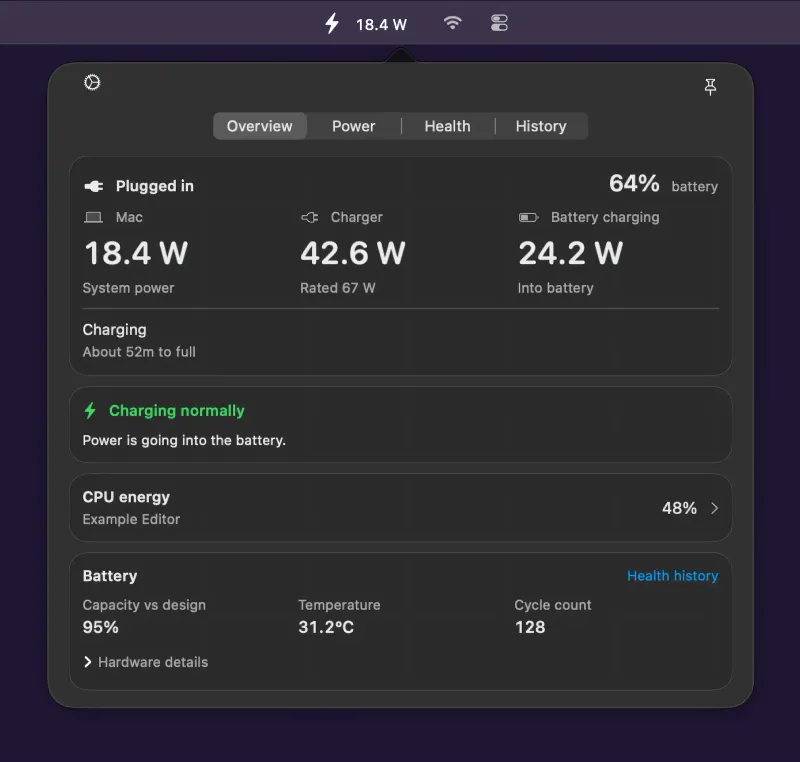
Real-time Mac power consumption monitor in the menu bar, with CPU energy rankings, battery health history, and on-device local storage.
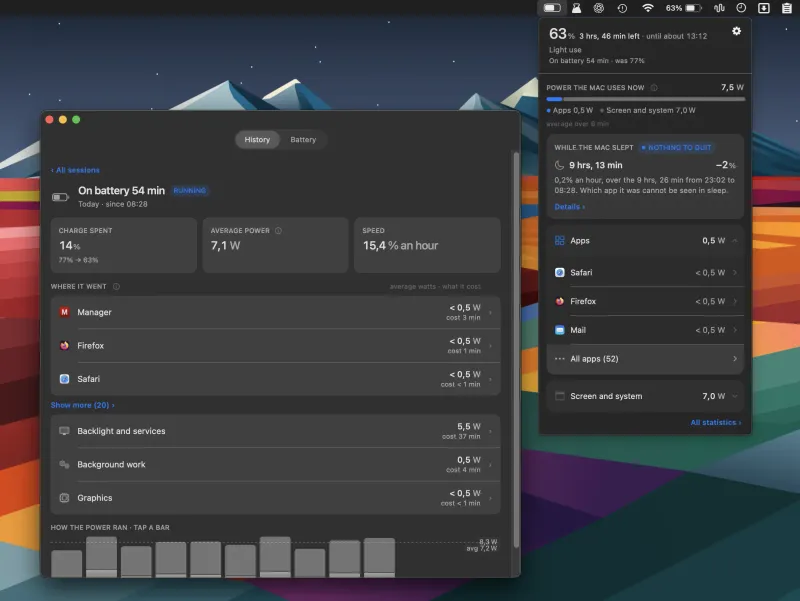
Battery monitoring app that measures per-app power draw in watts and shows how many minutes of battery life you regain by quitting each app.
Control Philips Hue and Phoscon deCONZ smart lights directly from your Mac menu bar
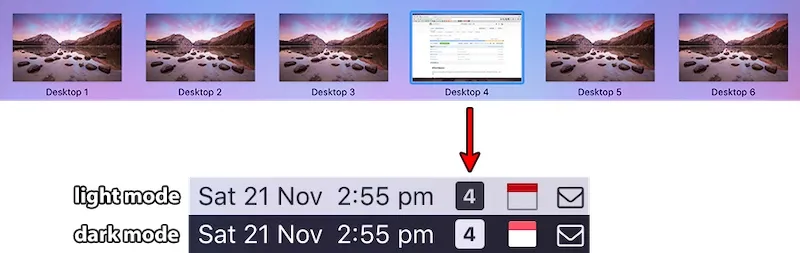
Menu bar Spaces manager that shows the active macOS Space, switches desktops on click or scroll, and customizes icons, colors, and labels.
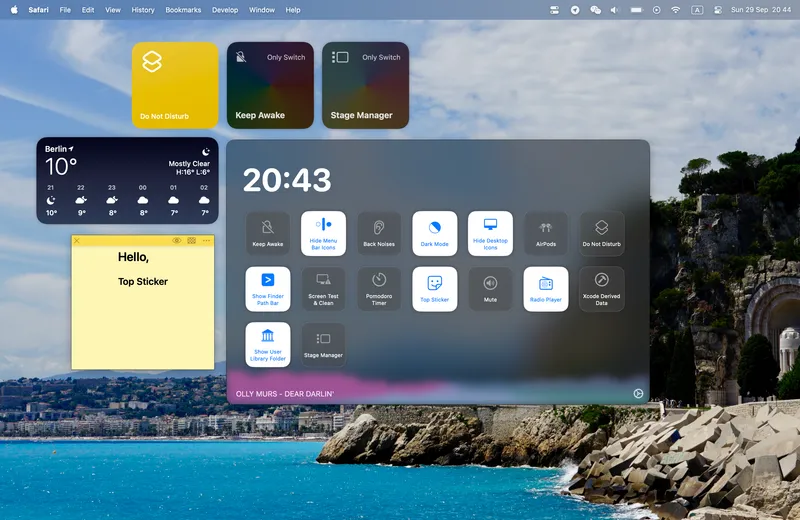
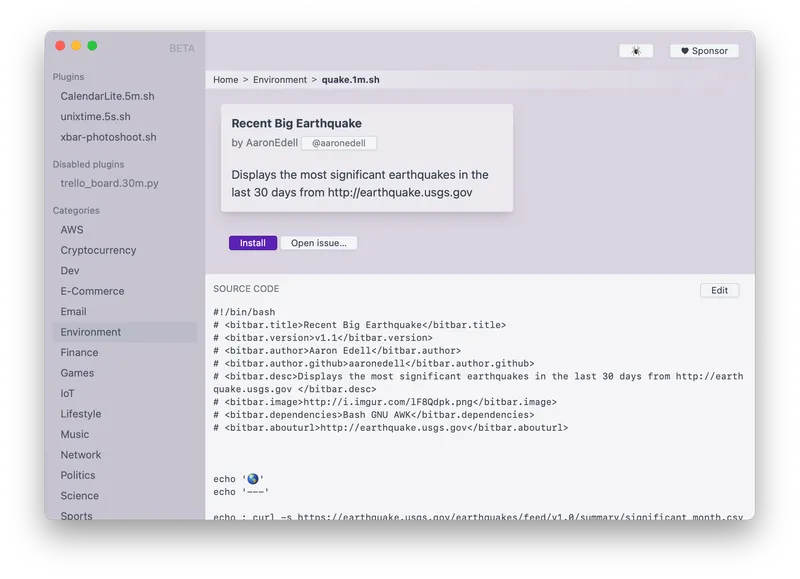
The ultimate menu bar customization platform that puts anything you want in your macOS menu bar. With hundreds of pre-built plugins and support for custom scripts in any language.