
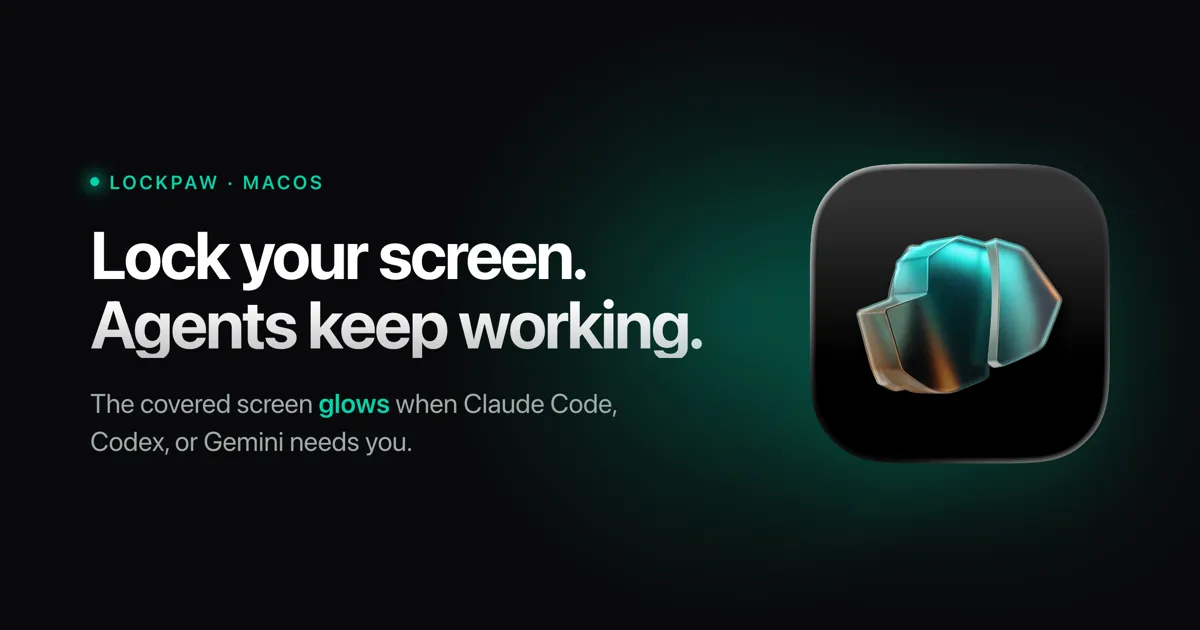
Lockpaw is a free, open-source menu bar utility that locks the macOS screen while keeping background processes active. (Free, open-source)
The standard macOS lock (⌘⌃Q) suspends many background operations when the screen sleeps. Lockpaw addresses this by presenting a locked overlay that blocks screen visibility and input while leaving AI agents, compilation jobs, downloads, and persistent SSH connections running without interruption.
Locking and unlocking is handled via the keyboard shortcut ⌘⇧L. Touch ID is supported on compatible hardware. A distinctive feature is the screen glow alert system: when a running AI agent such as Claude Code, Codex, or Gemini requires user input, the locked screen displays a visual notification, eliminating the need to unlock manually to check progress. The app also offers a selectable lock-screen mascot—dog or cat mode—accessible through the native Settings interface.
Lockpaw installs via Homebrew or a direct DMG download and requires no account, no telemetry, and no background services beyond the menu bar process itself. The project is maintained on GitHub and accepts contributions.
System requirements: macOS 14 Sonoma or later. App size: 10 MB. Accessibility permission not required.
Pricing: (Free, open-source)
Limitations: Requires macOS 14 or later, excluding users on Ventura or earlier. The lock screen is software-based and does not prevent physical access to the machine. No support for custom lock screen wallpapers beyond the built-in mascot options.
Alternatives: The native macOS lock shortcut (⌘⌃Q) is always available but pauses more background activity. Amphetamine prevents sleep without locking. SleepWatcher provides scripted sleep/wake hooks for advanced automation but lacks a lock-screen UI.
Suitable for users who run long AI agent sessions, large builds, or overnight downloads and need to step away from their Mac while keeping those processes active and the screen secured.


