Energiza Pro manages MacBook battery charging by allowing users to set custom charge limits, preventing the battery from constantly charging to 100% when plugged in. The app extends battery lifespan by maintaining charge levels between user-defined thresholds, typically recommended between 20-80%. ($1.49/month, $9.99/year, or $19.99 one-time)
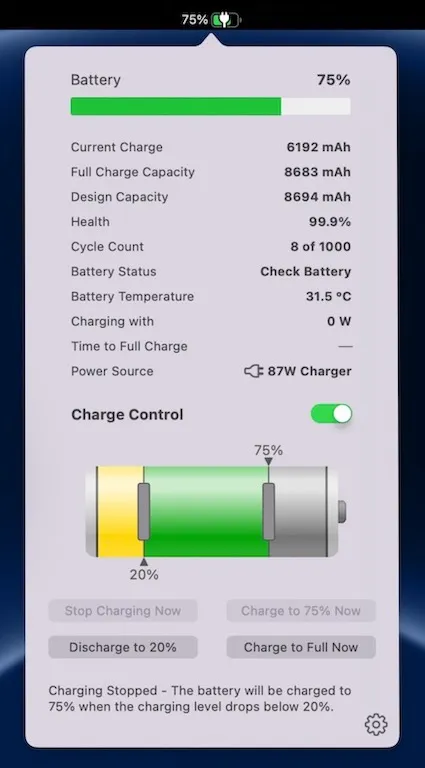
The menu bar interface provides one-click control to start charging, stop charging, or initiate discharging (Apple Silicon only). Users configure upper and lower charging limits, and the app automatically stops charging when the battery exceeds the lower threshold, resuming only when it drops below that level. This prevents the charge cycling that occurs with constant 100% charging.
Battery monitoring features display charging level, health status, cycle count, temperature, and power consumption metrics. The app includes thermal protection that automatically stops charging when battery temperature exceeds Apple’s recommended threshold of 35°C (95°F). Heat monitoring runs continuously to prevent charging during temperature spikes.
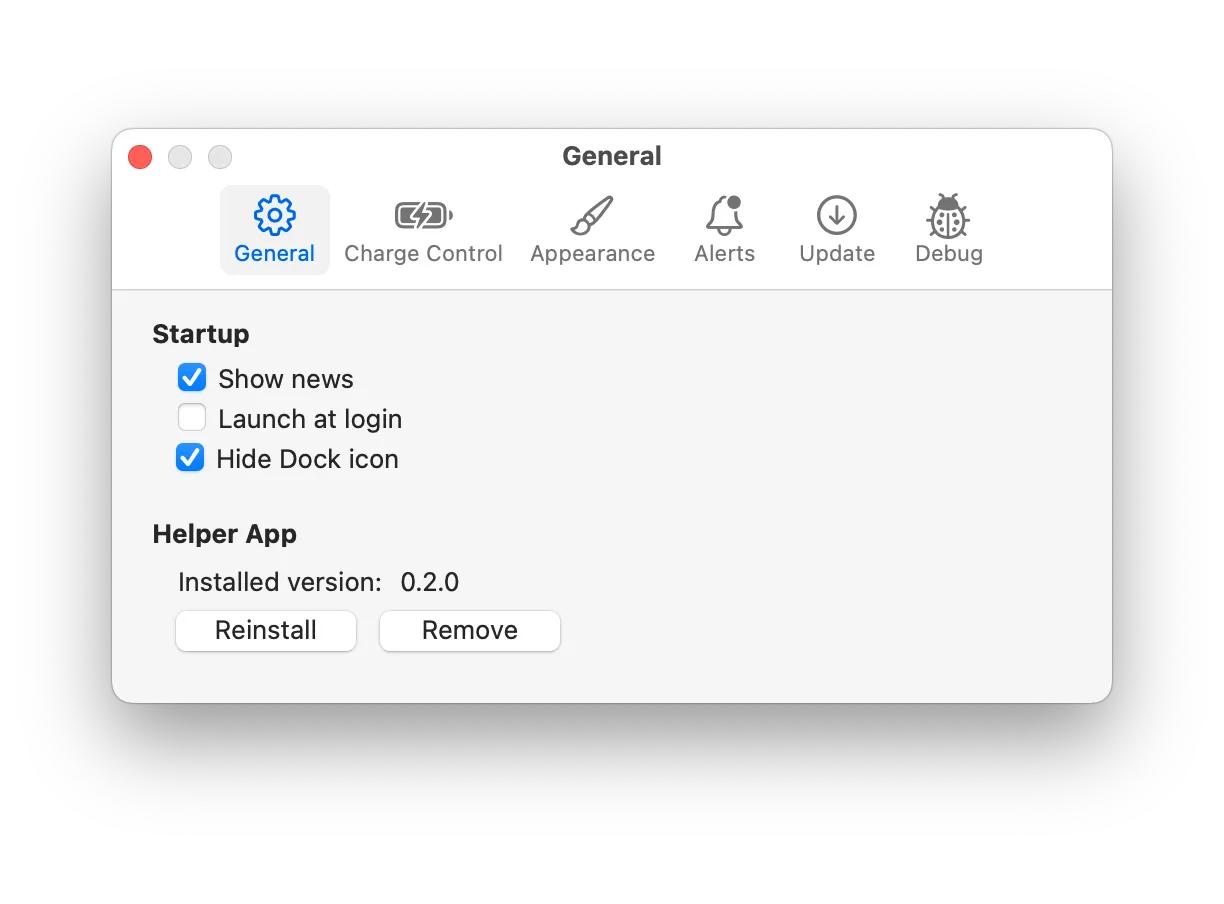
Advanced customization options include automatic discharge scheduling for extended plugged-in periods, sleep mode support to maintain limits when the Mac sleeps, and notification preferences for charging events. The menu bar appearance is customizable with multiple display options.
The free version provides battery monitoring only. Pro features requiring subscription or one-time purchase include charge limit controls, one-click charging/discharging, and advanced customization. Monthly plans support 2 devices, yearly supports 3 devices, and lifetime purchase supports 5 devices. All plans include a 30-day trial.
System requirements: macOS 10.13 High Sierra or later. Compatible with MacBooks from 2010 onward. Discharging feature requires Apple Silicon (M1 or newer); not available on Intel-based MacBooks.
Limitations: Discharging functionality limited to Apple Silicon Macs. Core features require paid subscription or one-time purchase, with free version offering only basic battery monitoring. Some users report review prompts appearing at startup.
Alternatives: AlDente (similar charge limiting with more aggressive pricing), Battery Monitor (simpler free option), macOS built-in Optimized Battery Charging (automatic but less configurable).
Suitable for users who keep MacBooks plugged in for extended periods and want granular control over charging behavior to maximize battery longevity. Best for workflows involving stationary desk setups where the Mac remains connected to power most of the time.


