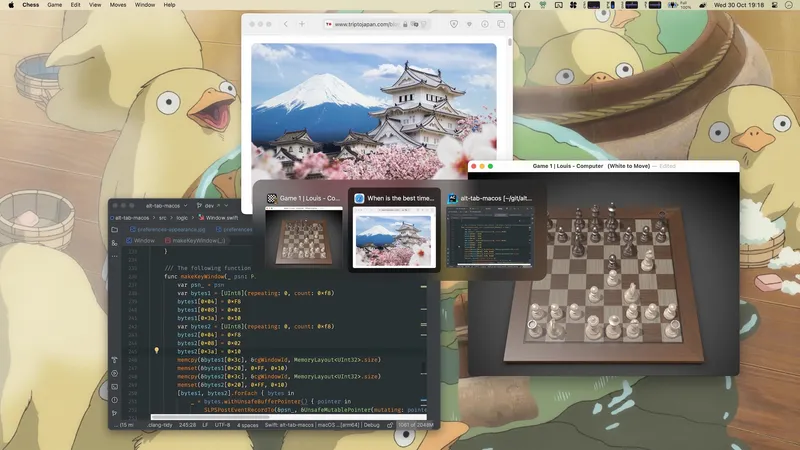
Window layout and workspace organization tools.
Pin any window to stay on top of all others with floating browser windows, videos, PDFs, and notes.
Picture-in-picture for macOS. Drag videos, images, or websites to your menu bar for persistent floating windows. Perfect for following tutorials while working.
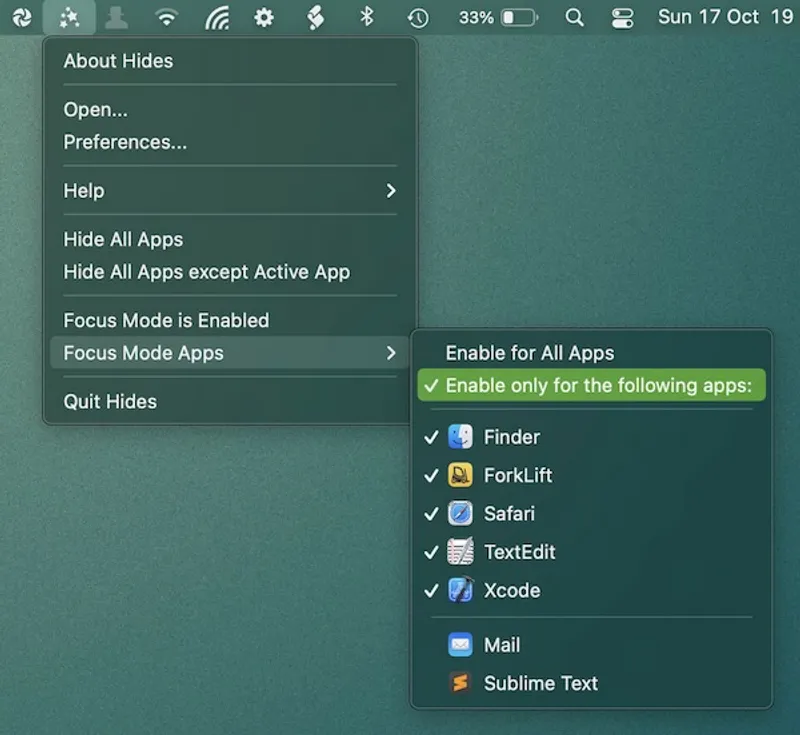
Enable focus mode to quickly hide all apps except the app you are currently working in. Configure globally or for specific apps.
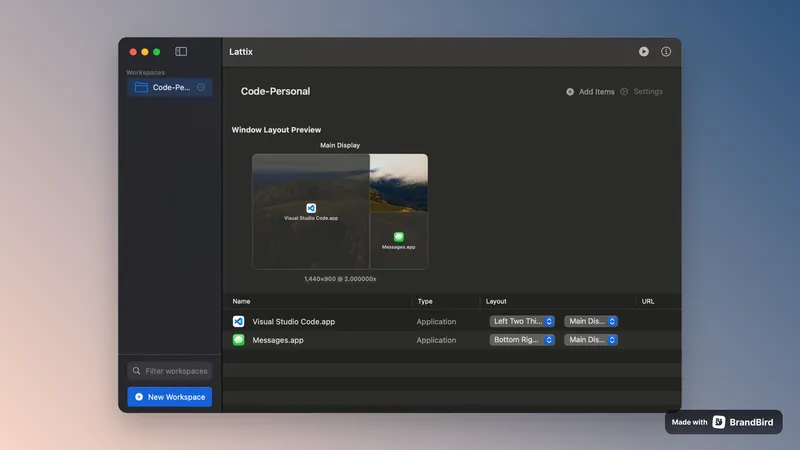

Advanced window management with custom layouts and instant workspace organization. Finally tame your chaotic multi-monitor setup with one-click workspace presets.
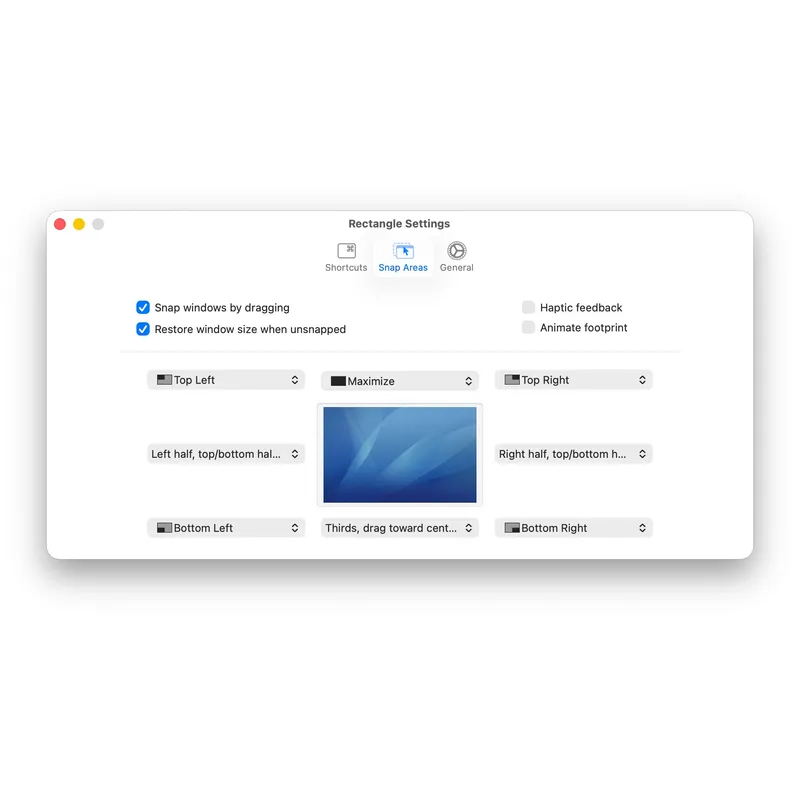
Move and resize windows in macOS using keyboard shortcuts or snap areas
Save and restore your perfect window layouts across multiple spaces and displays with one click
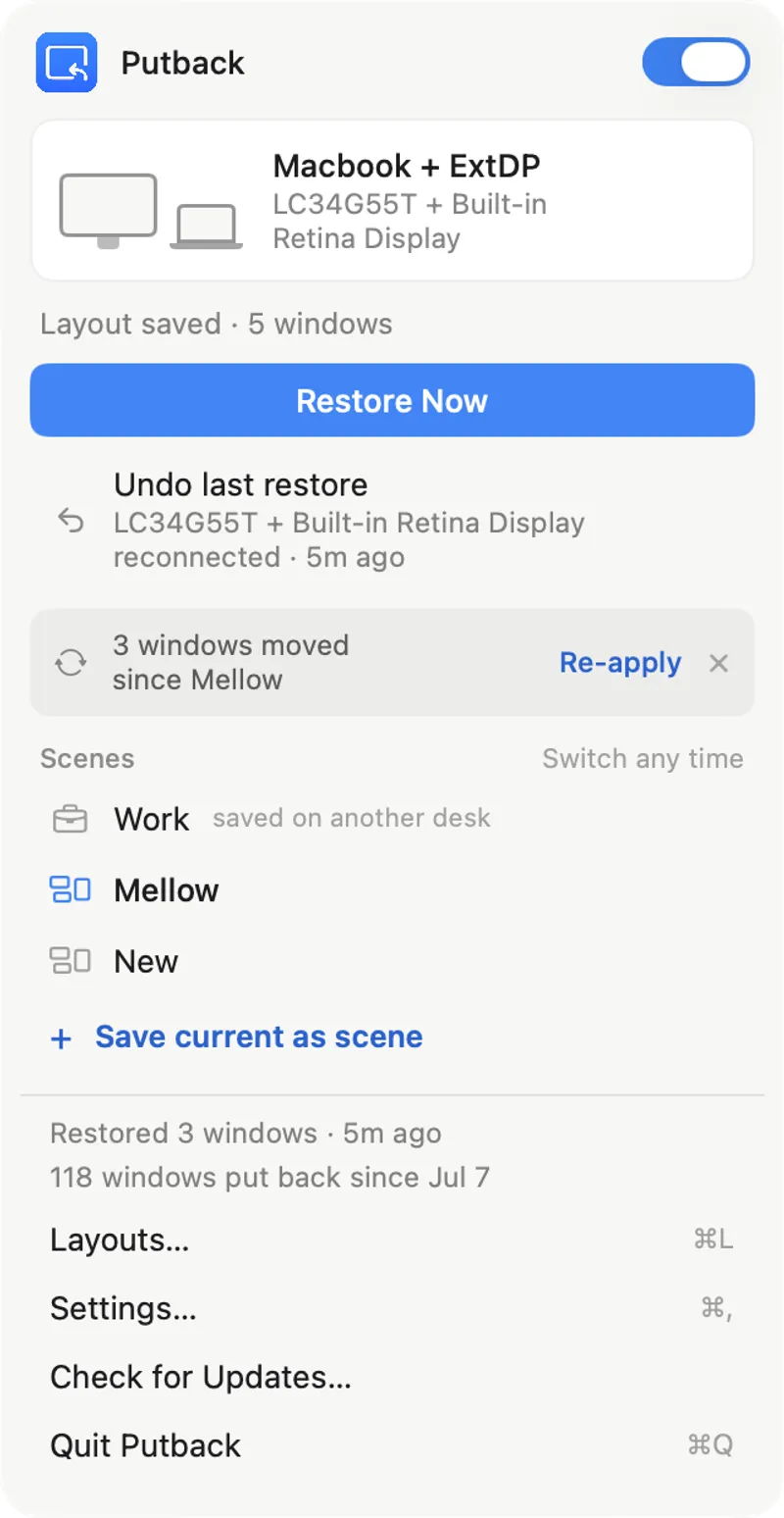
Maintains window positions across display connections and disconnections with automatic restoration
Lightweight AppleScript-based window management that works without third-party permissions or installations.
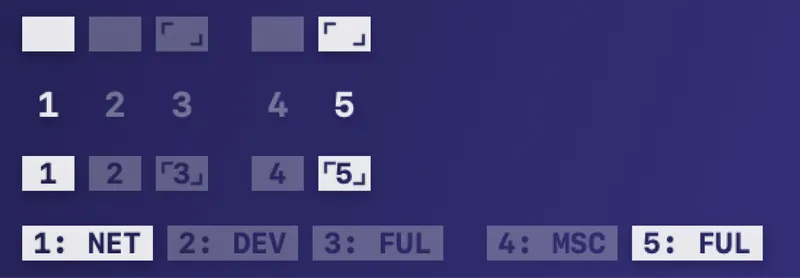
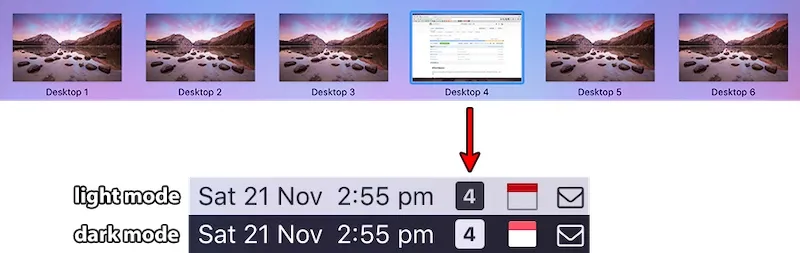
A simple menu bar indicator showing which macOS Space is currently active, perfect for power users managing multiple virtual desktops.