
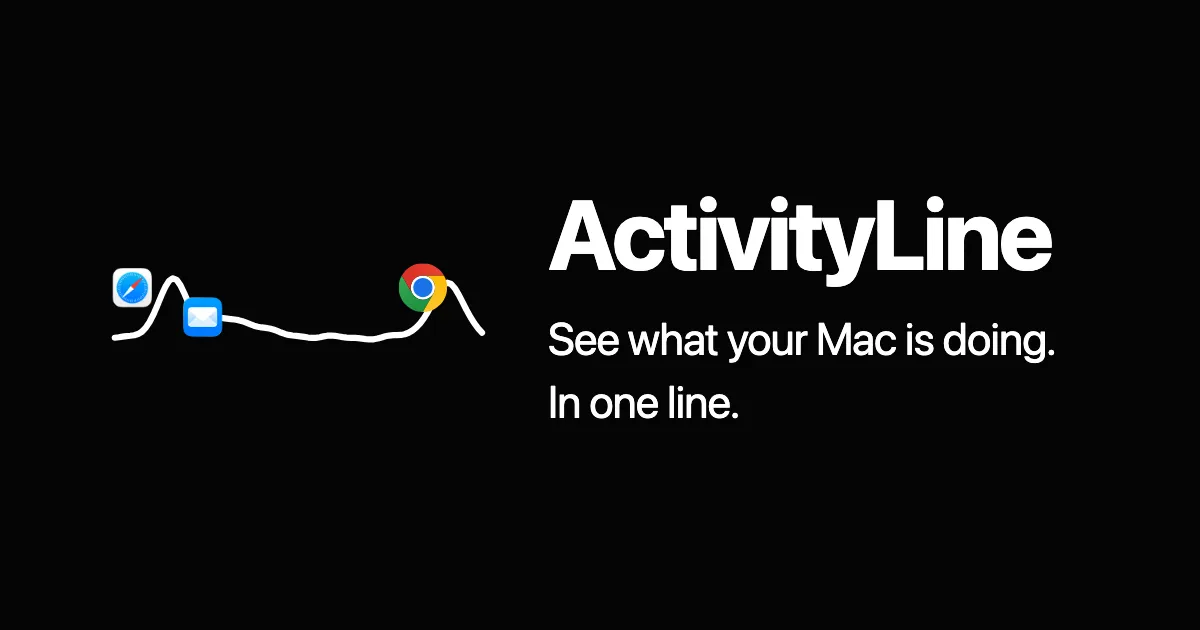
ActivityLine displays live system performance metrics as a single compact line in the Mac menu bar. The display auto-switches to whichever metric — CPU, GPU, RAM, or network — is currently spiking, so the most relevant information is always visible without cycling through multiple menu bar items. ($14 one-time)
Clicking the menu bar line changes which metric is shown. Hovering reveals a popover identifying which processes are driving the current activity — useful for finding which app is consuming resources without opening Activity Monitor. Right-clicking provides access to modes and settings.
The single-line design keeps the menu bar footprint minimal while covering the four metrics most relevant to performance troubleshooting. The app requires macOS 13 Ventura or later and runs on both Apple Silicon and Intel Macs.
System requirements: macOS 13 Ventura or later. Compatible with Apple Silicon and Intel Macs.
Pricing: $14 USD one-time purchase. A 24-hour free trial is available; no account or credit card required to start the trial.
Limitations: The 24-hour trial window is short for evaluating the app across varied workloads. GPU monitoring is listed as a feature, but availability may vary by Mac model and macOS version. No historical graph or logging; display is current-state only.
Alternatives: iStatistica (comprehensive system stats with graphs and history), Stats (open-source, highly configurable), MenuMeters (long-standing free option for CPU and network).
Suitable for users who want an at-a-glance view of what their Mac is doing without opening Activity Monitor, particularly those whose work involves CPU- or GPU-heavy tasks.


