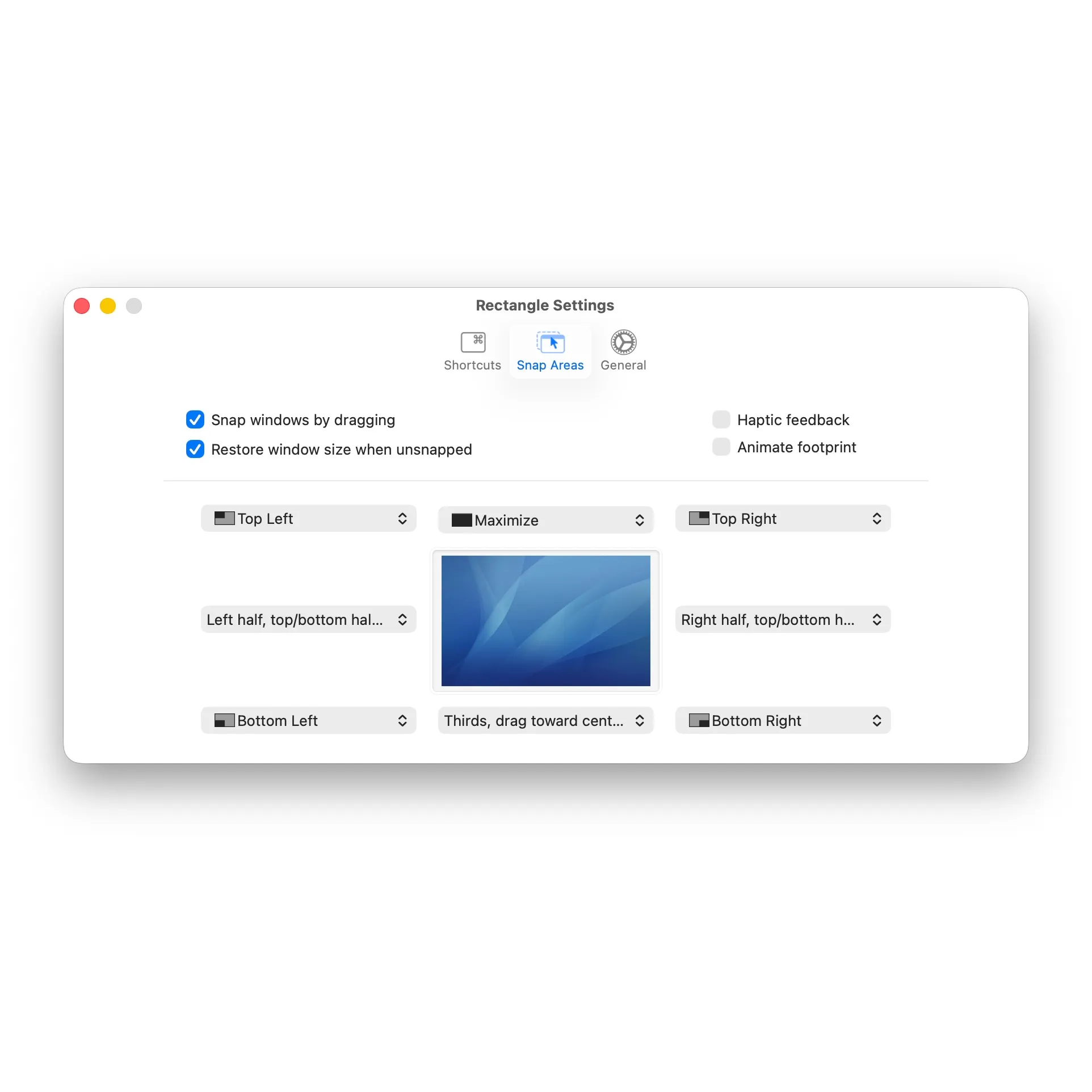
Rectangle brings Windows-style window snapping to macOS, addressing the platform’s lack of built-in window management shortcuts. The free, open-source utility enables users to snap windows to screen edges using keyboard shortcuts or drag-to-snap gestures.
The app operates in two modes: keyboard shortcuts snap windows to predefined positions (halves, quarters, thirds), while dragging windows to screen edges triggers automatic resizing. Repeating the same shortcut cycles through different window sizes, reducing the need to memorize multiple key combinations. Default shortcuts use Control + Option + Arrow keys, though all bindings are customizable.
Developed by Ryan Hanson as a successor to the discontinued Spectacle app, Rectangle supports importing Spectacle shortcuts for users migrating from that tool. The GitHub repository has accumulated over 27,600 stars, reflecting strong community adoption.
Key features include multi-display support, portrait monitor orientation handling, and system theme integration. The app operates with negligible resource usage and sits quietly in the menu bar. No telemetry, analytics, or data collection occurs, and the MIT-licensed source code is publicly available for audit.
Requirements include macOS 10.15 Catalina or newer, with support for both Intel and Apple Silicon Macs.
Pricing: Free and open-source. Rectangle Pro offers additional features (cursor-based window movement, custom positioning) as a paid upgrade.
Limitations include a single-purpose focus on window management only. Users needing window switching or application launching require separate tools like Raycast or Alfred.
Alternatives include Magnet ($9.99, App Store), Moom ($10, more layout options), and the built-in Stage Manager (macOS 13+).
Suitable for users who frequently work with multiple windows side-by-side and prefer keyboard-driven workflows or want Windows-style snap functionality without subscription costs.


