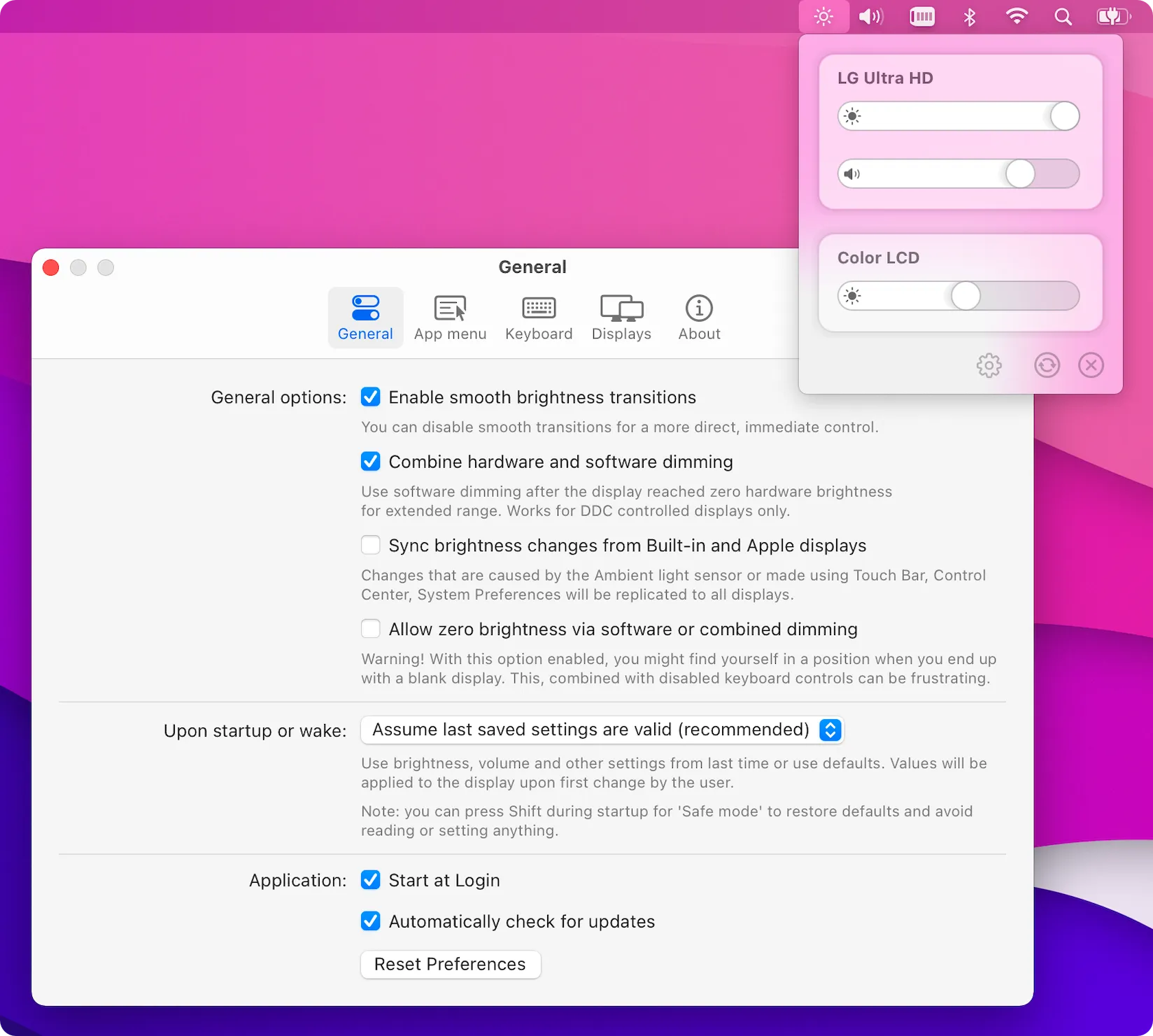
MonitorControl enables external display brightness, volume, and contrast adjustment using native Mac keyboard shortcuts. The app communicates with monitors through the DDC/CI protocol, translating macOS commands into monitor-specific instructions when users press brightness or volume keys.
Setup requires granting accessibility permissions, after which keyboard shortcuts immediately begin working with external displays. The familiar macOS brightness overlay appears when adjusting levels, maintaining the consistent user experience of built-in displays.
Key features include multi-monitor support with configurable keyboard shortcut targeting, brightness synchronization across all screens or independent per-monitor control, and smooth brightness transitions. Advanced options include custom keyboard shortcuts for specific brightness levels, software dimming for extended brightness ranges, and volume control for monitors with built-in speakers.
The app requires minimal system permissions—primarily accessibility access for keyboard input detection and screen recording permission for certain advanced features. Resource usage is negligible, with the app only becoming active during display adjustments. MonitorControl is open source under the MIT license, actively maintained by @waydabber with regular updates for new macOS versions.
Installation is available through GitHub releases or Homebrew with brew install --cask monitorcontrol. The app requires macOS 10.12 Sierra or later, with newer versions providing better compatibility.
Limitations include inconsistent HDMI support depending on monitor implementation of the DDC standard—DisplayPort and USB-C connections provide the most reliable experience. Some monitors, particularly certain TV models and budget displays, may not respond to DDC commands. A built-in compatibility checker helps verify monitor support before installation.
Alternatives include Lunar (offers more advanced features with subscription pricing) and the native macOS display controls (limited to Apple displays only).
Suitable for users who use external monitors with their Mac and want native keyboard control over display brightness and volume without navigating physical monitor buttons.


