
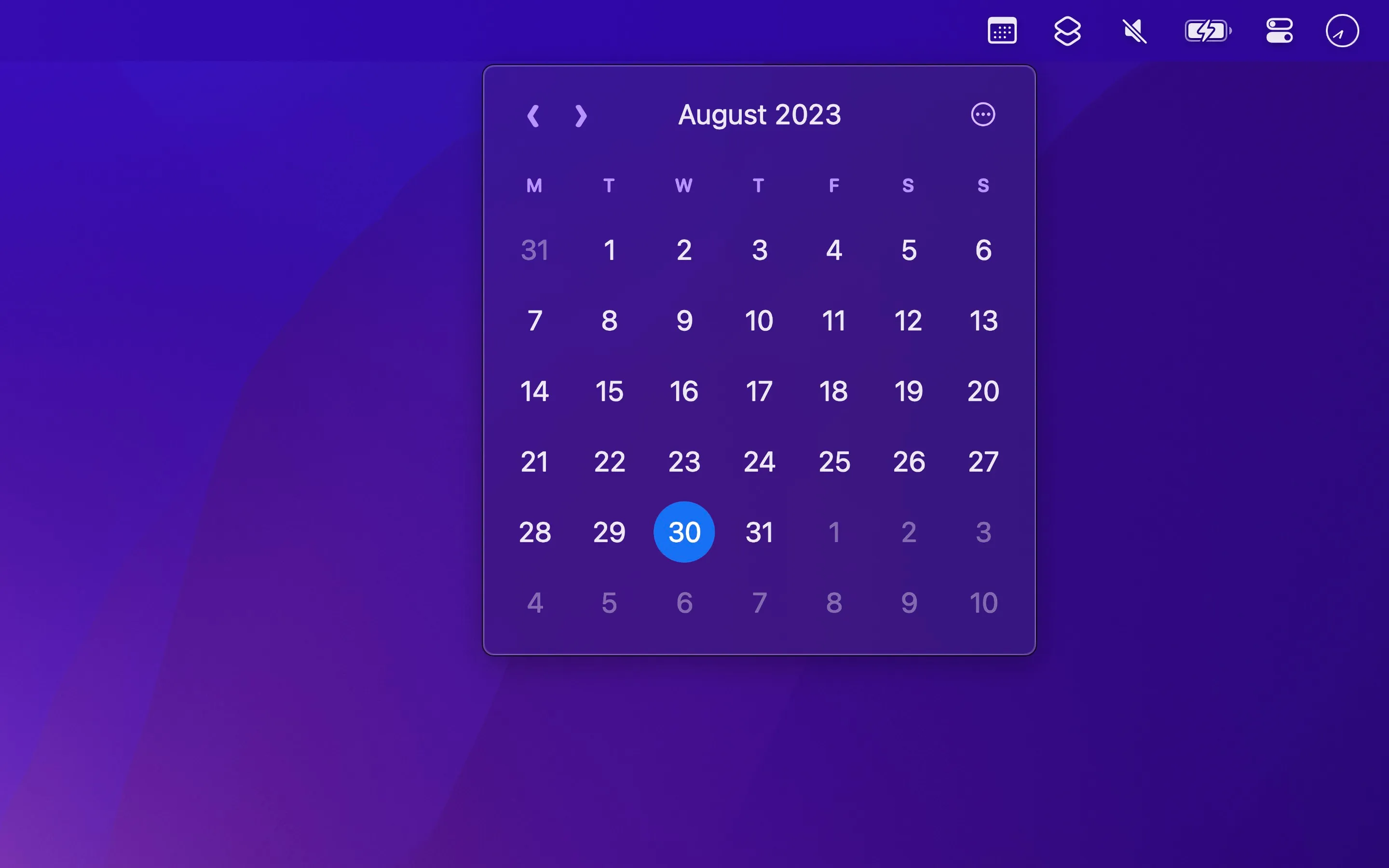
Menu Bar Calendar provides one-click access to a monthly calendar view from the macOS menu bar, addressing the limitation of macOS’s built-in date display which shows only the current date without month context.
Clicking the calendar icon displays an instant month view with the current day highlighted. Arrow keys navigate between months, while Option+arrow keys jump entire years. This keyboard navigation enables quick date checking for scheduling without mouse interaction.
The app integrates with calendar applications through click actions. Clicking any date opens either the native Calendar app or Google Calendar (configurable in settings). Right-click options provide quick event creation and date copying functionality. The date copy feature streamlines scheduling communications by enabling rapid pasting of exact dates.
Week number display supports both ISO 8601 and Gregorian formats, following system settings. Dates and day names appear in the system language, though the app interface remains in English. This pairs effectively with Week Number for users tracking week-based schedules.
Menu Bar Calendar deliberately focuses on calendar viewing rather than event management. There is no event list, appointment preview, or inline event creation. Developer Sindre Sorhus maintains this intentionally limited scope, directing users to his Dato app for advanced calendar features including event management and time zone support.
Resource usage is minimal at approximately 40MB memory with negligible CPU consumption. The app respects system appearance settings and requires no special permissions beyond basic menu bar access.
Menu Bar Calendar is free and requires macOS 15 or later. Legacy versions supporting macOS 13 and 14 remain available for older systems.
Suitable for users who need frequent date reference for scheduling and planning without requiring full calendar management features, particularly those preferring focused utilities that perform single functions well.


