
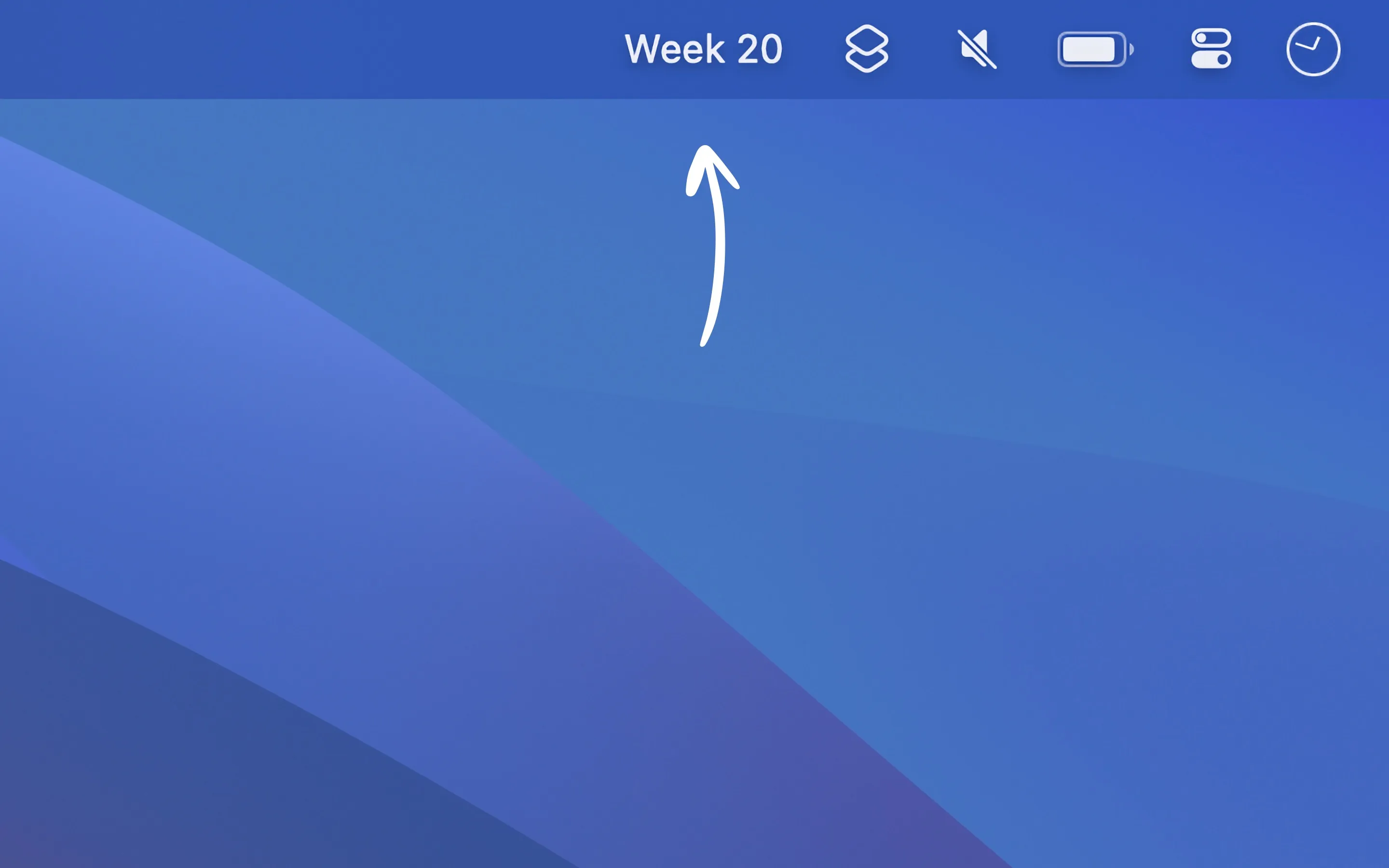
Week Number displays the current ISO 8601 week number in the Mac menu bar, providing quick reference for users who coordinate schedules using week-based planning systems.
The app shows the current week number (e.g., “Week 20”) in the menu bar, updating automatically as weeks change. Users can add a customizable prefix if desired. Clicking the menu bar item opens a window for looking up week numbers for any date, useful for planning quarterly reviews or sprint cycles.
Developer Sindre Sorhus kept the app intentionally focused, avoiding fiscal week numbering or custom work week configurations. The app follows system settings for week numbering (ISO 8601 or Gregorian), requiring no configuration to match user preferences.
Widget support enables displaying the week number on the desktop and in Notification Center, providing additional visibility for week-based planning references.
Requirements include macOS 15 or later for the current version, with version 1.1.0 available for macOS 14. Memory usage is approximately 30MB with negligible CPU usage since the display only updates once per week. The app is completely free.
Limitations: The app uses standard ISO 8601 or Gregorian week numbering only. Organizations using fiscal weeks or non-standard week numbering systems will not find matching functionality. The app does not support custom calendar configurations.
For users working in environments where week-based planning is common, particularly international coordination across time zones, Week Number provides persistent visibility into calendar positioning without context switching.
Suitable for users who regularly reference week numbers in planning conversations, sprint cycles, or international team coordination.


