
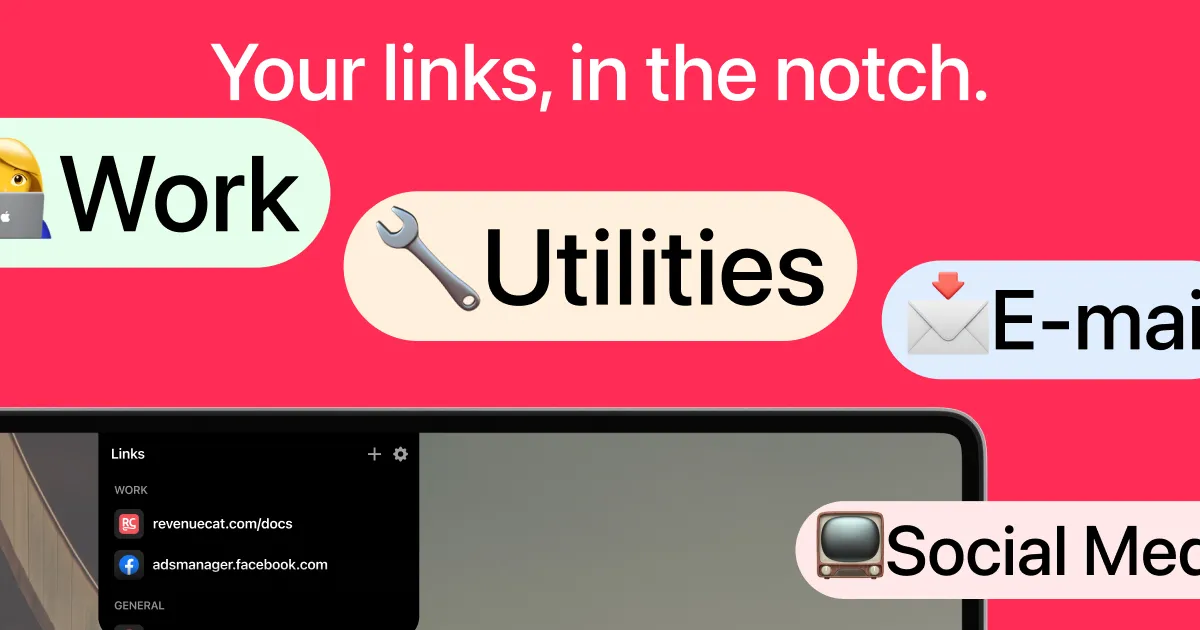
LinkNotch transforms the MacBook notch into an interactive bookmark launcher, providing quick access to frequently visited websites through the otherwise unused hardware element.
The app activates when users hover over or click the notch area, displaying a dropdown panel with saved links organized by categories. Default categories include Work and General, enabling separation between professional and personal bookmarks. Each link displays with its favicon and domain name for quick visual identification.
The interface features a clean black background with white text and includes a dock-like row of common macOS applications at the bottom of the panel, adding application launching alongside link access.
LinkNotch leverages screen real estate that most applications ignore. The notch occupies prominent display space on modern MacBooks, and this app converts it into functional interface area for daily bookmark access.
The app is available on the Mac App Store (free with in-app purchases for premium features). Hardware requirements limit compatibility to MacBooks with notches, including 14-inch and 16-inch MacBook Pro models, and M2 MacBook Air and later. Performance impact on compatible systems is negligible.
Limitations include the lack of nested categories or folder organization. Users with extensive bookmark collections may find organization challenging as the link count grows. The app requires manual link entry rather than browser bookmark import, necessitating initial setup time. The tool complements rather than replaces full-featured bookmark managers.
Suitable for users with newer MacBooks who frequently access the same set of websites daily and want faster access than browser bookmarks provide.


