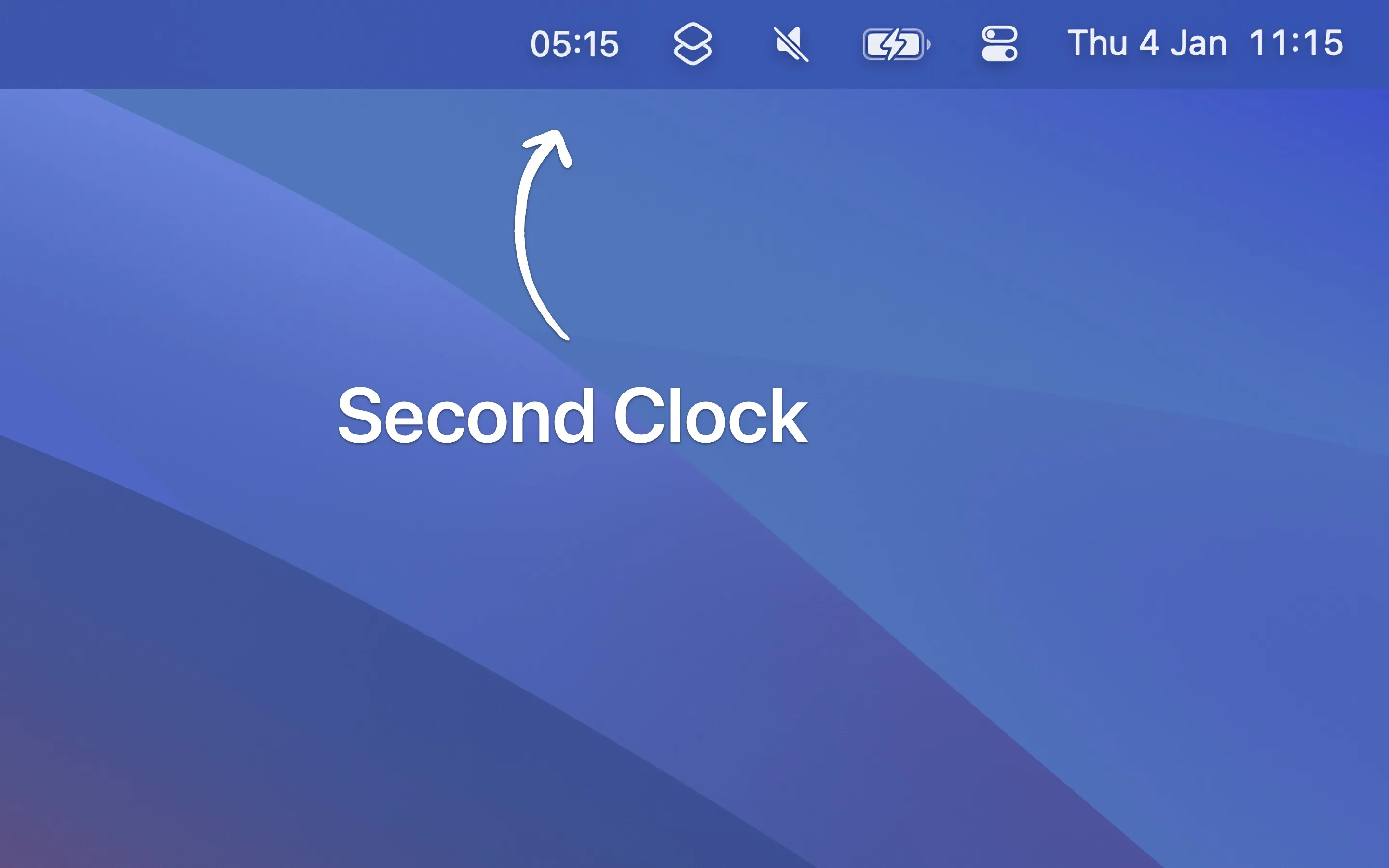
Second Clock displays an additional time zone in the macOS menu bar alongside the system clock, eliminating the need for mental timezone calculations when coordinating across regions. The app provides a single-purpose solution for users who need constant visibility of one additional timezone.
Setup involves selecting a timezone and optionally adding a prefix label. The prefix customization supports flag emojis, Unicode characters, and SF Symbols, making timezone identification immediate without cluttering the menu bar. Time format follows system locale settings automatically for consistency with macOS conventions.
Key features include customizable prefix labels, system locale time formatting, and support for the monochrome menu bar setting. The app offers alternate builds (Second Clock 2-6) with different bundle identifiers, enabling simultaneous installation of multiple instances for tracking several timezones.
Resource usage is negligible at approximately 25MB memory and near-zero CPU usage. The app integrates seamlessly with native macOS design language.
The app requires macOS 15 or later, with version 1.0.2 supporting macOS 14. Developer Sindre Sorhus intentionally keeps the app minimal—no world clock popup, timezone converter, or complicated settings. For advanced timezone features, users can consider Sindre’s companion app Dato.
Limitations include the single-purpose nature of the tool. The app provides no timezone calculation utilities or conversion features—it functions purely as a display tool. Users requiring quick timezone calculations or organizational timezone abbreviations need additional utilities.
Second Clock is completely free.
Suitable for users who regularly coordinate across one additional timezone—remote workers, international team members, or anyone managing relationships across different regions who need constant visibility of a second time without workflow interruption.


