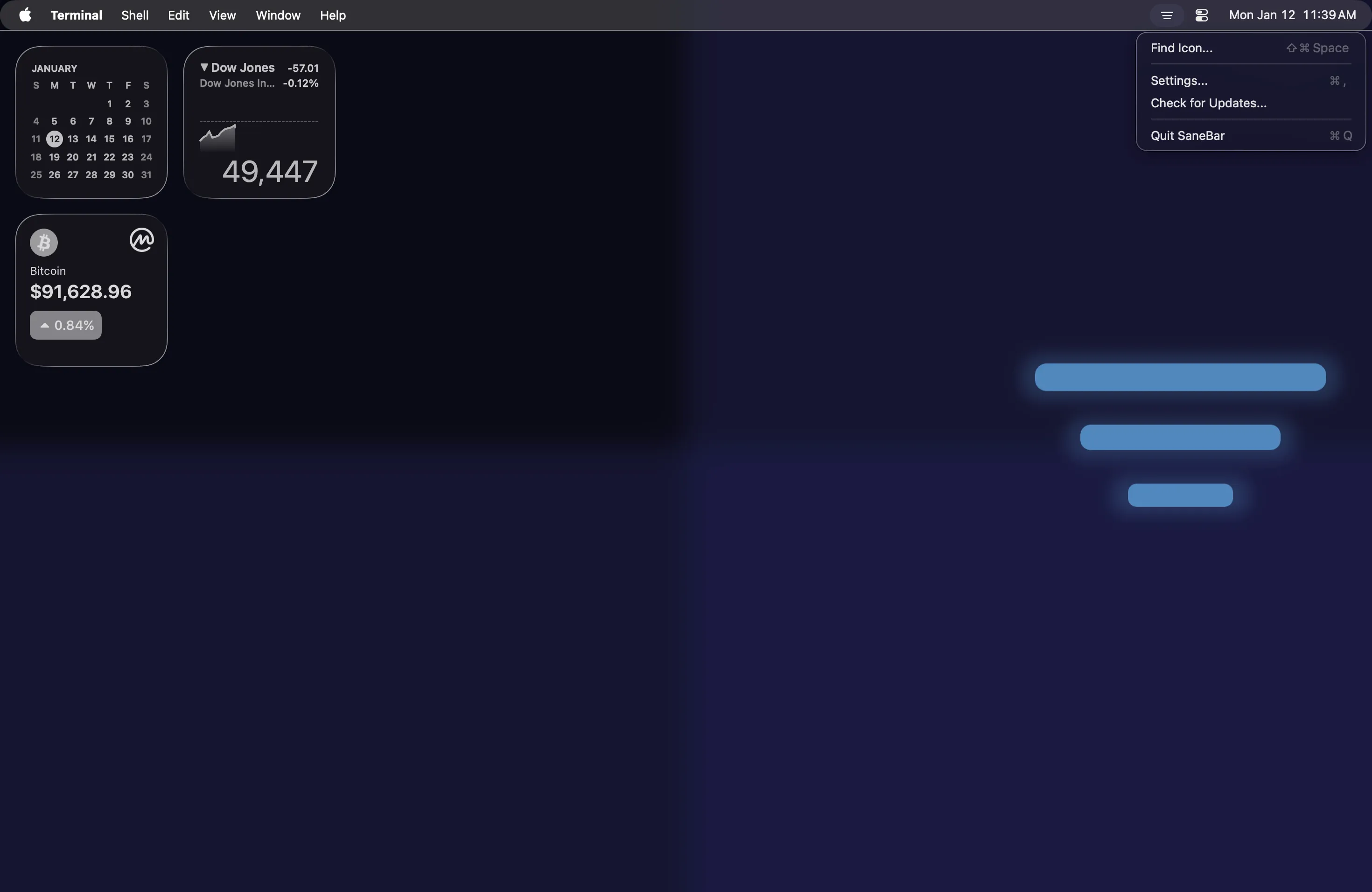

SaneBar organizes Mac menu bar icons by hiding clutter behind a single toggle, locking sensitive icons with Touch ID or password authentication, and providing instant access through Power Search. The app operates completely on-device with zero network requests, no analytics, and no user accounts required.
Key features include single-click show/hide for organized icons, Option-click activation of Power Search to find any menu bar app instantly (including those hidden behind the notch), and biometric authentication for sensitive applications. Command-drag enables icon reorganization, and automatic triggers can activate based on WiFi network connections and battery levels.
The app supports Liquid Glass styling introduced in macOS 26 Tahoe, with adjustable tint, opacity, shadow, borders, and rounded corners. Customizable icon spacing helps maximize notch compatibility. Additional features include AppleScript support for automation, saved configuration profiles for different setups, and per-icon global hotkeys.
Performance metrics indicate approximately 1% CPU usage and around 100MB memory on macOS 15.4 Sequoia. The repository contains 241 unit tests, suggesting attention to stability.
SaneBar requires macOS 15 Sequoia or later. Installation is available via Homebrew (brew install --cask stephanjoseph/sanebar/sanebar) or direct download from GitHub releases. The app is free and open-source under MIT license with no ads or in-app purchases. The developer accepts cryptocurrency donations but imposes no payment requirements.
Limitations include the macOS 15+ requirement, which excludes users on older systems. Users with fewer menu bar apps may find the organizational features unnecessary overhead.
Alternatives include Bartender (mature, full-featured, paid), Ice (free, open-source), and Hidden Bar (free, simpler approach). SaneBar distinguishes itself through biometric authentication and privacy-first architecture.
Suitable for users who manage numerous menu bar apps, require privacy controls for sensitive applications, or prefer open-source solutions with no data collection.



