
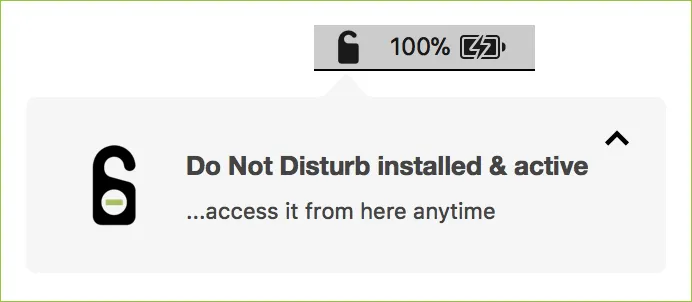
Do Not Disturb monitors MacBook lid events to detect unauthorized physical access attempts. The app addresses “evil maid” attacks, where an attacker gains brief physical access to an unattended laptop to exploit vulnerabilities, capture credentials, or insert malicious hardware.
The monitoring logic centers on a simple premise: most physical attacks require opening the laptop lid. Do Not Disturb runs continuously as a background daemon and triggers alerts whenever the lid opens on a closed, unattended MacBook. Users can configure the app to display local notifications, log events, or send remote alerts to a registered iOS device.
The companion iOS app (when available) enables remote responses including dismissing alerts, triggering webcam photo capture, or initiating a remote shutdown. Local logging maintains a searchable history of lid events accessible from the menu bar.
Configuration options include Passive Mode for silent logging without visible alerts, Touch ID integration to ignore legitimate lid openings following successful authentication, and custom script execution upon detection. Advanced monitoring can track USB device insertions, new process launches, file downloads, and login attempts.
The app runs as a persistent launch daemon requiring initial administrator authorization. Resource usage remains minimal during normal operation. The codebase is open-source and available for security review, though the Swift framework component remains proprietary.
System requirements: macOS 10.12 or later. Current version is 1.3.0.
Pricing: Free and open-source for macOS. iOS companion app historically required subscription after first week ($0.99/month or $9.99/year), though the iOS app is currently unsupported.
Limitations: Cannot detect attacks that don’t require opening the laptop lid or sophisticated bypass techniques designed specifically to evade monitoring. Protection depends on user discipline in keeping the laptop closed when unattended. The iOS companion app is currently unavailable, limiting remote notification capabilities. Alerts represent potential threats rather than confirmed compromises, which may lead to false positives in shared environments.
Alternatives: None directly comparable for physical access detection. Related tools include LuLu (network firewall), BlockBlock (persistence monitoring), and OverSight (webcam/microphone monitoring), all from the same developer.
Suitable for security-conscious users concerned about brief physical access to unattended laptops, particularly in shared workspaces, coffee shops, or travel scenarios where equipment theft or tampering poses realistic threats.


