
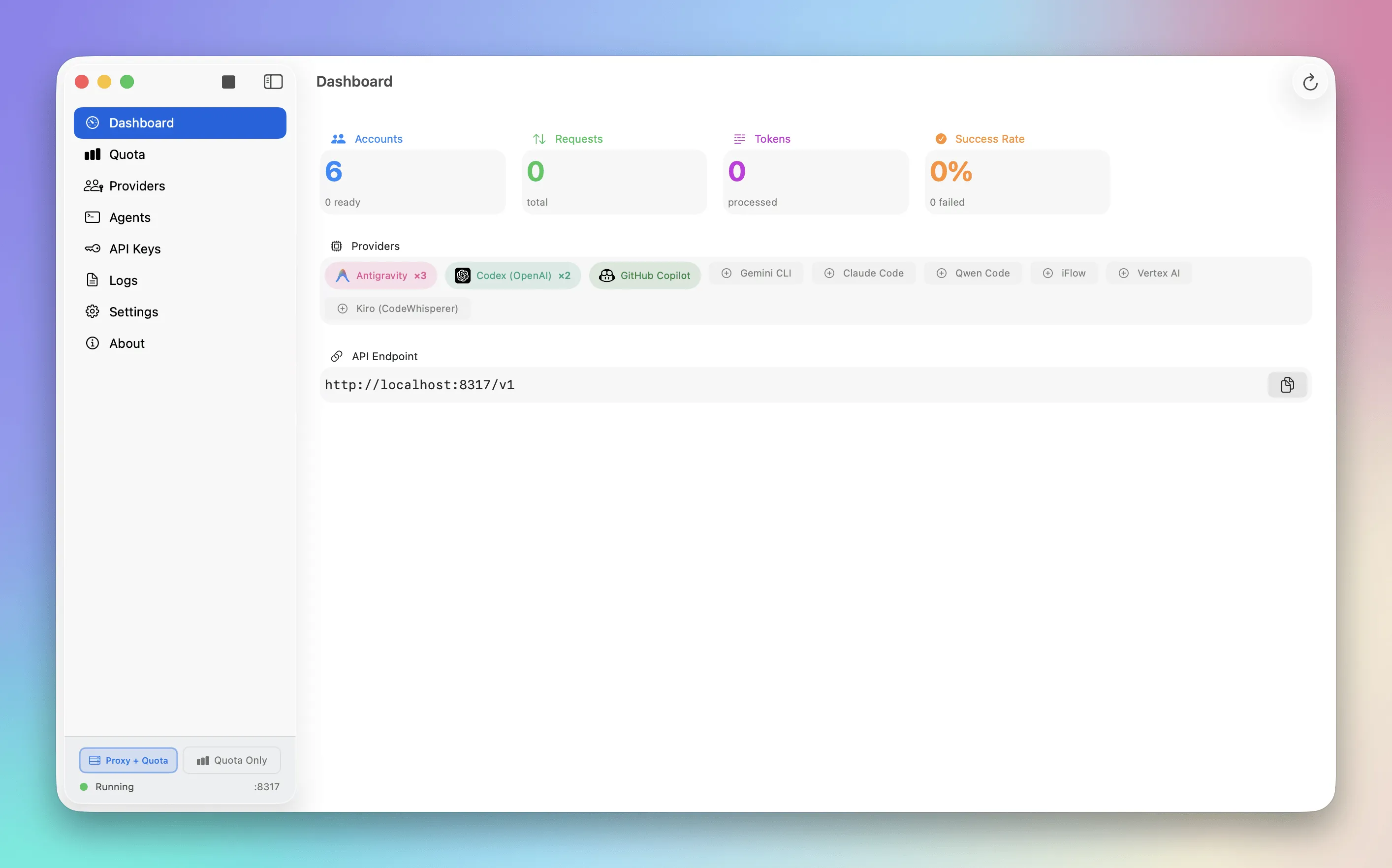
Quotio provides unified management for multiple AI coding assistant accounts from the macOS menu bar. The app supports 9+ AI providers including Google Gemini, Anthropic Claude, OpenAI Codex, Qwen, Vertex AI, iFlow, Antigravity, Kiro, and GitHub Copilot. Setup uses OAuth authentication for most providers with service account options for Vertex AI.
Real-time quota monitoring displays directly in the menu bar, aggregating usage data across all connected accounts with live traffic monitoring and token consumption tracking. This prevents hitting rate limits during critical coding sessions. A standalone quota mode displays account information without running the proxy server for quick status checks.
For developers using AI coding tools like Claude Code, Codex CLI, Gemini CLI, Amp CLI, OpenCode, or Factory Droid, one-click configuration auto-detects installed agents and sets up proxy connections automatically. The app also monitors quota usage from IDEs like Cursor and Trae in read-only mode for tracking purposes.
The dashboard provides visibility into request patterns, success rates, and performance metrics. Built with SwiftUI, the app feels native to macOS with light and dark theme support following system preferences. The bilingual interface supports English and Vietnamese, and built-in auto-update functionality ensures current version availability.
Quotio is free and open source under MIT license, developed by nguyenphutrong and available on GitHub. Community contributions are welcome for expanding provider support or adding features.
System requirements include macOS 15.0 (Sequoia) or later, which limits compatibility with older systems. The app focuses specifically on AI coding assistant management and does not cover broader development tooling.
Suitable for users who work with multiple AI coding assistants, need centralized quota visibility across providers, or want to eliminate manual CLI configuration and browser tab switching for account management.


