
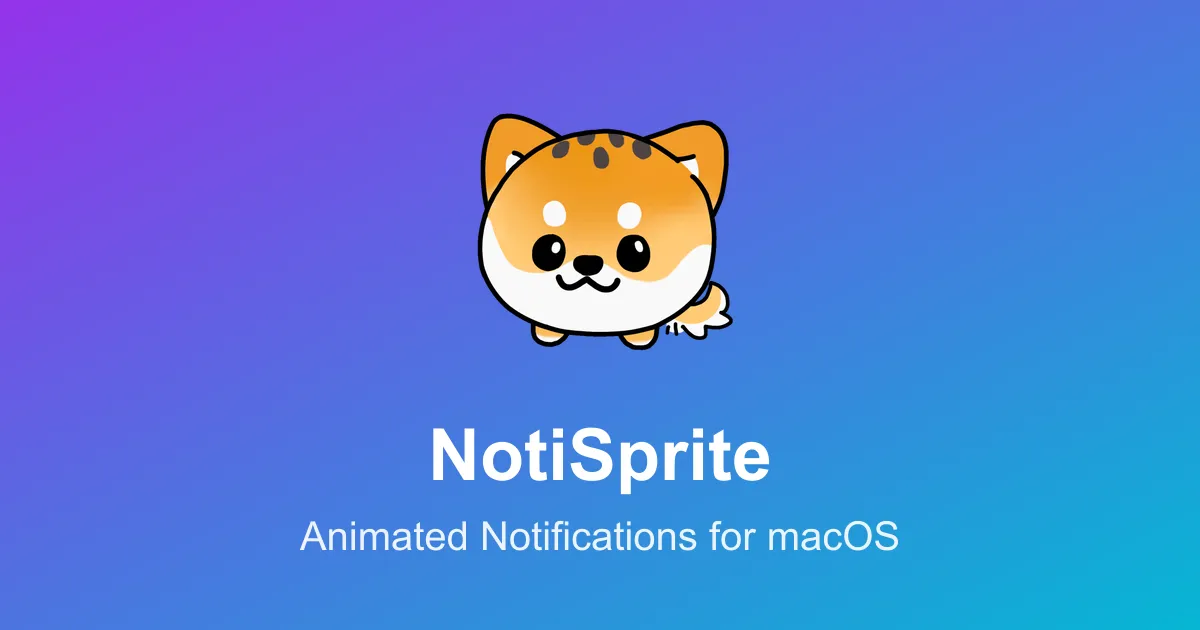
NotiSprite transforms standard macOS notifications into animated desktop companions. Instead of conventional notification banners, the app displays customizable sprites (cats, dogs, bubbles) that respond to system events and add visual personality to routine alerts.
The sprites interact with the desktop environment, following the cursor and reacting differently to various notification types. This approach helps notifications stand out, particularly during full-screen application use or multi-display setups where standard alerts may go unnoticed.
Features extend beyond notification enhancement. The app includes real-time animated weather alerts displaying conditions through sprite behavior, customizable countdown alarms for deadline tracking, and calendar event reminders integrating with macOS Calendar. System monitoring capabilities show CPU usage and battery levels through sprite animations. Work break notifications remind users to step away at customizable intervals.
Sprite customization options include animated cats, dogs, or bubble sprites. Users can position sprites to follow the mouse cursor or remain fixed in a specific screen location. This flexibility allows adjustment to complement existing workflows and menu bar configurations.
NotiSprite is free on the App Store with no subscriptions or in-app purchases. The app requires macOS 15.0 or later. The developer is BXQ. At version 1.0, the app maintains a 5-star rating. Resource usage is reasonable with smooth animations and reliable notification handling.
Limitations include the visual activity added to the desktop. Users preferring minimal, distraction-free environments may find sprites introduce unwanted movement. The concept fundamentally changes notification interaction, which may not suit all workflow preferences.
Alternatives for notification enhancement include Muzzle for automatic notification silencing and native macOS Focus modes for notification control.
Suitable for users who want more engaging notification experiences, appreciate whimsical design elements, or find standard macOS alerts easy to miss.


