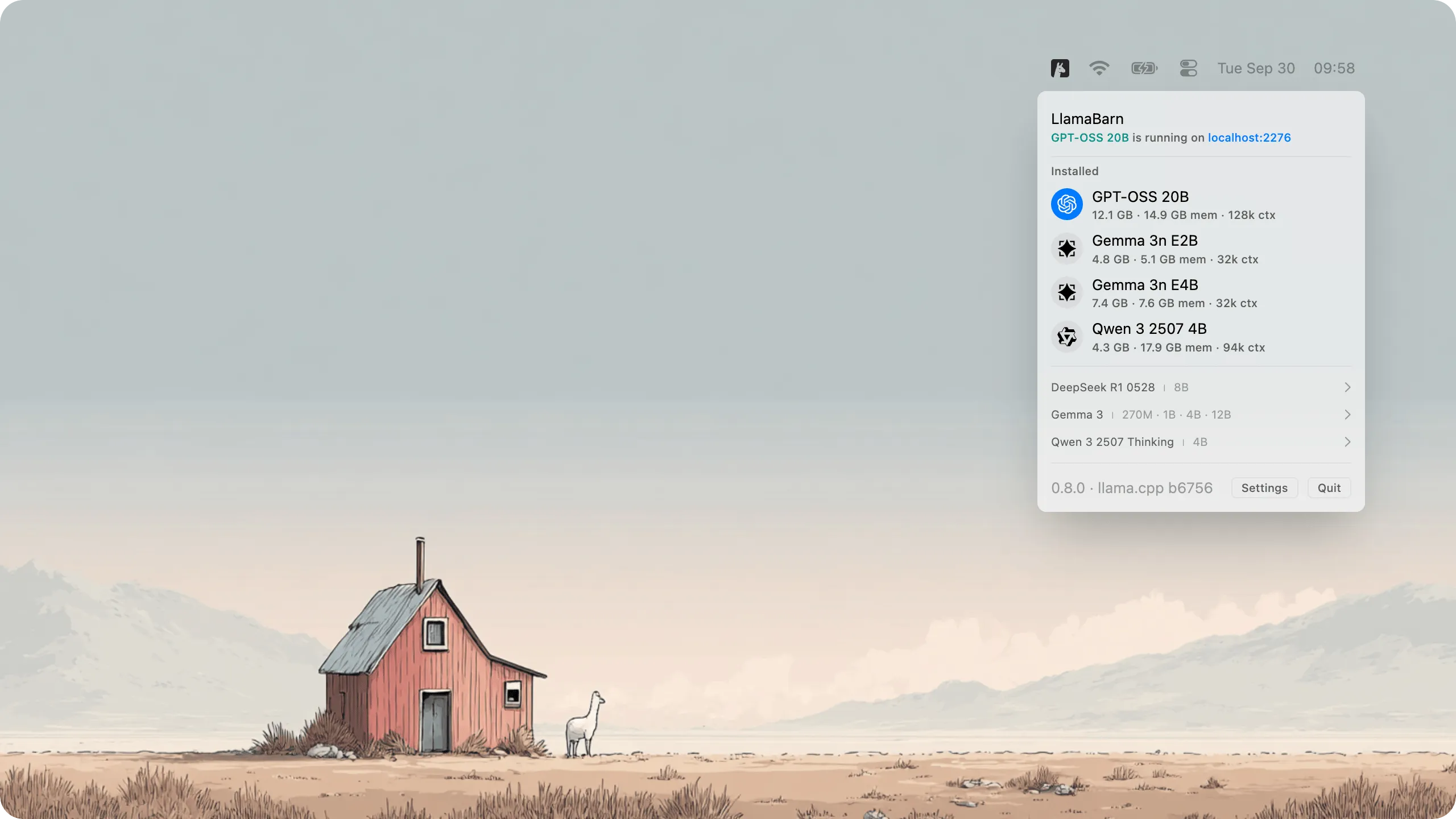
LlamaBarn provides a menu bar interface for running local large language models (LLMs) on Mac without command-line configuration or manual parameter tuning.
Installation occurs via Homebrew (brew install --cask llamabarn). The app presents a curated model catalog from which users select and download models. Once installed, models run entirely on the local machine with no cloud dependencies or data transmission.
A key feature is automatic hardware optimization. LlamaBarn detects Mac specifications and configures model parameters accordingly, removing the technical guesswork typically required for local AI deployment. The app measures approximately 12 MB and stores all data in ~/.llamabarn without system modifications.
After loading a model, users interact through either the built-in web interface or a REST API at http://localhost:2276. The API maintains OpenAI compatibility, enabling tools designed for ChatGPT to work with local models with minimal modification. Support includes parallel requests and vision models for compatible LLMs.
The project is open source under MIT license, maintained by the ggml-org team responsible for llama.cpp infrastructure. Version 0.11.0 released in November 2025, and the project has accumulated over 500 GitHub stars.
Technical requirements include macOS with Apple Silicon for optimal performance. The app runs on Intel Macs but with reduced model performance and compatibility.
Limitations include hardware-dependent model capabilities. Smaller models run smoothly on most configurations, while larger models require sufficient RAM and may perform slowly on older hardware. The app does not replace cloud AI services for complex tasks but provides accessible local alternatives.
Suitable for developers testing AI integrations offline, privacy-conscious users seeking data control, or users exploring local language model capabilities without terminal complexity.


