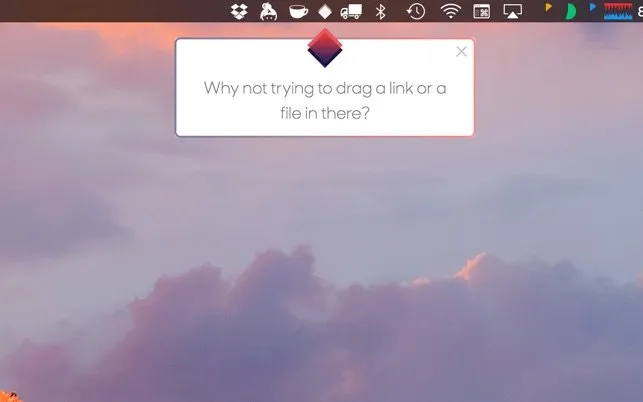
Fenêtre provides picture-in-picture functionality for macOS, enabling users to create floating windows that stay on top of other applications. The interaction model is straightforward: drag a video, website, image, or local file to the Fenêtre icon in the menu bar, and it appears in a persistent floating window.
The primary use case involves keeping reference material visible while working—video tutorials, conference talks, documentation, or build progress. The app supports YouTube, Vimeo, and most standard HTML5 video players without requiring browser extensions, though optional Chrome and Firefox extensions add one-click floating for web videos.
The free Lite version provides one floating window at a time with essential features: adjustable window size, audio muting, visibility controls, and site-specific optimizations for improved video player compatibility.
The Pro version removes the single-window limit and adds advanced features. Click-through mode enables interaction with content behind the floating window without moving it. See-through transparency mode adjusts opacity for referencing content underneath. Additional features include clipboard integration for quick text reference, customizable keyboard shortcuts, and markdown preview with code highlighting.
Performance is responsive with synchronized audio playback. The app uses minimal system resources when idle; active video playback increases CPU usage based on video resolution and codec.
System requirements: macOS 10.11 or newer. Browser extensions optional but convenient for frequent video floating.
Pricing: Lite version is free. Pro is a separate paid app on the Mac App Store (check current regional pricing). No upgrade path from Lite to Pro—they are distinct applications.
Limitations: Cannot capture content from apps using DRM or protected video formats. Netflix and Apple TV+ content will not work. Designed for productivity workflows, not circumventing content protection.
Alternatives: macOS native Picture-in-Picture (Safari only), Helium (open-source alternative), ScreenFloat (focused on screenshots).
Suitable for users who work with reference material—developers following tutorials, designers comparing mockups to implementations, or students watching lecture recordings while taking notes.


