Soduto brings KDE Connect functionality to macOS, enabling peer-to-peer device integration between Macs, Android phones, and Linux machines. The app provides direct communication over local networks without cloud services, subscription fees, or third-party servers.
Initial setup involves installing Soduto on the Mac and KDE Connect on the Android or Linux device, then pairing over Wi-Fi. The pairing process uses TLS encryption with certificates stored in the macOS Keychain.
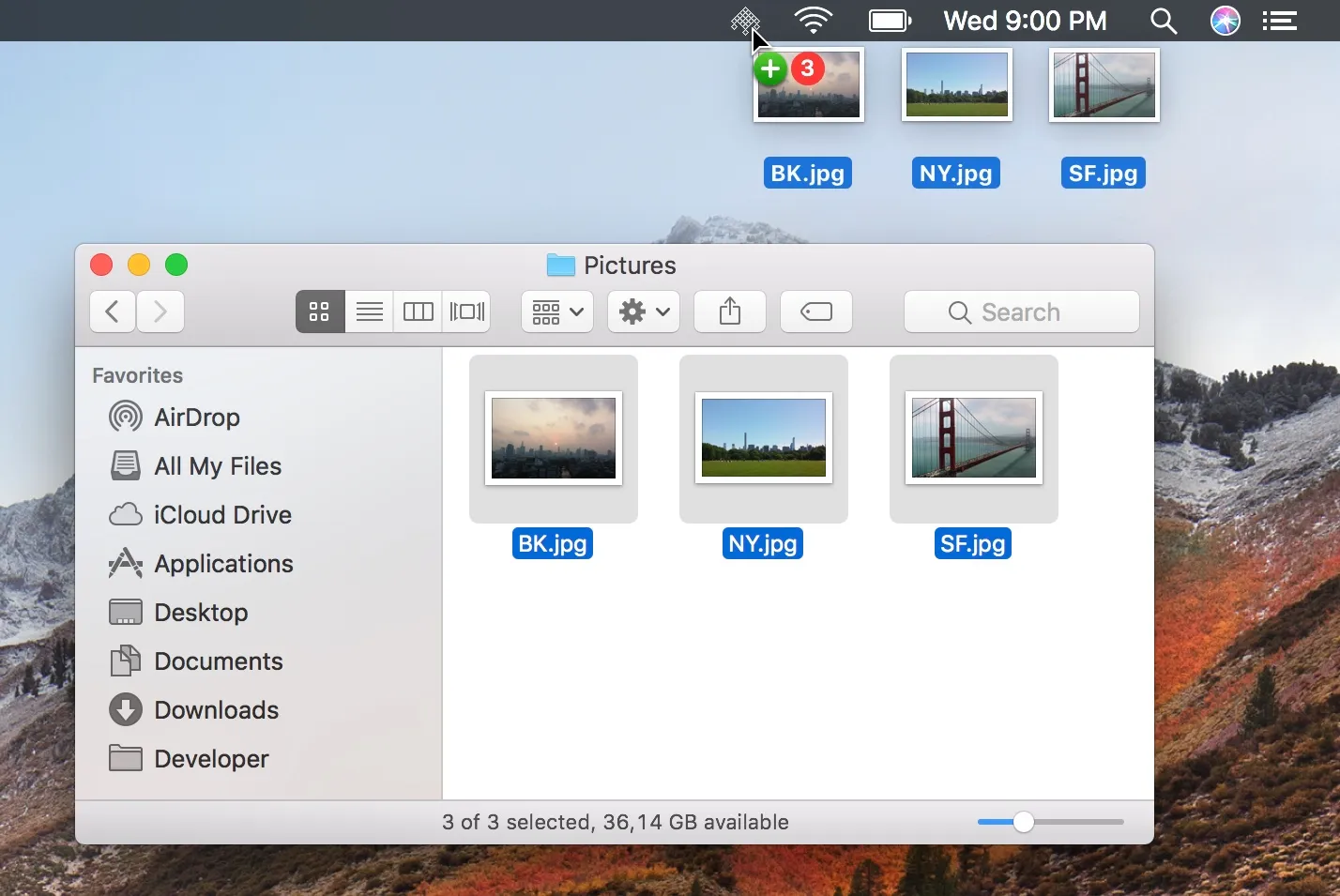
Clipboard sharing enables seamless text transfer between devices. Copy text on a phone, paste on the Mac, and vice versa. File sharing works through drag-and-drop onto the Soduto menu bar icon or a dedicated file browser that allows navigation of phone storage, file uploads, and remote directory management.
SMS integration provides desktop notifications for incoming messages and calls, with direct reply capability from the Mac. Users can send new SMS messages using macOS Address Book contacts with search and autocompletion. The battery status feature displays connected device charge levels in the menu bar with low-battery notifications.
Find My Phone triggers a connected phone to ring at full volume even when silenced.
Resource usage is approximately 50MB memory with negligible CPU impact. The interface is native Cocoa built with Swift 4.
Requirements include macOS 10.12 Sierra or later. The app uses macOS sandboxing and stores encryption keys in the system Keychain. Available under GPL-3.0 license with source code on GitHub.
Limitations include infrequent updates (last major release 2018, though version 1.0.1 remains stable on current macOS). The UI is functional rather than polished. Some KDE Connect features like remote input or media control are not implemented.
Installation options include direct download from soduto.com or building from source via Xcode.
Suitable for users who work across Mac and Android ecosystems and prefer peer-to-peer device integration without cloud dependencies.


