
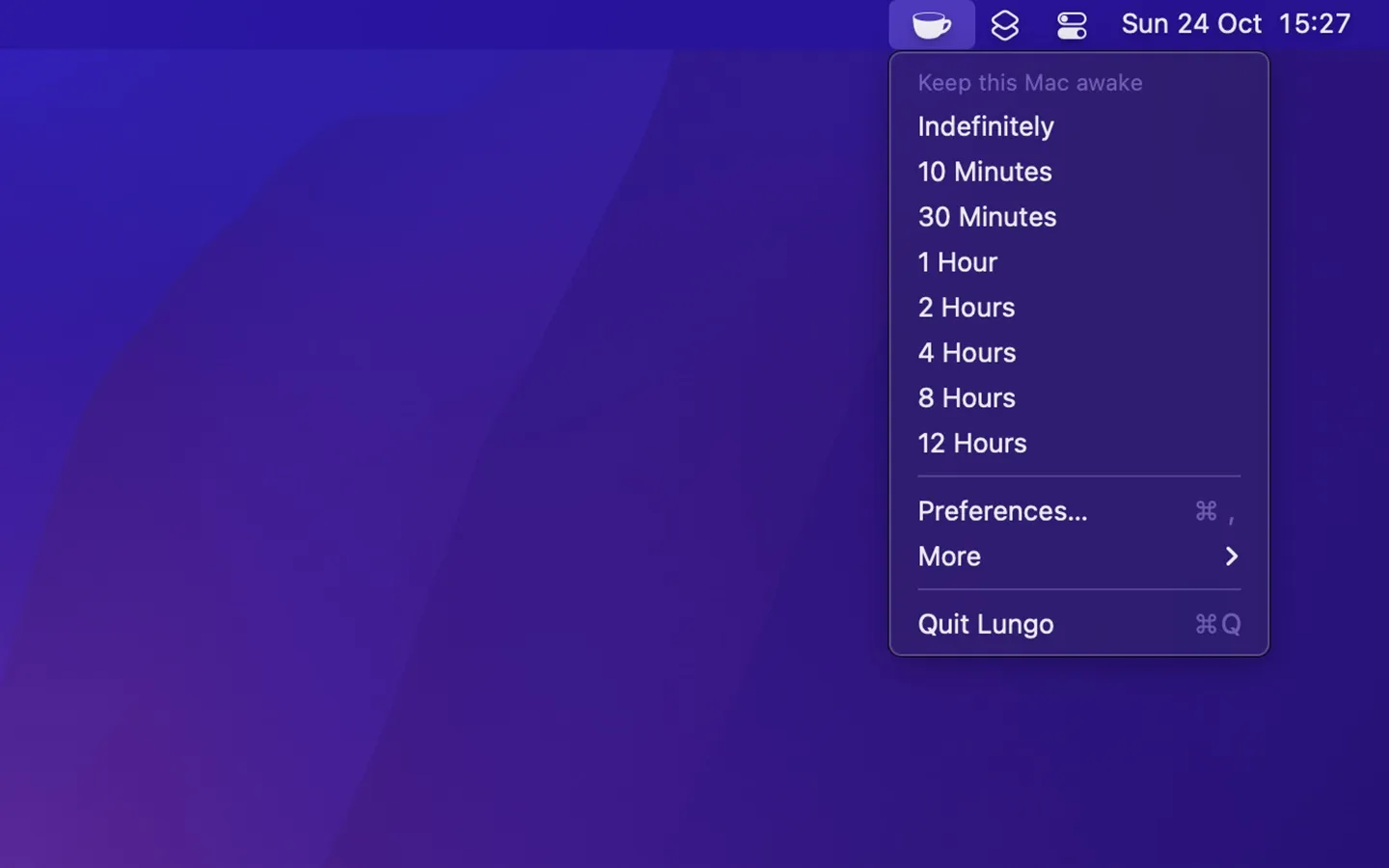
Lungo prevents Mac from going to sleep and screens from dimming, addressing workflow interruptions during downloads, presentations, or long-running processes. Developed by Sindre Sorhus, the app emphasizes simplicity with sensible defaults while offering essential customization options.
Users can activate Lungo for specific durations, preventing automatic sleep without permanently disabling system sleep settings. The app includes an option to allow display sleep while keeping the computer active, useful for background processes that don’t require screen visibility. Additional settings include pausing protection when the screen is locked and automatic deactivation when switching to battery power, preserving laptop battery life.
Lungo integrates with Apple Shortcuts through a “Set Enabled State” action, enabling automation workflows on macOS 26+ and third-party automation tools like BetterTouchTool or Keyboard Maestro on older versions. The app also supports custom URL schemes (lungo://) with activate, deactivate, and toggle commands, allowing control from scripts or other applications. Custom duration parameters can be passed through both Shortcuts and URL schemes, though the base app interface doesn’t expose duration configuration.
The app is available through the Mac App Store and Setapp. Archived versions support macOS 10.13 through 14, with current versions requiring newer system releases.
Limitations include non-functionality with closed laptop lids unless connected to external power and display. System sleep schedules configured in System Settings override Lungo’s protection, as do automatic logout settings. The developer has stated no plans to add native support for auto-activation when specific applications launch, though this can be achieved through Shortcuts automations or third-party tools.
Suitable for users who need periodic sleep prevention during specific tasks without the complexity of feature-heavy alternatives like Amphetamine. The Shortcuts and URL scheme integration makes it particularly appropriate for users building automation workflows.


