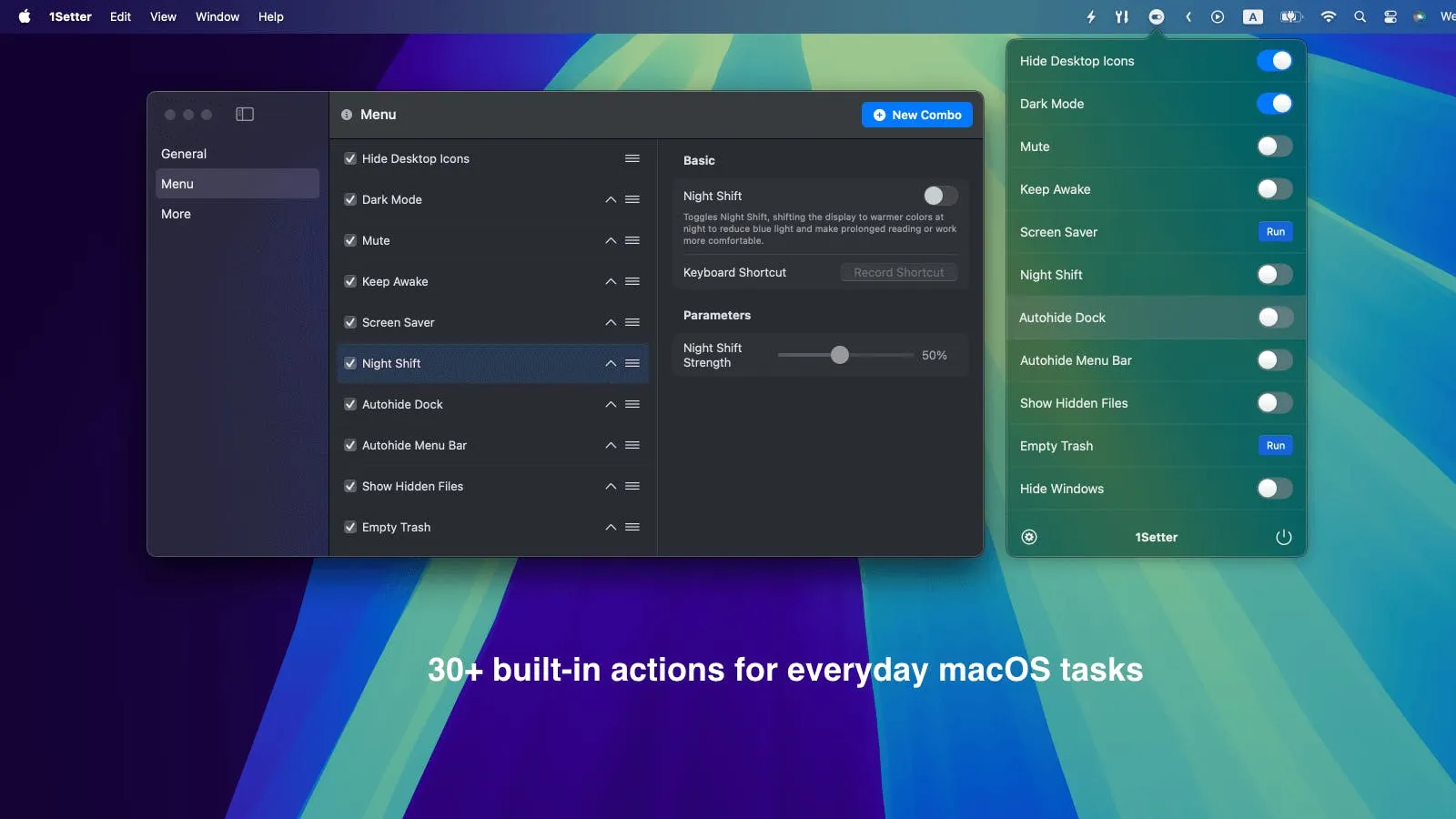
1Setter provides quick access to common macOS system settings through a menu bar interface, eliminating the need to navigate System Settings for routine toggles. The app enables one-click control over frequently adjusted settings, including Dark Mode, desktop icon visibility, system volume, and Night Shift.
The core functionality centers on instant setting toggles. Users can hide all desktop icons while preserving the underlying files, useful for presentations or screenshots requiring a clean workspace. The Prevent Sleep feature keeps the Mac active during downloads, monitoring tasks, or presentations by overriding automatic sleep, display dimming, and screen saver activation. Volume control provides quick muting and unmuting for meetings or screen recordings.
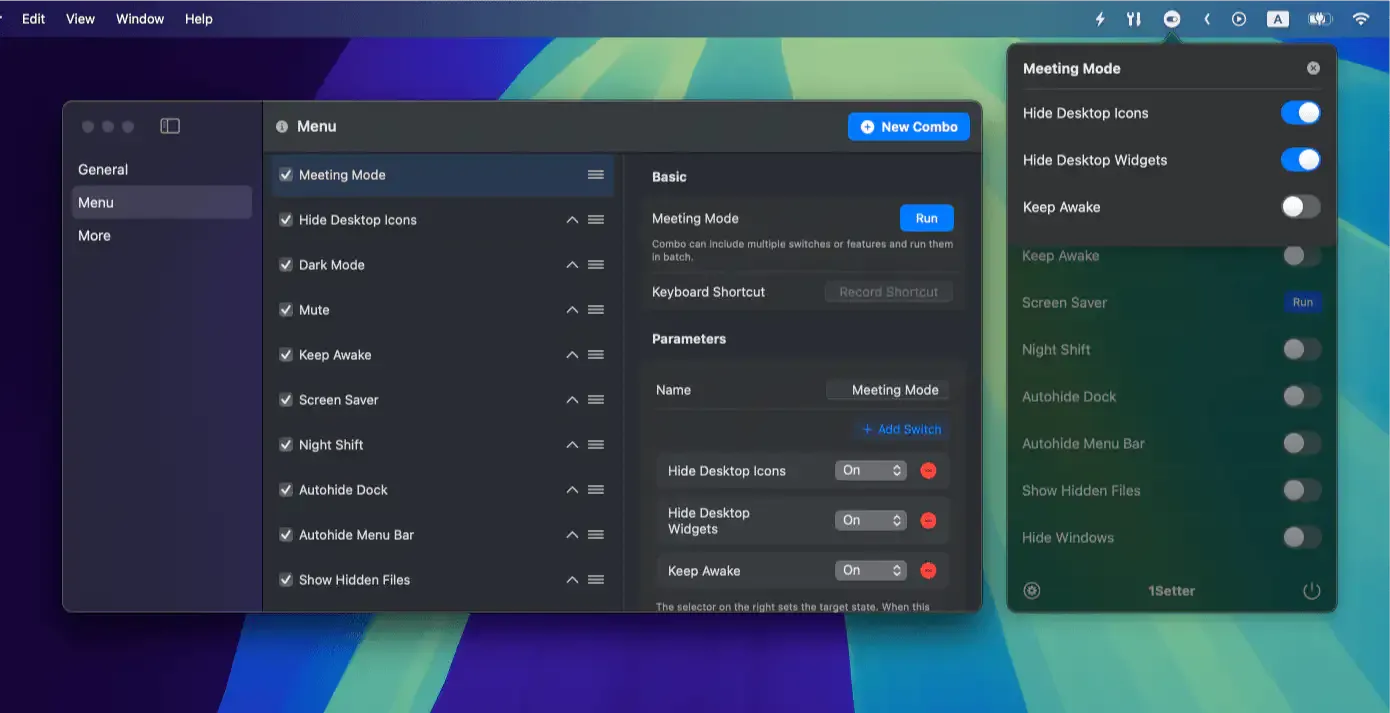
A notable feature is Combo Actions, which groups multiple settings into a single toggle. Users can configure preset modes - such as “Presentation Mode” that simultaneously hides desktop icons, prevents sleep, and adjusts display settings - and activate all changes with one click. This addresses workflows requiring consistent multi-setting configurations.
The app integrates naturally into the menu bar with minimal resource usage. Actions execute immediately without confirmation dialogs, prioritizing speed over verification prompts.
System requirements: macOS 13.0 Ventura or later. Requires system permissions for controlling display and power settings.
Pricing: Offers a 14-day free trial. Pricing available on the website. One-time purchase includes ongoing updates.
Limitations: The app focuses on commonly used settings rather than providing access to all macOS configurations. Users requiring toggles for less common system settings may need to access System Settings directly. Combo Actions require manual configuration rather than providing pre-built templates. A single license activates on multiple Macs but permits only one active device at a time.
Alternatives: One Switch offers similar system toggle functionality with additional features like ejecting all external drives. Users seeking only sleep prevention may consider Amphetamine, which provides more granular sleep control options. The built-in Control Center in macOS provides basic toggles without third-party software.
Suitable for users who frequently adjust system settings throughout the workday, particularly those switching between workflow modes like presentations, focus sessions, or video calls that require consistent setting configurations.