Pull Requests
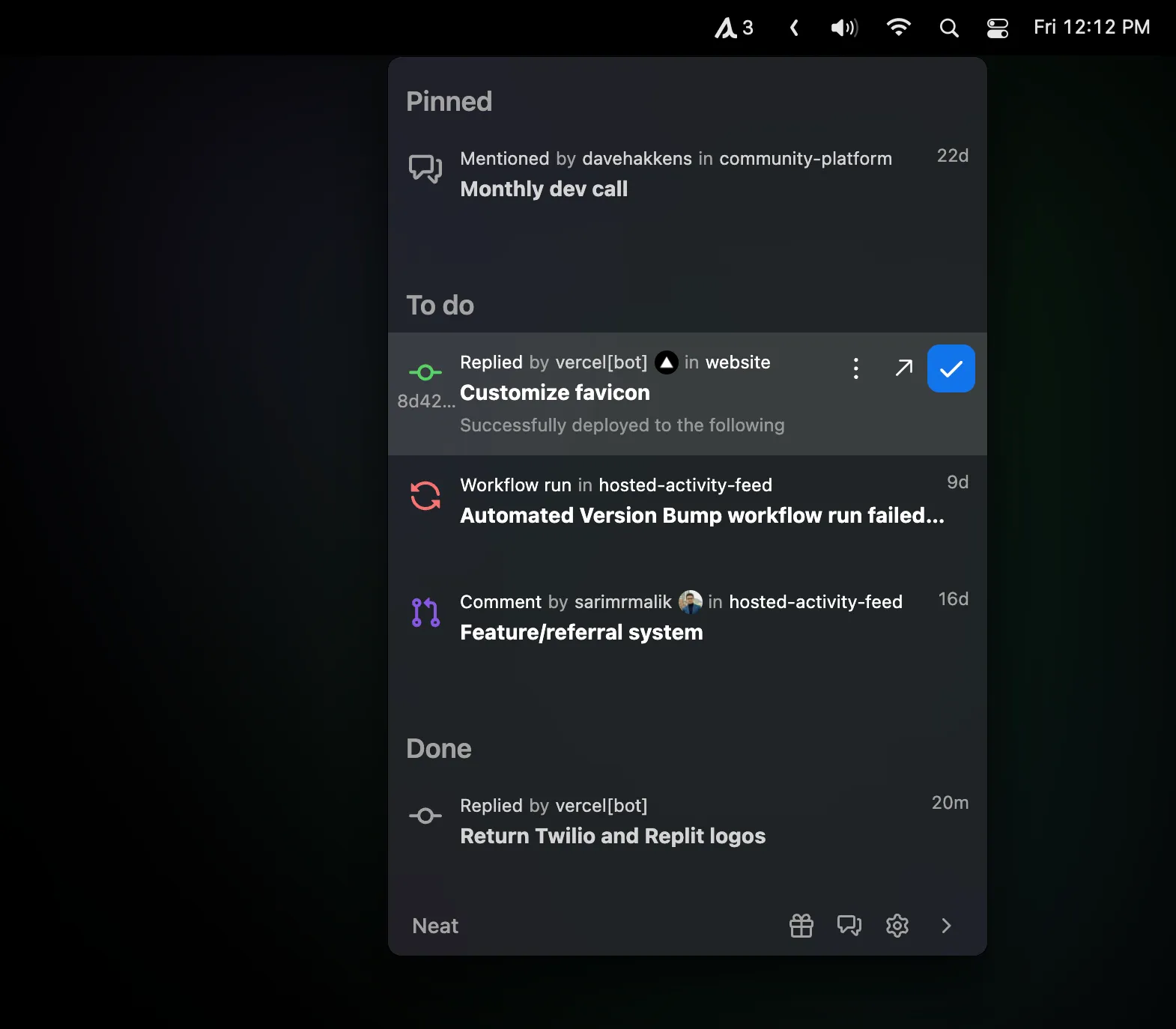
Neat
Keeping GitHub review requests visible without an inbox tab.
The Catch It does not cover GitLab or Bitbucket.
GitHub noise, a stuck port 3000, and a red Vercel deploy. Five menu bar apps I actually leave running while I ship.
Pull Requests
Keeping GitHub review requests visible without an inbox tab.
The Catch It does not cover GitLab or Bitbucket.
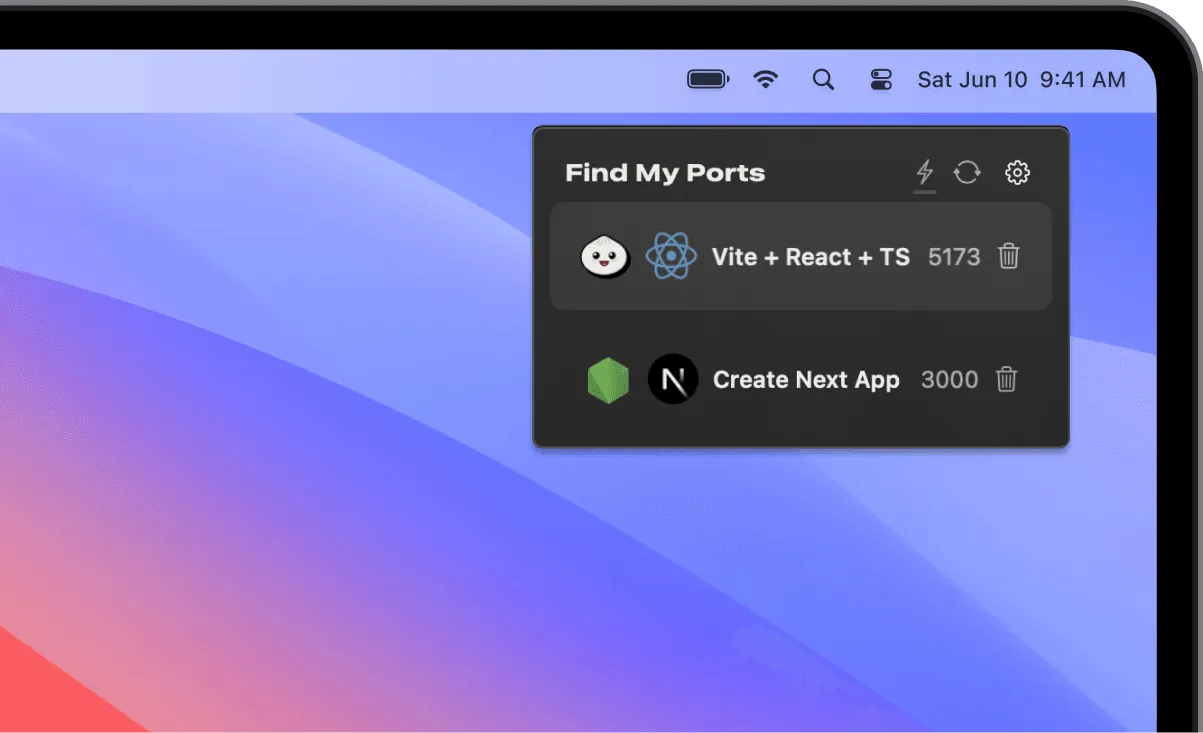
Local Servers
Finding and stopping processes that occupy development ports.
The Catch Review the process before terminating it.
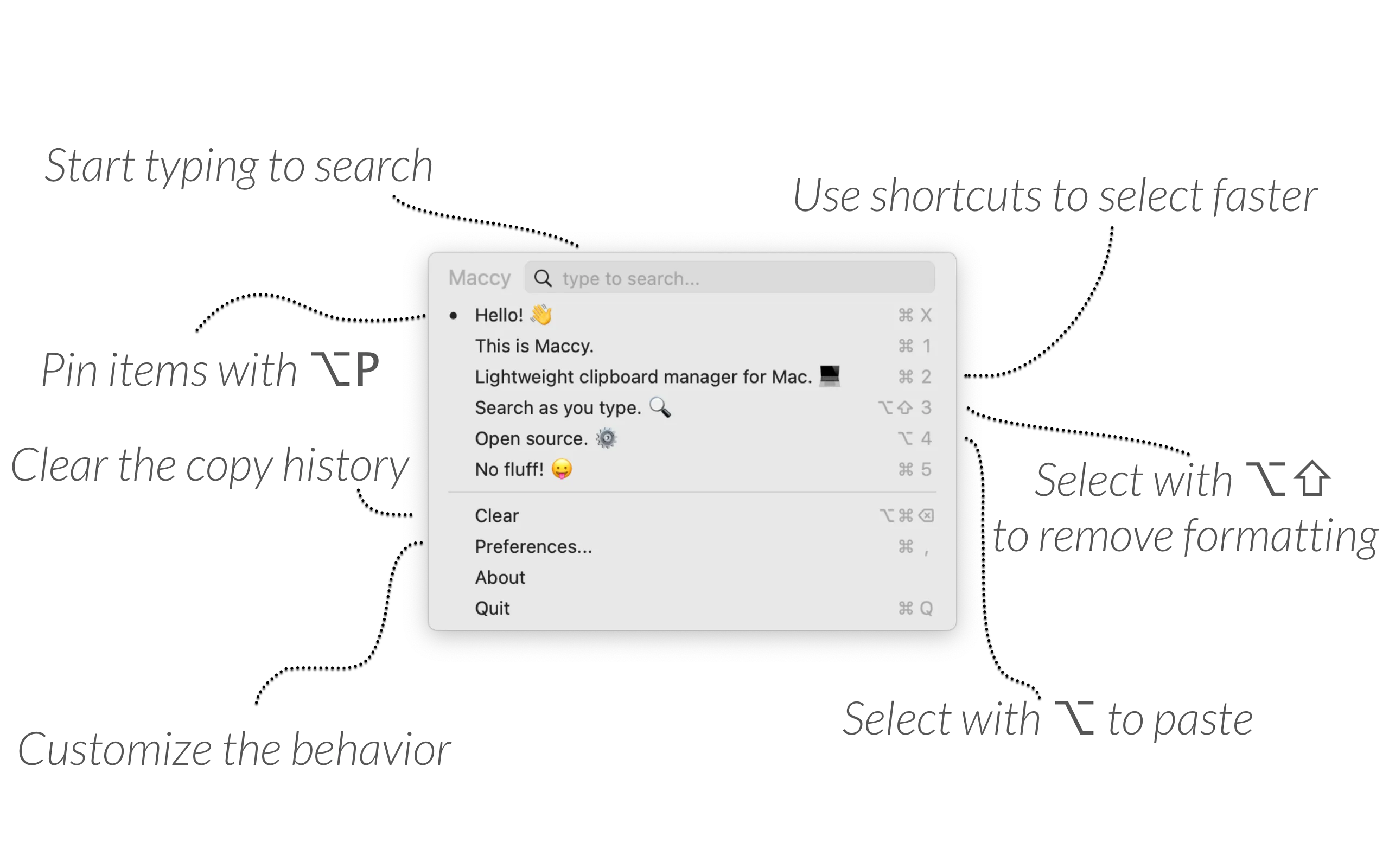
Clipboard History
Finding copied commands locally with keyboard search.
The Catch Clipboard history can contain sensitive text; configure exclusions.
| App | Best For | Price | The Catch |
|---|---|---|---|
| Neat | Keeping GitHub review requests visible without an inbox tab. | Free | It does not cover GitLab or Bitbucket. |
| Find My Ports | Finding and stopping processes that occupy development ports. | Paid | Review the process before terminating it. |
| Maccy | Finding copied commands locally with keyboard search. | Free | Clipboard history can contain sensitive text; configure exclusions. |
Mornings used to be GitHub in one tab, lsof -i :3000 in a terminal, Vercel in another, Activity Monitor when the fans spun up. The menu bar is the only strip that stays put across Spaces. I ended up with five small apps that each own one of those interruptions. None of them is a dashboard.
Neat (Free) is GitHub notifications that are not email. When someone requests a review, a native banner shows up. The popover is keyboard-driven. Auth took a few minutes; I turned off repos I barely touch.
It is GitHub only. GitLab and Bitbucket are out. I would rather have a narrow tool than another “all forges” panel that misses the ping I care about. During deep work it sits behind Do Not Disturb except for reviews where I am tagged.
Find My Ports ($20, one machine) lists bound ports with process, CPU, and often the Git branch. One click kills a zombie Node process. macOS 14+.
I used to muscle-memory lsof. I still missed leftovers from a previous client’s stack. The Vercel-adjacent view in the same panel is extra; the port list is why it stays installed. If you are not juggling two local servers, skip it.
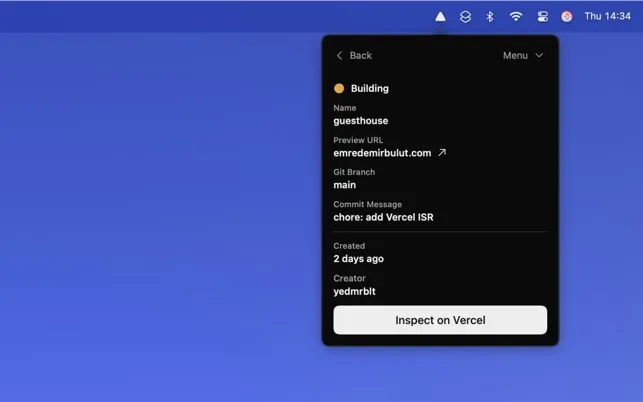
Deplog (Mac App Store, one-time) watches Vercel. Token in Keychain. The icon walks through the deploy; failures are obvious without a browser tab. If you are not on Vercel, this app is invisible. That is acceptable.
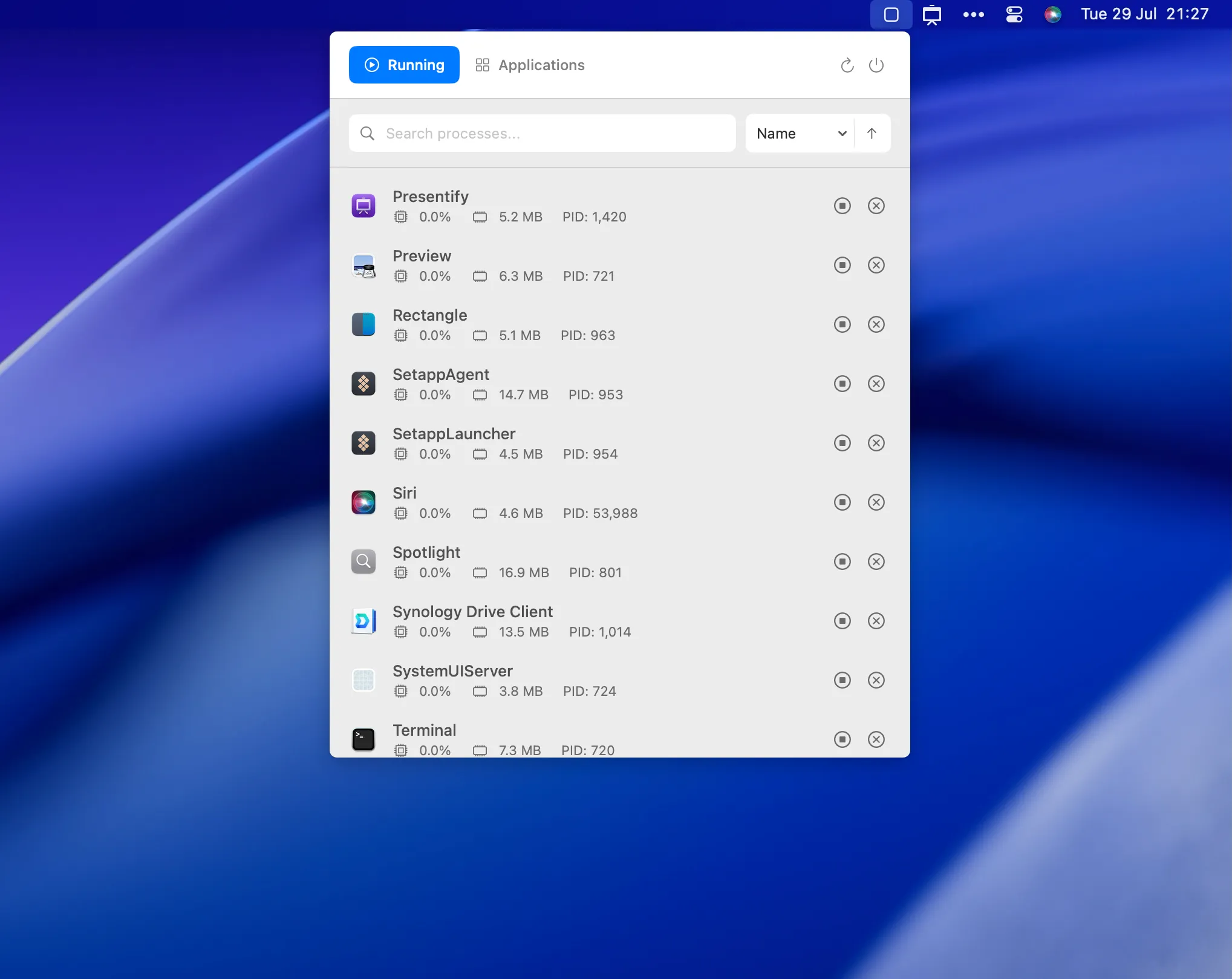
MissionBar (Free, open-source) is CPU, memory, and PIDs in the bar. Early: it cannot kill processes yet. Read-only is still faster than launching Activity Monitor mid-compile. MIT, GitHub, tiny CPU.
Maccy (Free; optional $9.99 on the App Store) stores clipboard history locally in SQLite. Command+Shift+C, fuzzy search. It ignores 1Password by default. When Neat surfaces a failing test, I copy the fix, jump to the terminal, and pull the command back from history instead of hoping I did not overwrite it.
Neat says which PR. Find My Ports says the local server is actually up. Deplog says the deploy landed. MissionBar says Docker did not eat the machine. Maccy remembers the curl. I installed them one at a time, a week apart. Start with whichever interruption you hit this morning — not with a five-icon shopping list.
Selection notes summarize the linked app entries. Prices, compatibility and release status can change. Open the full review and confirm requirements with the developer before installing.