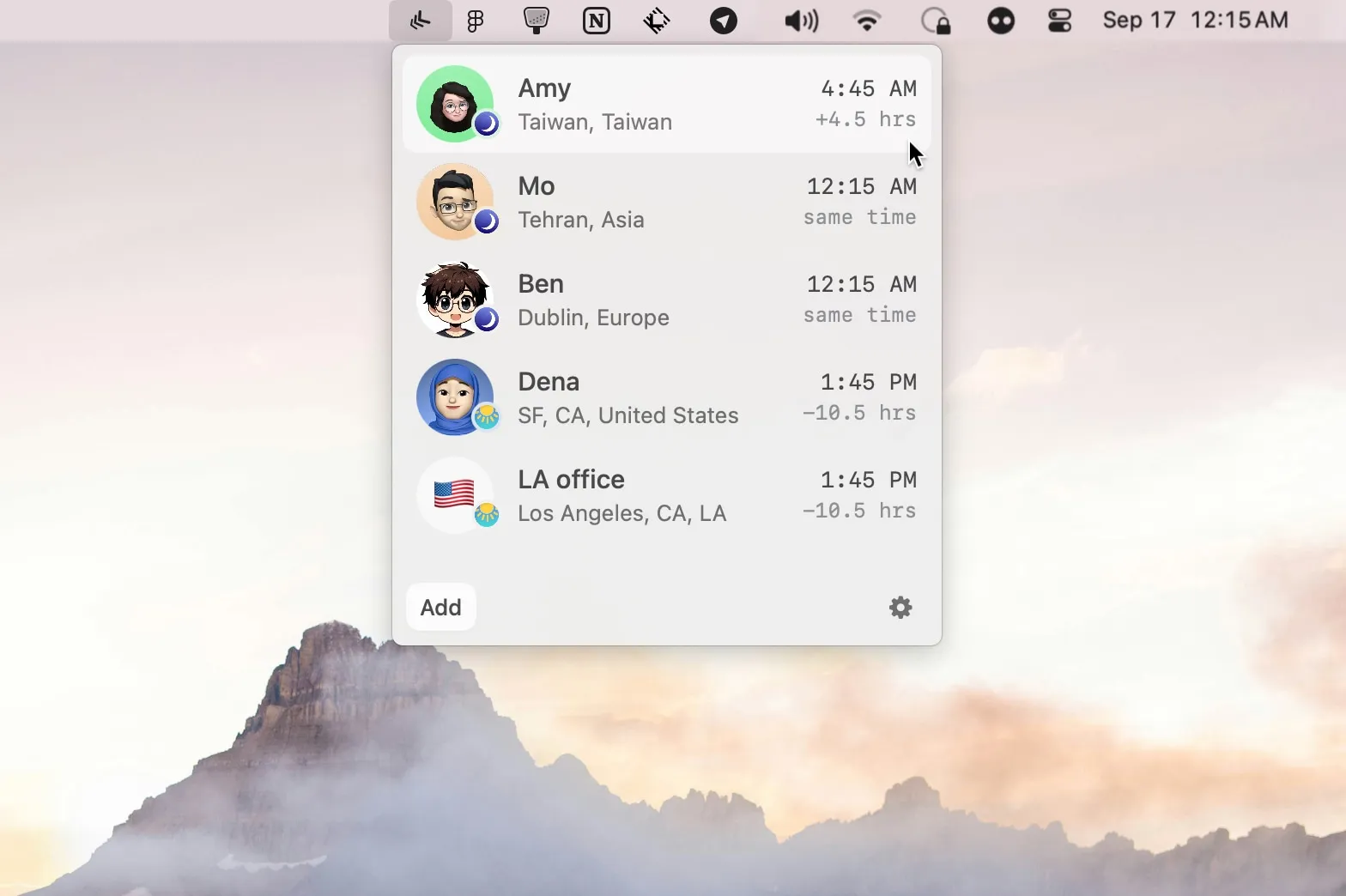
People First
There
Keeping a small remote team’s local times in view.
The Catch A long list of people becomes harder to scan.
I keep calling people after their workday. There, ClockZones, MiniZones, Bridge, and Dato — people-first clocks versus a full calendar replacement.
People First
Keeping a small remote team’s local times in view.
The Catch A long list of people becomes harder to scan.
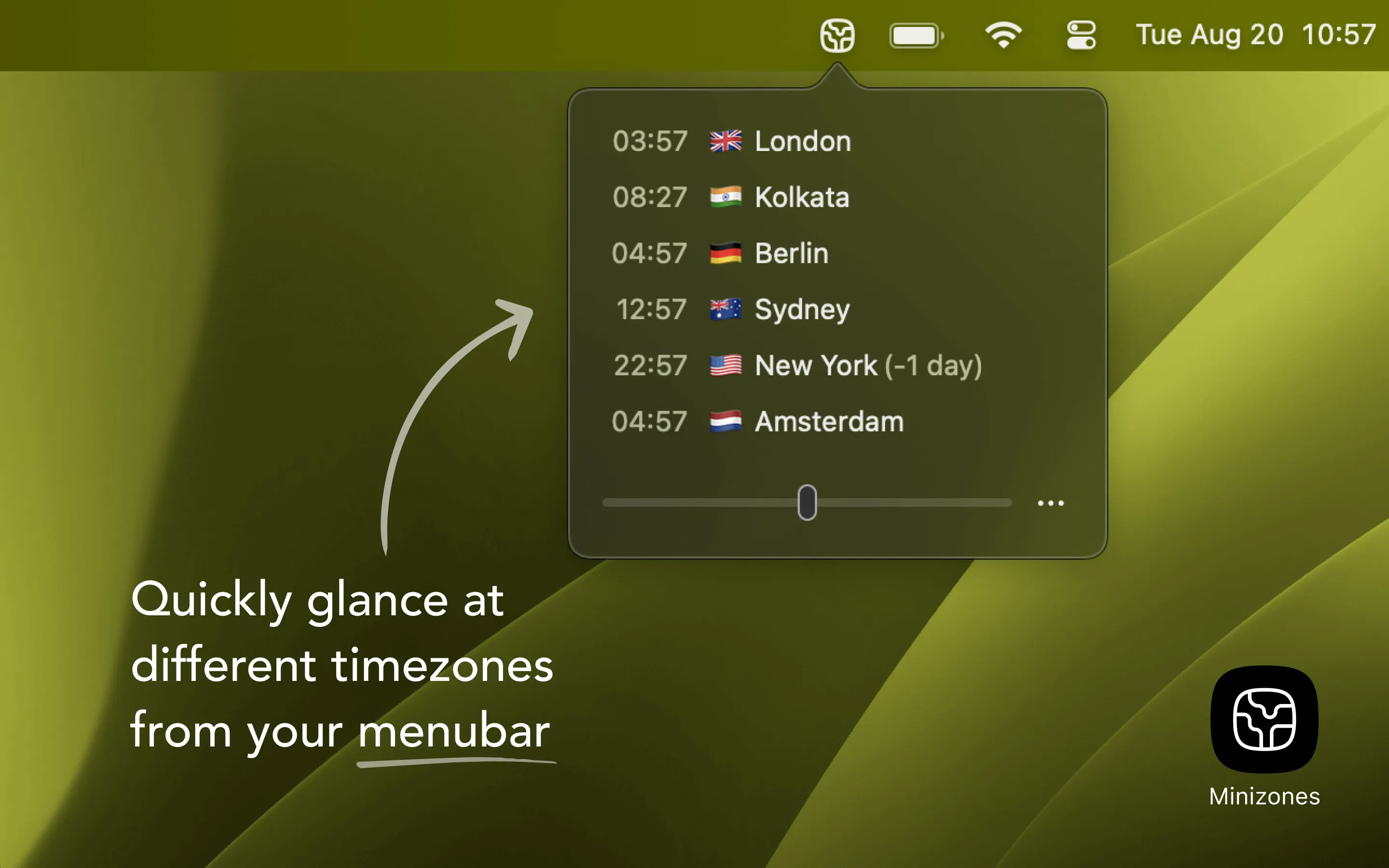
Find a Meeting Time
Comparing time zones with a time slider.
The Catch Several visible zones can occupy substantial menu bar space.
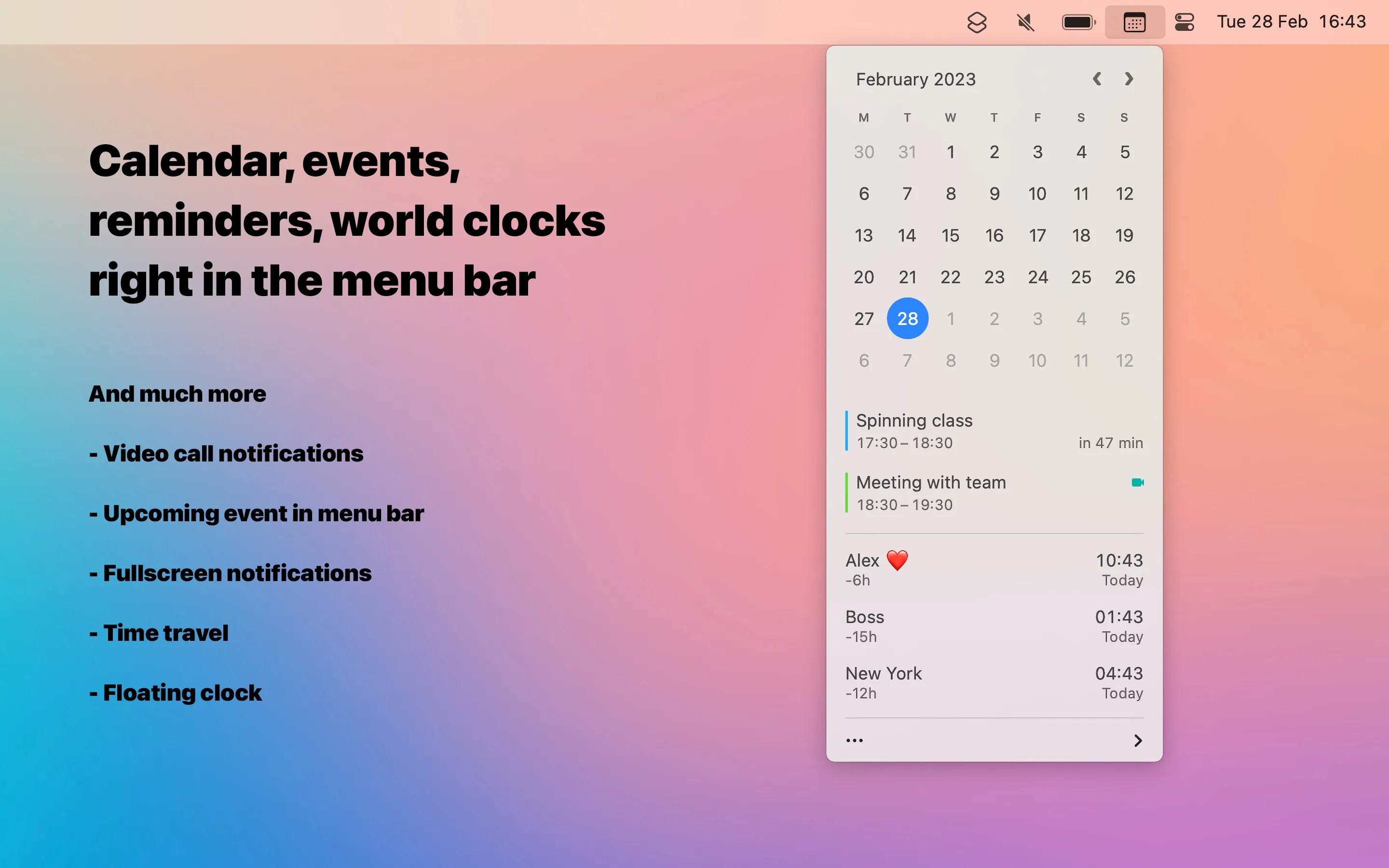
Calendar Included
Combining time zones with calendar events and meeting links.
The Catch A full calendar replacement is more than a simple clock.
| App | Best For | Price | The Catch |
|---|---|---|---|
| There | Keeping a small remote team’s local times in view. | Free | A long list of people becomes harder to scan. |
| MiniZones | Comparing time zones with a time slider. | Paid | Several visible zones can occupy substantial menu bar space. |
| Dato | Combining time zones with calendar events and meeting links. | Paid | A full calendar replacement is more than a simple clock. |
I scheduled a call for what I thought was mid-afternoon for a teammate. It was late evening for them. Again. The math does not get easier with practice. I wanted the menu bar to show people, not UTC offsets I still have to convert.
There (Free) tracks people. Add a name and a location; it can pull a photo from an X or Telegram handle. No account, no cloud. After six months on an M2 Air it is still the clock I glance at: not “UTC+8,” just whether that person is still in their workday.
Past 10–12 people the list gets noisy. Fine for a small distributed team. Wrong for a 40-person org chart.
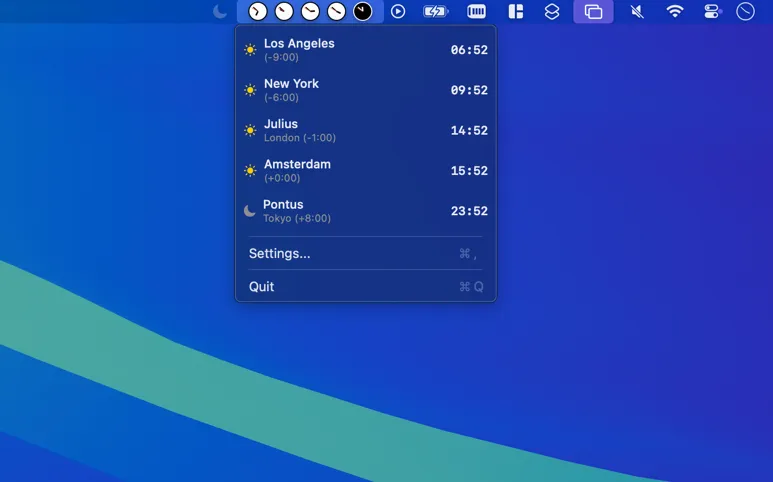
ClockZones puts up to eight zones in the menu bar with day/night coloring. No click required. Crowded bars will hate the extra width. No meeting scheduler. If you want a glance and nothing else, this is the one.
MiniZones (one-time purchase, 500+ zones) has a time slider: drag it, every zone updates. That is how I find a slot without doing arithmetic. Custom names and emoji help. It crowds after six or seven zones. macOS 13+.
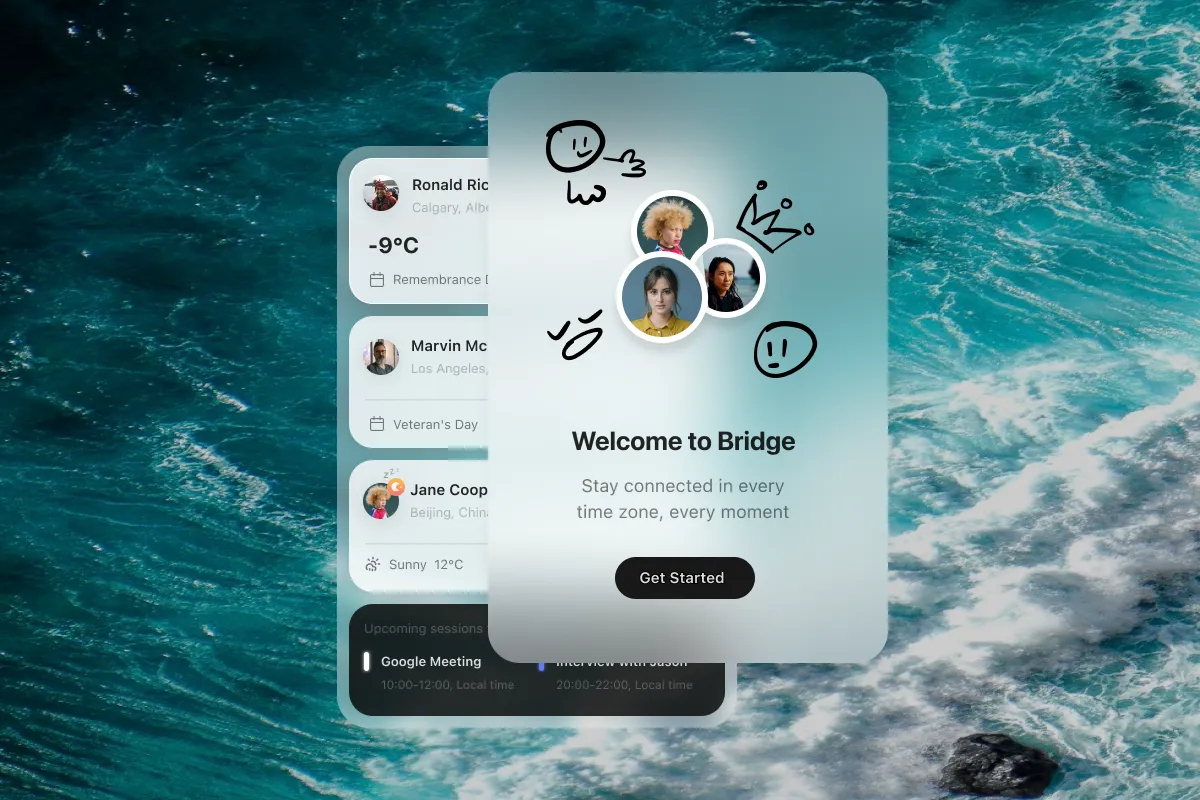
Bridge ($2.99) adds weather, holidays, and sunrise/sunset next to the time. Holiday flags have stopped me booking over a local public holiday more than once. Local data only. Family Sharing for six. Too much chrome if you only wanted a clock.
Dato ($16, Sindre Sorhus) replaces the menu bar clock: multiple zones, native Calendar/Exchange/Google events, fullscreen join links for Zoom, Meet, Teams, FaceTime. Time-travel slider. macOS 15+. Lifetime updates. I used it for a month on the Air; it is a lot of app if all you needed was two colleagues’ local times.
Small team, people not offsets: There. Need to see day/night without a click: ClockZones. Finding a meeting slot: MiniZones. Already drowning in Calendar: Dato. I still keep There. The others are for a different job than “did I just book their night.”
Selection notes summarize the linked app entries. Prices, compatibility and release status can change. Open the full review and confirm requirements with the developer before installing.