CountUp is a minimal menu bar stopwatch for macOS that provides basic time tracking without the complexity of full-featured productivity apps. The app focuses on three core functions: start, pause, and reset.
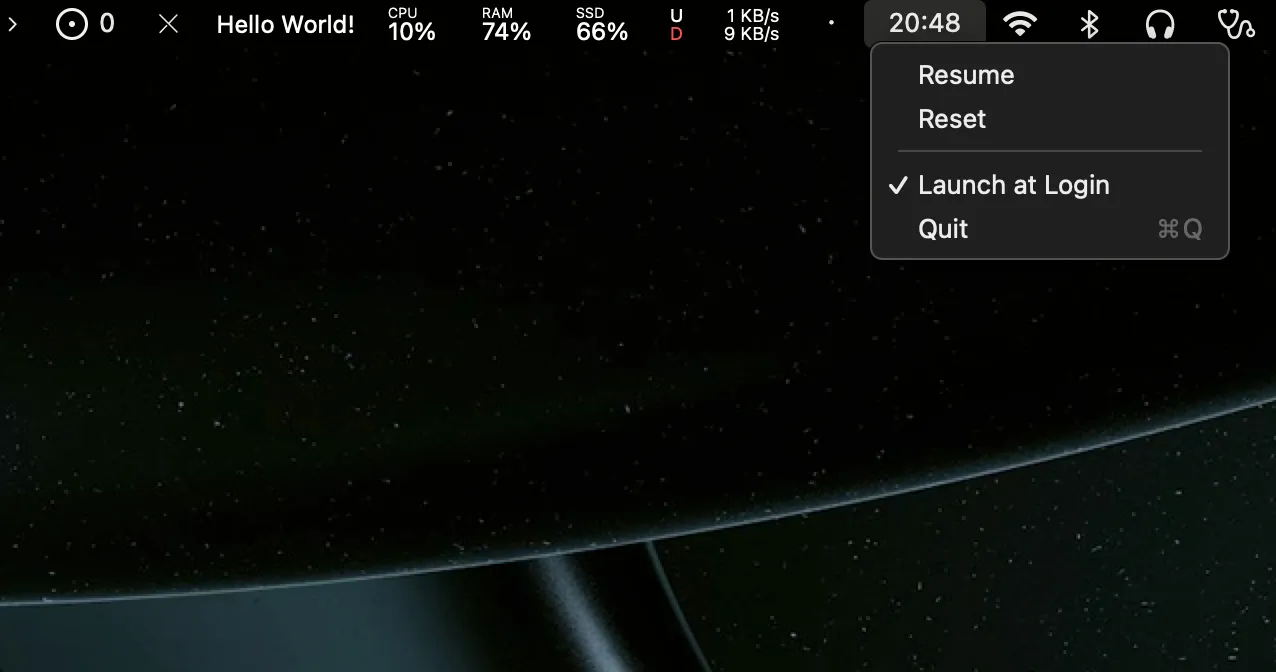
Clicking the menu bar icon reveals a clean timer display showing elapsed time in hours, minutes, and seconds. One click starts the timer, another pauses it, and a reset option clears the counter. The interface requires no accounts, syncing, or configuration. Users can measure task duration without categorizing, tagging, or exporting data.
Built natively in Swift, CountUp uses minimal system resources and remains unobtrusive until activated. The app takes advantage of native macOS frameworks rather than cross-platform code, contributing to its lightweight footprint.
The project is free and open-source under the MIT license, with the complete codebase available on GitHub. The developer maintains an active roadmap that includes planned improvements for timer resource optimization when paused and persistent state across app restarts.
System requirements: macOS 13.7 or newer. Available via direct download from GitHub.
Limitations: CountUp is not currently notarized by Apple, triggering a security warning on first launch. The app lacks features found in dedicated time tracking tools: no automatic breaks, task labeling, data export, or historical tracking. Timer state does not persist across app restarts.
Alternatives: Users requiring comprehensive time tracking should consider Timing (automatic tracking with categorization) or RescueTime (productivity analytics). For Pomodoro-style workflows, apps like Session or Focus provide structured intervals.
Suitable for users who need a simple stopwatch for measuring individual tasks or sessions without the overhead of project management, invoicing, or team collaboration features typically bundled with time tracking software.


