
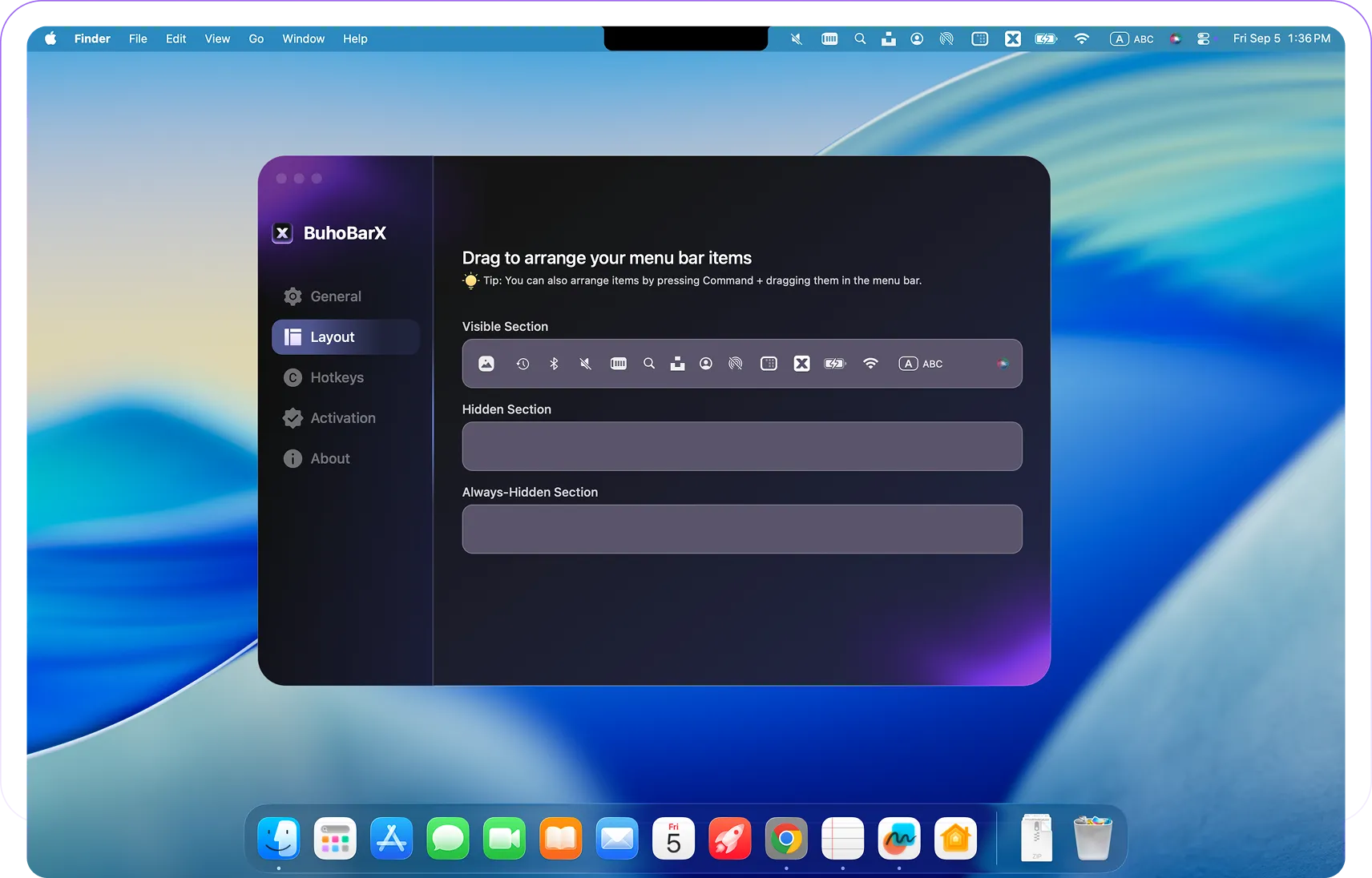
BuhoBarX is a menu bar organization utility from Dr. Buho that hides cluttered icons and reveals them on demand via hover, click, or customizable hotkey. The app addresses the common problem of menu bar overcrowding, particularly on MacBooks with notched displays where icon space is limited.
Core functionality centers on hiding and revealing menu bar icons. Users can configure which icons remain visible and which stay hidden until needed. A drag-and-drop interface enables reordering icons, while adjustable spacing helps manage icon placement around the notch. The hotkey support allows keyboard-driven access to hidden icons without mouse interaction.
A distinguishing feature is the custom layout profiles system. Users can create and switch between different menu bar configurations based on context—separate layouts for work, presentations, or personal use. This contextual switching provides flexibility beyond simple show/hide functionality offered by basic alternatives.
The app runs natively on both Intel and Apple Silicon Macs with minimal resource usage. Performance impact is negligible during normal operation.
Pricing: $20 lifetime license with 7-day trial period (pricing may vary; verify current model on the website).
System requirements: macOS with Intel or Apple Silicon processor.
Limitations: The feature set is less extensive than Bartender, the established premium solution. Configuration options remain simpler compared to advanced menu bar managers. The pricing model appears inconsistent across different sources.
Alternatives: Hidden Bar (free, open-source), Bartender ($18, more features), Ice (free, open-source, actively developed).
Suitable for users who need straightforward menu bar management without complex configuration, particularly those with notched MacBooks seeking layout profiles for different working contexts.


