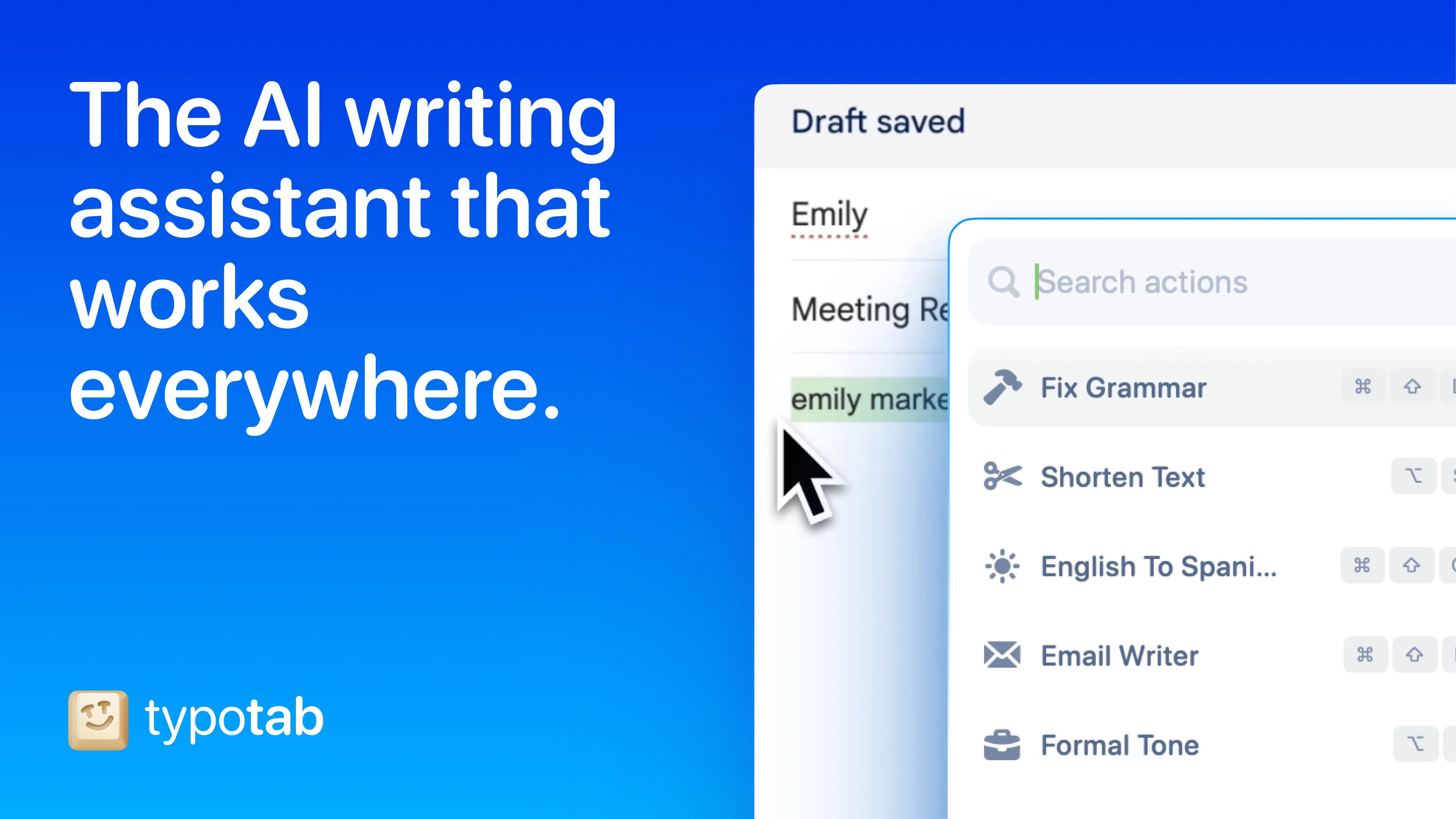
TypoTab is an AI writing assistant that operates from the menu bar, providing text enhancement capabilities across all macOS applications without requiring users to switch to a separate window or browser tab.
The app works system-wide in Mail, Slack, Notes, code editors, and any text-based application. Users select text, trigger TypoTab via keyboard shortcut, and choose from options including grammar correction, tone adjustment, idea expansion, or custom prompts. The custom prompt functionality allows users to save frequently used transformations such as converting notes to documentation, simplifying technical language, or formatting responses consistently.
TypoTab processes text through OpenAI’s API while maintaining a privacy-focused approach. The app itself does not store or log any text or personal data. Users provide their own OpenAI API key, which typically results in lower costs compared to subscription-based AI writing tools.
Performance characteristics include approximately 100MB memory usage and under 2% CPU utilization during normal operation. Response times depend on OpenAI API connectivity, typically completing within a few seconds.
The menu bar integration provides access to recent prompts and settings through a single icon. The interface remains unobtrusive until activated.
Pricing is £4 per month or a discounted yearly subscription with no usage caps. Users pay OpenAI separately for API usage. The app requires macOS 10.15 Catalina or newer. Setup involves installing the app, adding an OpenAI API key, and configuring a keyboard shortcut.
Limitations include longer processing times for extremely long text selections, and occasional focus loss when switching windows during active processing.
Alternatives include Raycast AI (integrated into launcher), TextSoap (rule-based text cleaning), and direct ChatGPT or Claude usage via browser.
Suitable for users who write frequently across multiple applications and want AI assistance integrated directly into their workflow without constant context switching.