
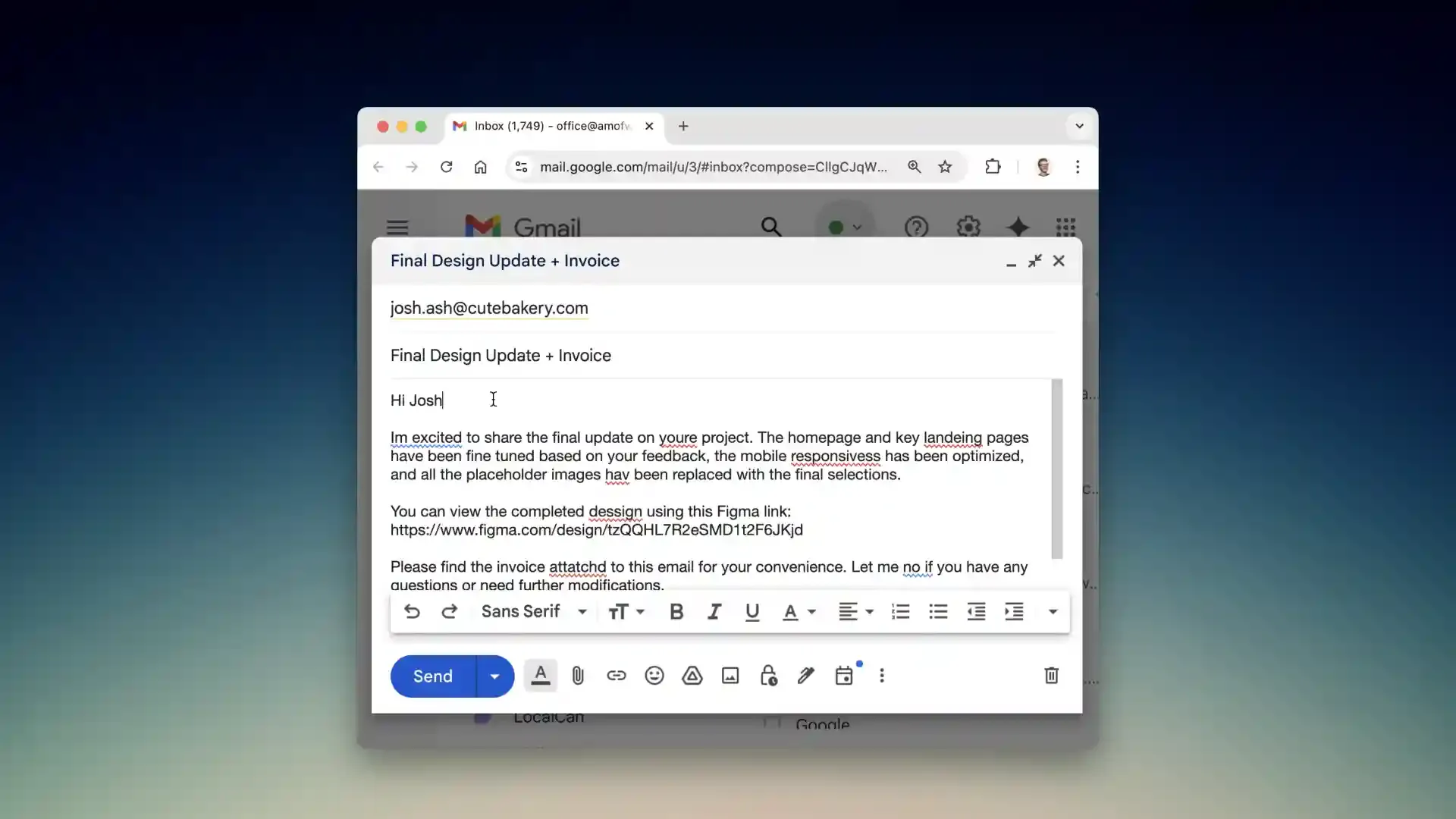
Kerlig provides AI-powered writing assistance through a menu bar interface, enabling grammar correction, tone adjustment, text summarization, and translation without switching applications. The app operates via keyboard shortcuts, processing selected text and replacing it inline across any Mac application.
Key features include customizable actions tailored to specific workflows, such as converting bullet points to paragraphs or adapting writing style between casual and formal registers. Tone presets allow switching between communication styles for different contexts. Users highlight text and press Command+Shift+K to access AI writing tools that process requests directly within the current application.
The app supports over 350 AI models including OpenAI, Anthropic Claude, Google Gemini, and local models through Ollama. Users connect their existing API subscriptions, with the app handling token usage efficiently. Apple’s on-device models are available for privacy-sensitive content processing.
Response times average 2-3 seconds for grammar fixes, with longer processing for document summarization depending on content length. The interface maintains minimal presence as a menu bar icon that opens a focused command palette when activated.
System requirements include macOS 12 or later with support for both Apple Silicon and Intel processors. Setup requires approximately 10 minutes for AI provider credential configuration and initial custom action creation.
Pricing is $49 for a single Mac license with lifetime updates (promotional price, regular $247). A Pro license for two Macs costs $79. The developer provides active updates based on user feedback.
Limitations include complete reliance on external AI services, requiring active API subscriptions with providers like OpenAI or Anthropic. No built-in tokens or AI subscriptions are included with the app purchase, resulting in ongoing costs beyond the initial license.
Suitable for users who write extensively on Mac, already use AI tools, and want integrated assistance without context-switching between applications and browser-based AI interfaces.