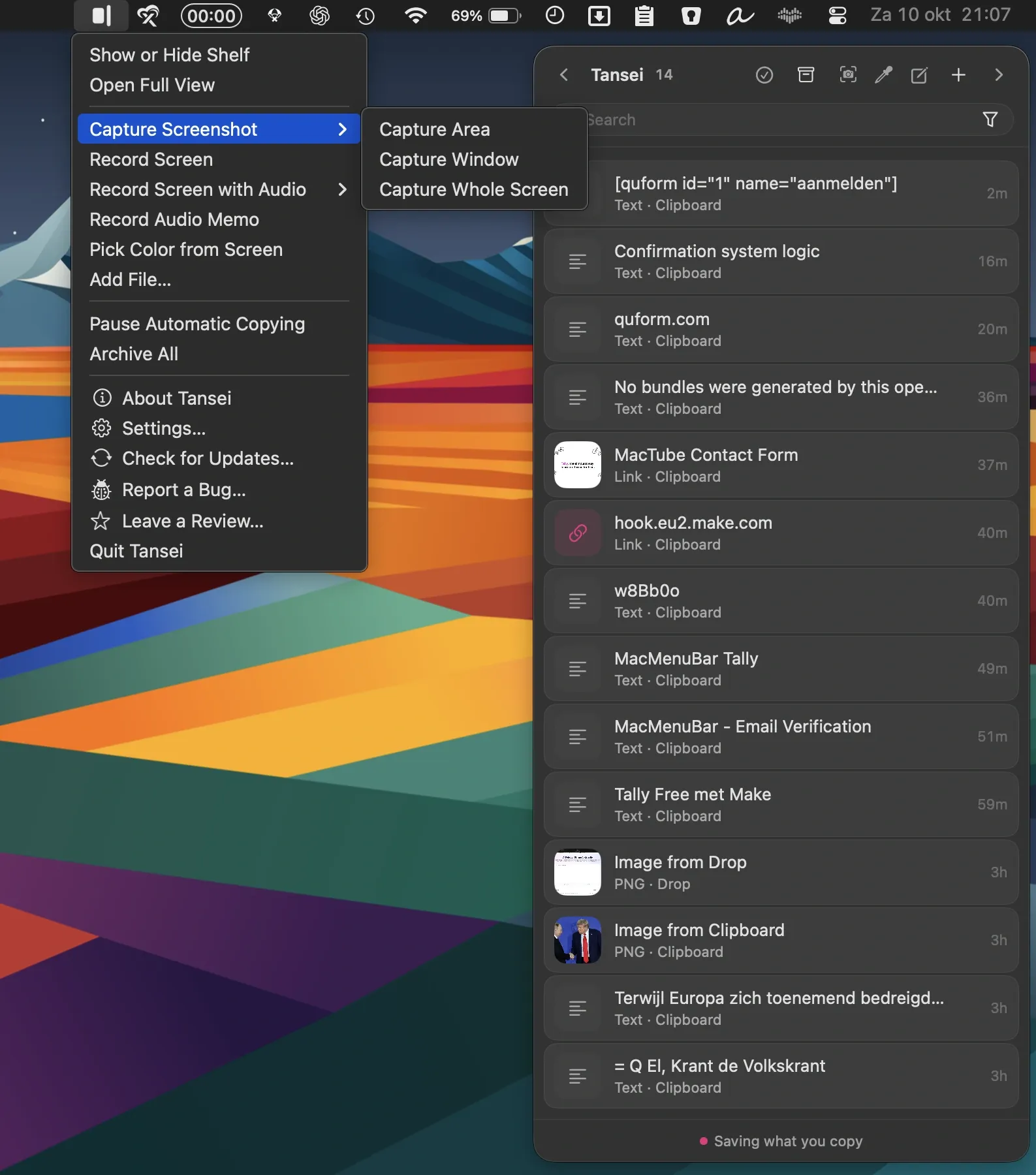

Tansei is a paid Mac menu bar app that provides a persistent desktop shelf for storing and organizing links, text, screenshots, color swatches, files, and quick notes. All data is stored locally with no account or cloud sync required. ($7, one-time)
Items land on the shelf automatically when text or links are copied to the clipboard, reducing the friction of saving reference material mid-workflow. The app maintains clipboard history alongside the shelf, giving access to recently copied content without needing a separate clipboard manager. Color swatches display HEX, RGB, HSL, and additional format values for copied colors, making the tool useful for design work.
Quick notes can be written directly within the shelf, and files can be added by dragging them in. Screen recordings and voice memos can be captured from within the app, with transcripts generated on the Mac for voice recordings. Items are organized using pins, groups, tags, and filters, which helps surface relevant content across a growing collection. The app works offline and requires no account.
Tansei is available for both macOS and Windows, with each platform sold separately at $7 per license.
System requirements: macOS 15 or later; Apple Silicon (M1 or later) required. Not available for Intel Macs.
Pricing: ($7, one-time)
Limitations: Apple Silicon only; Intel Macs are not supported. No cross-device cloud sync; data stays on the local machine. Each platform (Mac and Windows) requires a separate license purchase.
Alternatives: Clipboard Manager by Fiplab (clipboard history, paid), Pasta ($9.99, clipboard history with search), Yoink (shelf-style temporary staging area, $7.99 one-time).
Suitable for users who want a local, privacy-first clipboard and shelf tool for collecting links, snippets, and files during research or design workflows.