
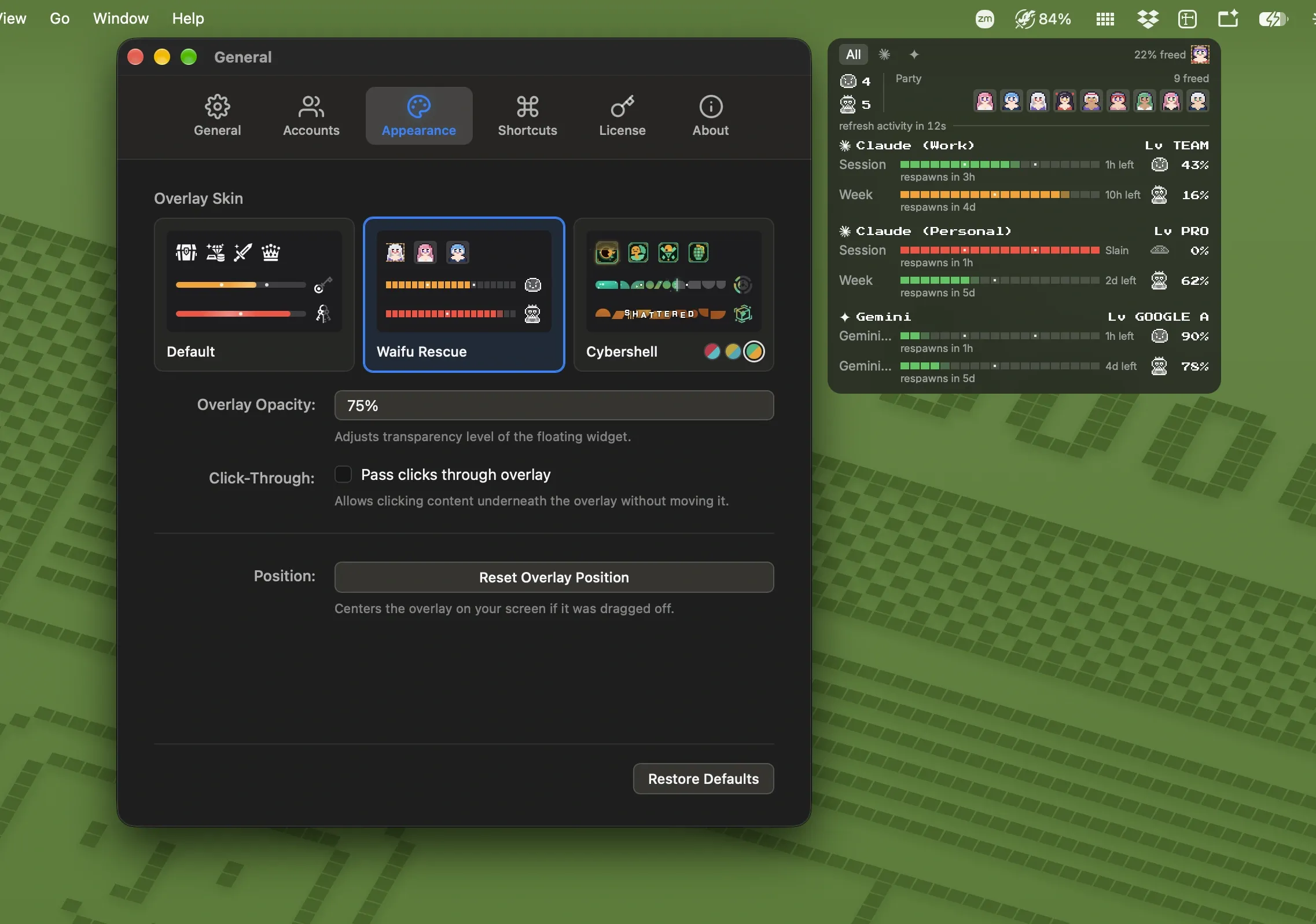
Slay is a free Mac menu bar app and floating overlay that monitors usage limits on AI coding plan subscriptions, showing how close users are to session, daily, weekly, and monthly caps across multiple services simultaneously. (Free; Pro skin pack available as one-time purchase)
The app reads usage data from Claude Code, ChatGPT and Codex, Gemini CLI, GitHub Copilot, and OpenRouter. For services that store credentials locally—Claude Code, Codex, and Gemini CLI—Slay detects existing logins automatically without additional configuration. API-key providers require manual entry. Multiple accounts per provider are all tracked in one interface.
A floating overlay panel displays each plan’s progress as a translucent layer that persists above other applications on every desktop. The overlay can be repositioned, resized, and adjusted for opacity, and a click-through mode allows interaction with underlying windows. The menu bar icon shows the busiest account’s current usage percentage at a glance.
Slay uses a gamified skin system: the default free skin shows progress bars leading to treasure chests that open as limits are approached. Pro skins include Waifu Rescue (pixel bosses per limit) and Cybershell (a cyberpunk aesthetic in three color themes), with additional skins planned. Cosmetic progression rewards heavier usage without affecting core functionality.
System requirements: macOS 11 or later. Apple Silicon and Intel Macs supported. Signed and notarized by Apple. Direct download via DMG from GitHub releases.
Pricing: Free for all tracking features and the default skin. Slay Pro (one-time purchase, price not listed) adds all current and future skins and multi-computer licensing for up to 3 Macs.
Limitations: Tracking depends on credential access; plan changes or authentication resets may require re-detection. The Pro price is not publicly listed on the website. Windows support is planned but not yet available.
Alternatives: Usage tracking for individual services is available in each provider’s own dashboard. ClaudeBar provides Claude-specific menu bar monitoring. No single free alternative covers all five services in one overlay.
Suitable for developers who subscribe to multiple AI coding plans and want a unified view of remaining usage limits without switching between provider dashboards.


