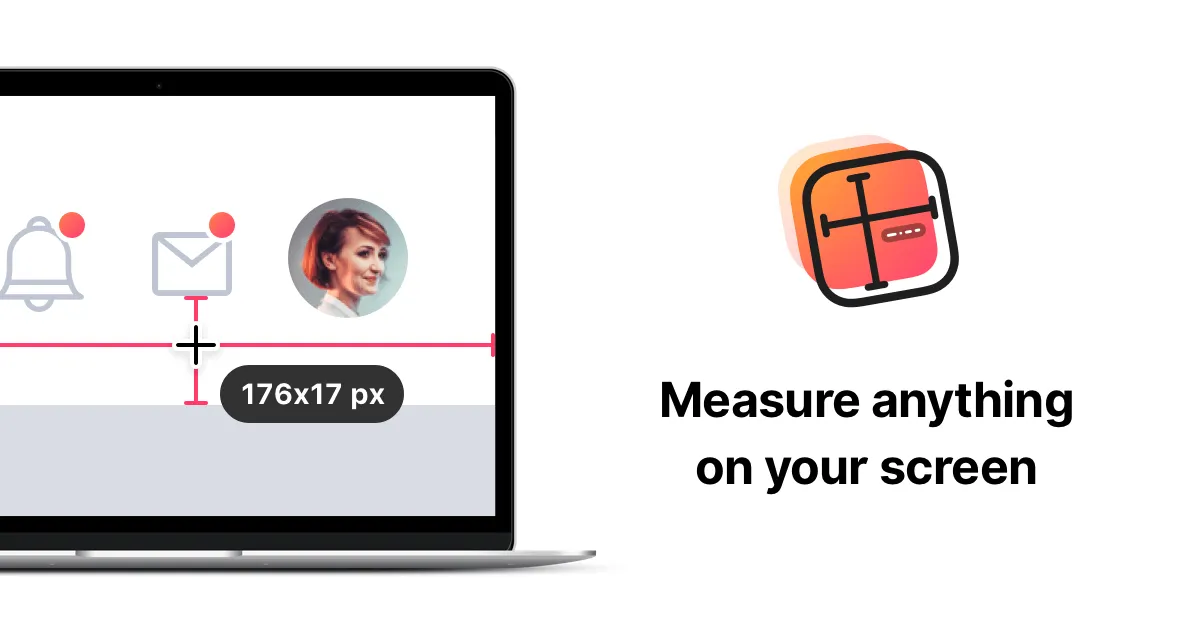
PixelSnap provides instant, pixel-accurate screen measurements for designers and developers. The app overlays measurement guides across the entire screen, automatically snapping to UI element edges and displaying precise dimensions without requiring screenshots or manual calculations.
A keyboard shortcut activates the measurement overlay. Users drag between any two points to see exact pixel distances, or click and drag to capture elements with automatic edge detection. The app analyzes visual contrast to identify UI boundaries, enabling measurements across design applications like Sketch and Figma, websites, PDFs, and native Mac applications.
Key features include “Find Dimensions” mode for measuring spacing between elements, and “Multiple Measurements” mode that displays all measurements simultaneously on screen. This proves useful when documenting complete layout spacing systems. The integration with CleanShot X enables immediate screenshot capture with labeled dimensions after measurement.
PixelSnap 2 introduced enhanced edge detection and additional measurement modes. The app uses approximately 50MB of memory with minimal CPU impact when active. Accessibility permissions are required for overlaying measurements on other applications.
Limitations include reduced accuracy on low-contrast interfaces or subtle gradients where edge detection may miss boundaries. The app cannot measure elements inside iframes or certain web applications with unusual rendering methods.
Pricing is a one-time purchase from the developer’s website with a 30-day money-back guarantee. Discounts are available for CleanShot X owners (20%) and students (30%). The app requires macOS 10.13 High Sierra or later.
Alternatives include built-in browser developer tools for web-only measurement, and xScope for more comprehensive design inspection capabilities.
Suitable for users who work with UI layouts, design specifications, or design-to-code handoffs and need precise, instant screen measurements across all applications.