
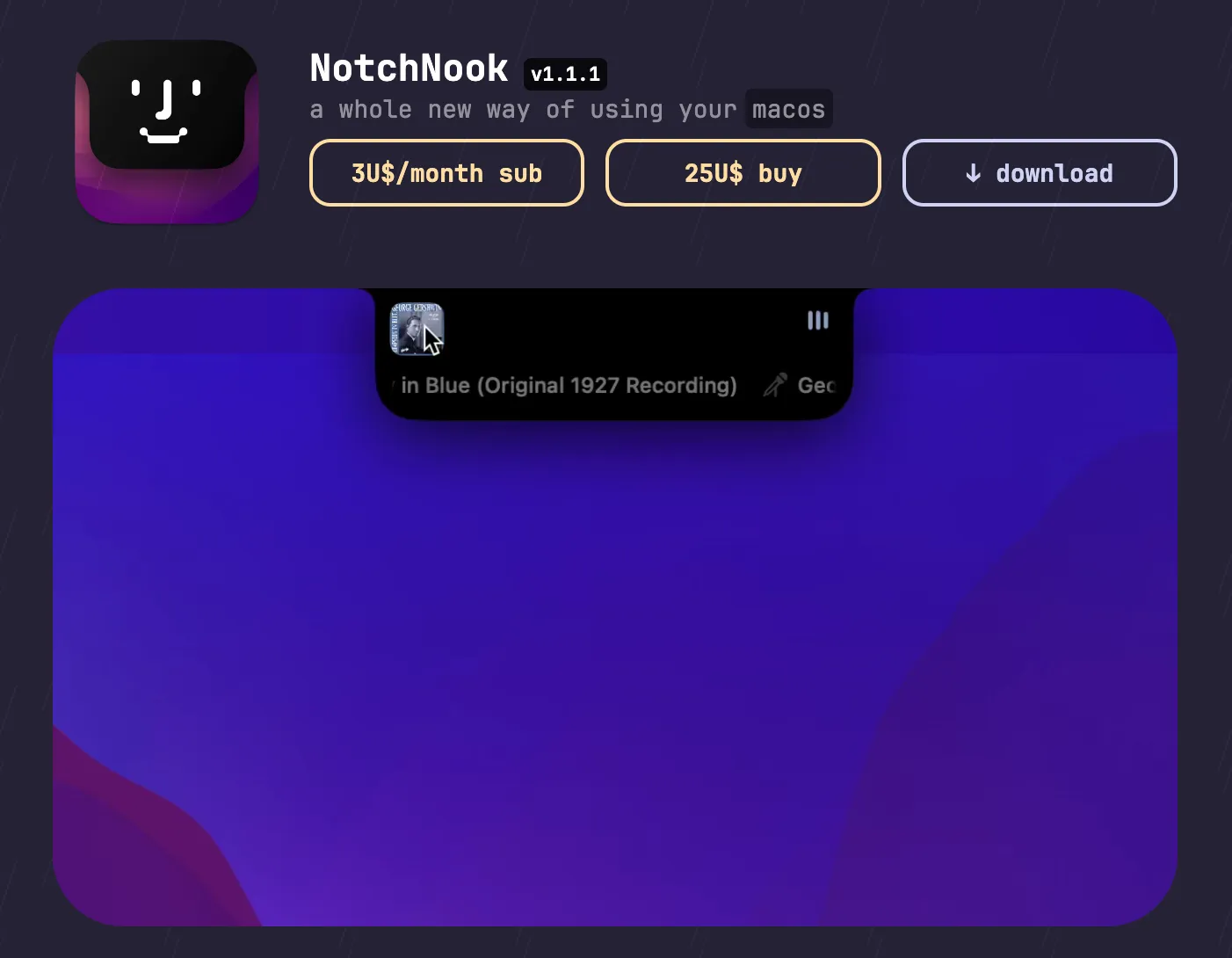
NotchNook transforms the MacBook’s display notch into a functional utility center with widgets, quick actions, and a files shelf. On notchless Macs and external monitors, the same interface operates as a menu bar handler without requiring notch hardware.
The app activates on hover or via keyboard shortcut, revealing a panel that extends from the notch area. Widget support includes weather, calendar events, system stats, and media controls. Users configure which widgets appear and customize their arrangement within the panel, adapting the notch area to specific workflow needs. Scroll and swipe gestures navigate between widget sets or transition between interface sections.
Live Actions provide quick shortcuts to frequently used system functions, accessible from the notch or menu bar without opening full applications. The Files Shelf offers temporary drag-and-drop file storage — visible when approaching the notch — useful for moving files between applications or parking documents during multitasking.
Multi-monitor support extends NotchNook to all connected displays, with each screen supporting independent widget and action configurations. The app addresses the common observation that the MacBook notch leaves surrounding display space underutilized.
System requirements: macOS 14.6 Sonoma or later. Subscription: $3/month (2 device activations). One-time purchase: $25 (5 device activations). Also available via Setapp. A 15-day refund window applies.
Pricing: ($3/month or $25 one-time)
Limitations: Requires macOS 14.6 or later, excluding older systems. The notch-centric design provides the most value on MacBook Pro models with the physical notch; desktop Mac users see no notch-related benefit. Intel Mac users may have a different visual experience at the notch boundary.
Alternatives: Bartender organizes menu bar icons without notch integration. Overflow 3 provides a floating dock for quick application access. Apple’s native Notification Center delivers widgets through a side panel rather than the notch.
Suitable for MacBook Pro users who want to convert the notch area into a productive space and prefer centralizing widgets and file management near the top of the display.


