
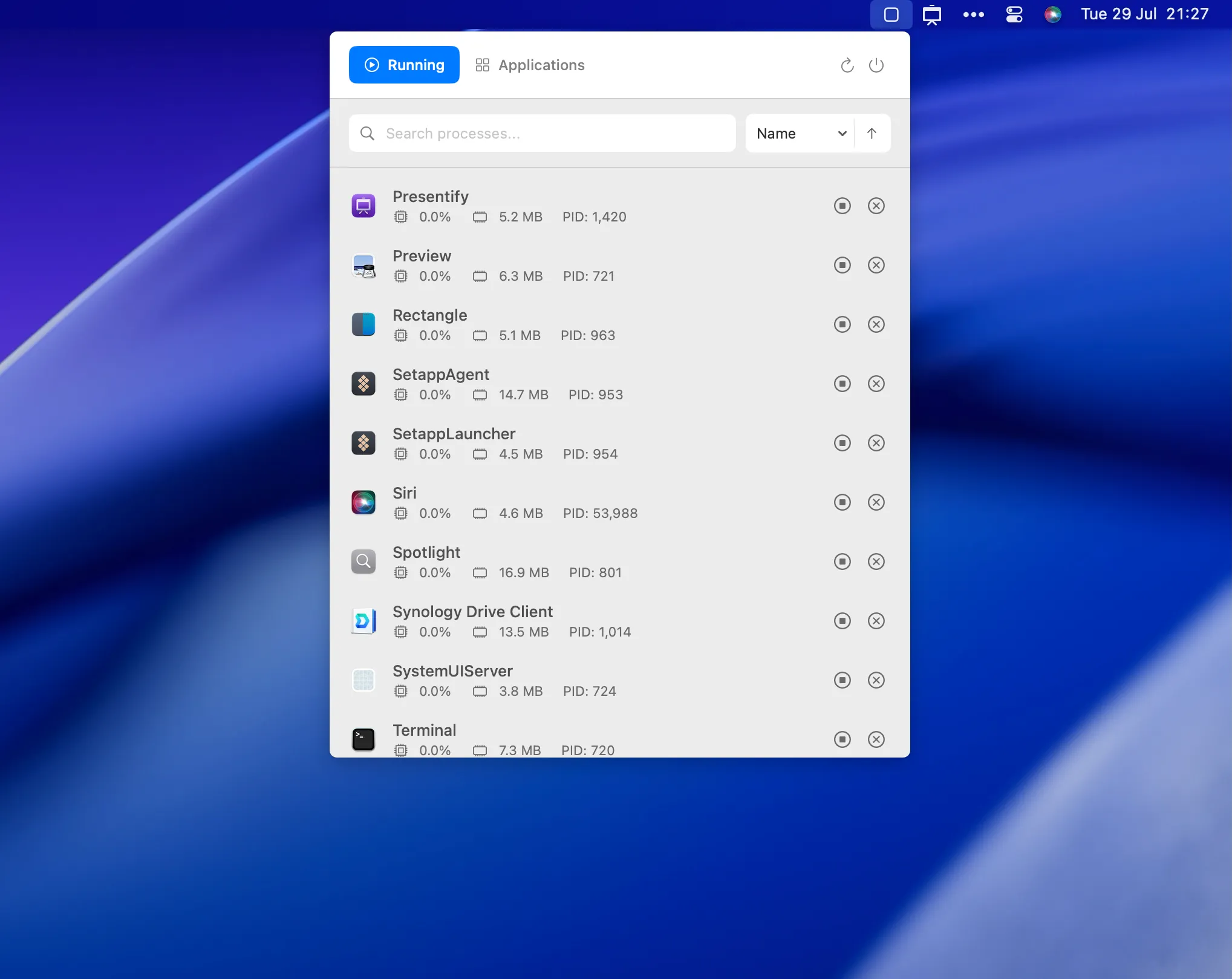
MissionBar is an open-source menu bar utility that provides instant access to system monitoring information without opening Activity Monitor. The app displays running processes with real-time CPU usage, memory consumption, and process IDs in a searchable dropdown interface.
The interface divides into two main tabs: “Running” shows active processes with resource usage, while “Applications” provides a complete inventory of installed apps including storage analytics and version information. Search functionality enables quick identification of resource-intensive processes. Sorting by any column helps identify resource-heavy applications.
Developed by Ram Patra (creator of Presentify and ToDoBar), the app features a clean SwiftUI interface that follows macOS design patterns. The MVVM architecture with SwiftUI delivers smooth performance. During typical operation, MissionBar uses less than 0.1% CPU and around 50MB of memory.
The project is completely open source under MIT license, allowing code auditing and community contributions. Installation is available through GitHub releases or building from source.
System requirements: macOS 15.0 Sequoia or later. Supports both Intel and Apple Silicon Macs.
Limitations: Version 1.0.0 does not support process termination - stop and kill buttons are present but non-functional, with this functionality planned for future updates. App icons in the process list are also planned for the next release. The app provides read-only Activity Monitor functionality.
Alternatives include Stats (comprehensive system monitoring), iStat Menus (detailed hardware monitoring, paid), and Activity Monitor (full Apple utility with process termination).
Suitable for users who frequently monitor system performance and prefer instant menu bar access over opening Activity Monitor, particularly developers, system administrators, or anyone who wants quick visibility into Mac resource usage without needing process termination capabilities.


