
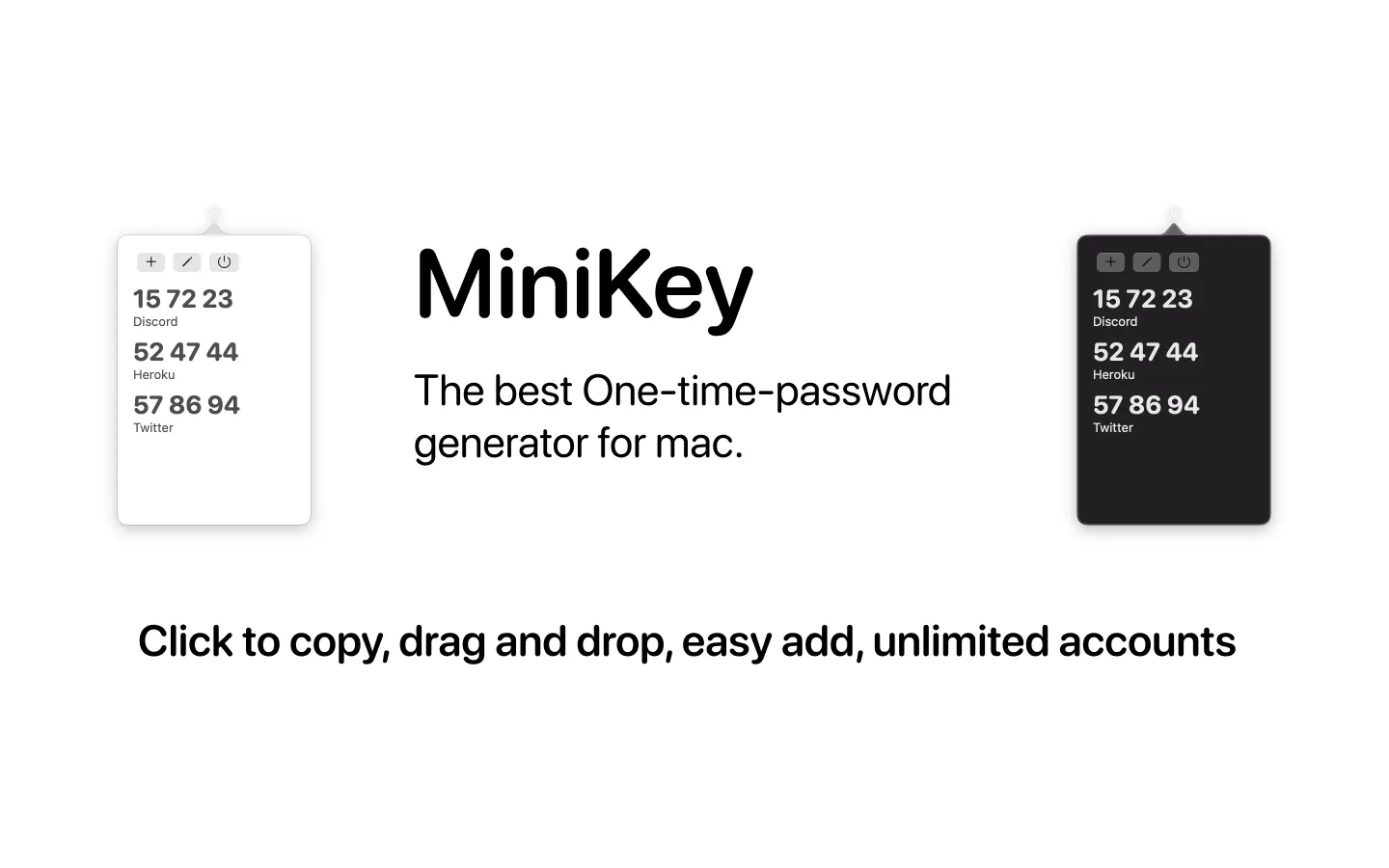
MiniKey is a one-time password (OTP) generator for two-factor authentication that operates from the macOS menu bar. The app generates time-based authentication codes compatible with services requiring TOTP (Time-based One-Time Password) authentication, providing quick access without switching to a phone or separate authenticator application.
The core functionality centers on instant code access. Users can copy generated codes with a single click or drag codes directly from the MiniKey interface into authentication fields, eliminating manual typing. The app displays a visual expiration timer showing when the current code will regenerate, preventing the common issue of entering codes that expire during the authentication process.
MiniKey supports unlimited accounts and auto-regenerates security codes according to the standard 30-second TOTP interval. The interface integrates into the menu bar with minimal screen space, providing access through a menu bar icon click. The app supports both light and dark mode, adapting to system appearance settings.
The design prioritizes simplicity over feature breadth. The app focuses on core OTP generation and quick code access rather than advanced organization or synchronization features.
System requirements: macOS 14.6 Sonoma or later.
Pricing: $1.99 USD one-time purchase on the Mac App Store. Supports Family Sharing for up to six family members.
Privacy: The developer states no data collection occurs. All authentication secrets remain stored locally on the device.
Limitations: The app lacks QR code scanning for initial account setup, requiring manual entry of authentication secrets. No iCloud synchronization exists for syncing codes across multiple devices. The interface provides basic alphabetical listing without custom organization, folders, or icon differentiation between accounts. Users managing dozens of accounts may find the simple list structure limiting compared to authenticator apps offering search, categories, or visual identifiers.
Alternatives: Users requiring cross-device synchronization may consider 2FA authenticators with iCloud or cloud backup support. Those needing QR code scanning for easier account setup should evaluate authenticator apps with camera integration. The built-in password manager in macOS Sequoia and later includes native TOTP code generation, though it requires storing passwords in iCloud Keychain.
Suitable for users who manage two-factor authentication primarily on a Mac and prefer menu bar access over mobile authenticator apps. Best for workflows where authentication codes are needed frequently during desktop work sessions and manual secret entry is acceptable for initial setup.


