
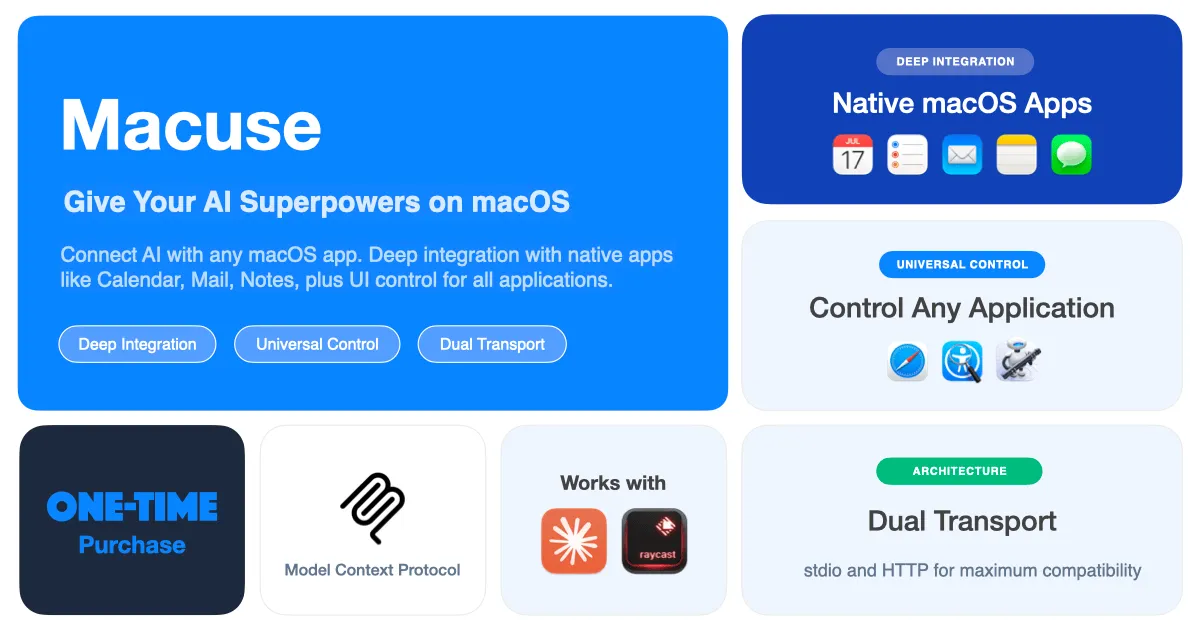
Macuse implements the Model Context Protocol (MCP) to give AI assistants direct control over native macOS applications. The app enables conversational commands like “schedule a meeting for tomorrow at 2pm” to create actual Calendar events, or “send an email to the team” to compose messages in Mail.
Native app integration includes Calendar, Mail, Notes, Reminders, and Messages. All operations execute locally without intermediary services or cloud dependencies. Beyond native apps, universal UI automation interacts with any macOS application through accessibility features.
Setup is streamlined with one-click auto-configuration for Claude Desktop, Cursor, and Raycast AI. Connected AI assistants gain new capabilities automatically without manual configuration file editing. Permission management allows granular control over what each connected client can access.
The privacy model emphasizes local processing with no data sent to external servers. Required permissions (Calendar, Contacts access) mirror standard productivity apps and can be reviewed or revoked through settings.
Pricing: Free plan includes all features with 100 tool calls per day and one connected AI client. Lifetime purchase ($29, one-time) provides unlimited usage and multiple clients with no subscription.
System requirements: macOS 13.0 or later. The app runs in the menu bar with minimal system impact. Commands execute quickly due to local processing.
Limitations include the fragility of universal UI automation when app interfaces change. Native app integration provides more reliability for critical workflows. The MCP protocol dependency means compatibility depends on AI tool adoption of the standard.
Alternatives for Mac automation include Shortcuts (built-in, no AI integration), Automator (legacy, scriptable), and Keyboard Maestro (powerful, no conversational interface).
Suitable for users already working with AI coding assistants or conversational AI tools who want system-level automation without traditional scripting complexity.


