
LuLu is a free, open-source macOS firewall developed by Objective-See that monitors and controls outgoing network connections from applications. (Free, open-source)
When an application attempts an outgoing network connection that has no existing rule, LuLu displays an alert showing the process name, path, and destination. Users choose to allow or block the connection, and the resulting rule applies automatically to future connection attempts by the same process. The rules window in preferences provides a consolidated view of all current rules, allowing bulk edits and deletions. Network Monitor mode provides a live view of all currently active connections across all running processes.
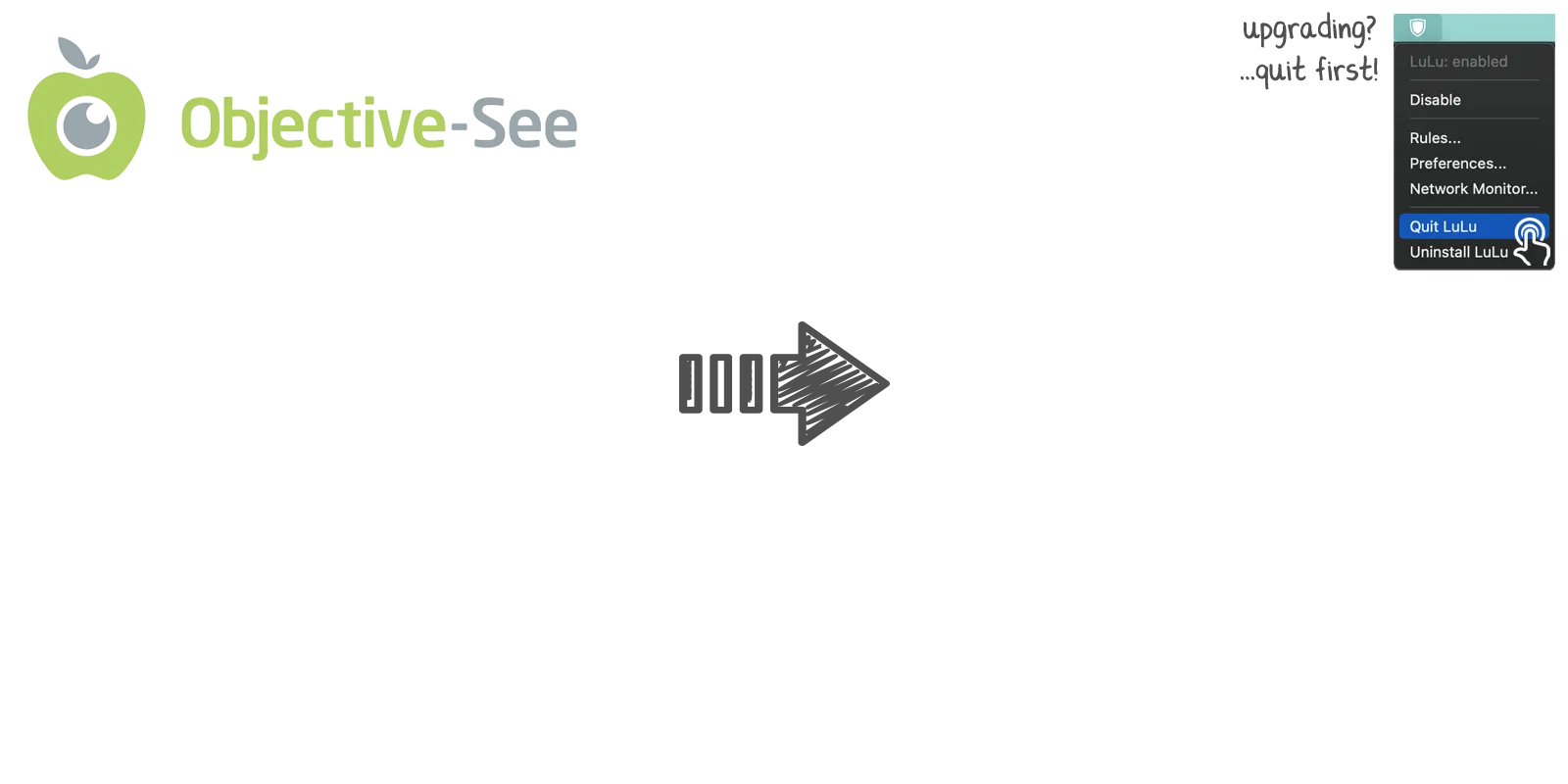
The app installs a network extension that operates at the kernel level to intercept outgoing traffic before it leaves the machine. LuLu supports two operating modes: a standard mode where alerts appear for each new connection, and a “block all” mode that silently denies all connections without a pre-existing allow rule. The menu bar icon provides quick access to enable or disable protection, open the rules list, and open the network monitor without launching a separate application window.
LuLu is developed by Patrick Wardle, a macOS security researcher at Objective-See Foundation, which also produces other free security tools including KnockKnock, BlockBlock, and ReiKey. The source code is available on GitHub under the GPL-3.0 license.
System requirements: macOS 10.15 (Catalina) or later. Requires administrator privileges during installation to load the Network Extension. The app is approximately 10 MB.
Pricing: Free, open-source (GPL-3.0). Optional financial support via Patreon.
Limitations: LuLu controls outgoing connections only; it does not filter incoming connections, which macOS handles separately through its built-in application firewall. The alert-based model requires user decisions for each new process connection, which can be disruptive during initial setup when many applications generate first-time connection alerts. LuLu does not provide per-domain or per-IP rule granularity at the application level.
Alternatives: Little Snitch ($69 one-time, comprehensive bidirectional firewall with detailed per-domain rules and a network map); Radio Silence ($9 one-time, simpler block-only interface); Murus (paid, graphical front-end for the built-in macOS pf firewall with inbound and outbound rules); native macOS Application Firewall (free, built-in, inbound connections only).
Suitable for users seeking a no-cost, privacy-focused firewall to detect and block unexpected outgoing connections from macOS applications, particularly those comfortable reviewing connection alerts during initial setup.


