
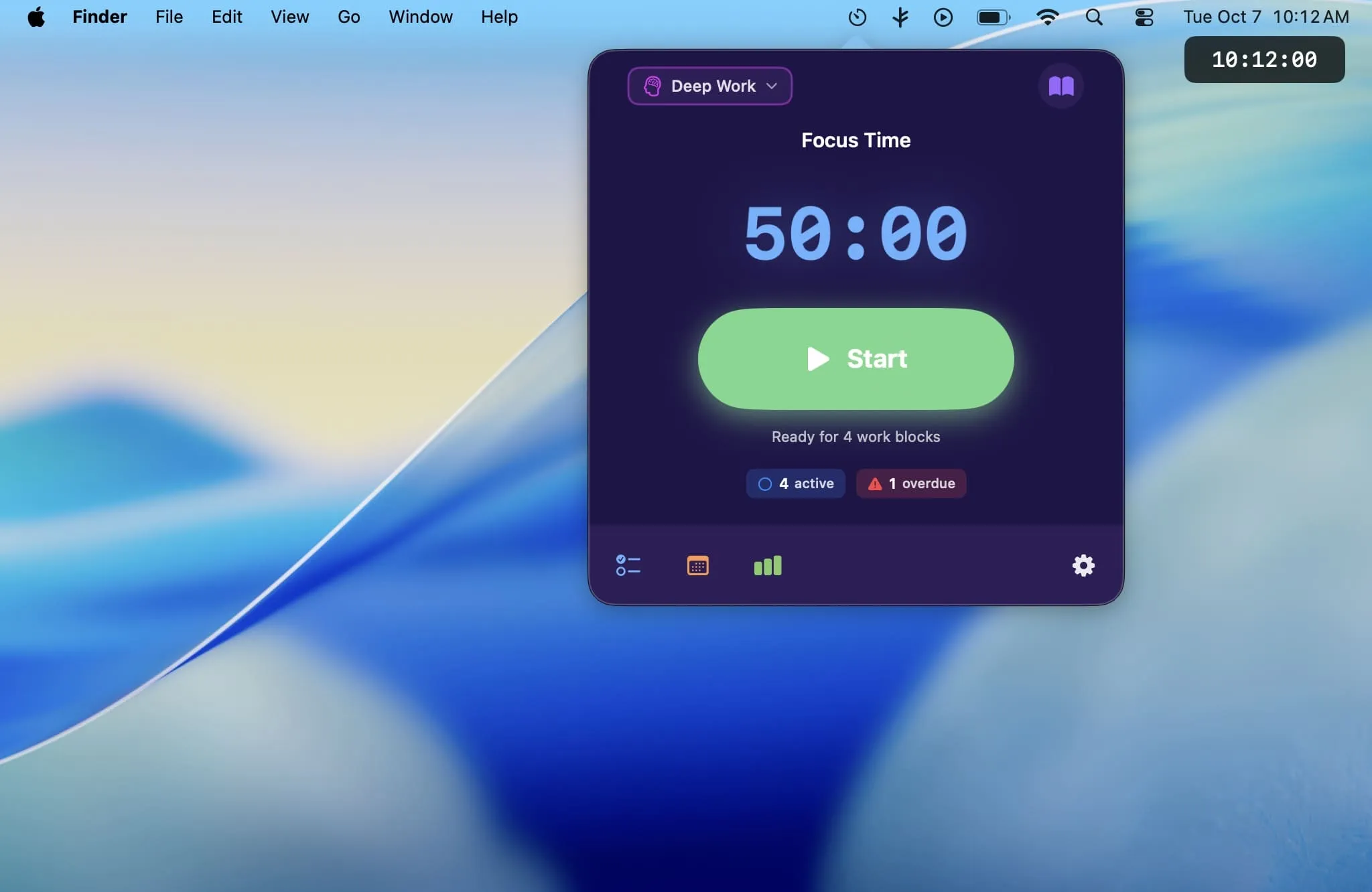
Focusly is a Pomodoro timer with macOS Calendar integration that prevents meeting conflicts during focus sessions. The app checks the calendar when starting a session and warns users before scheduling conflicts arise, reducing the cognitive overhead of managing deep work alongside meeting obligations.
Task management features allow users to link focus sessions to specific tasks with priority levels (Low, Medium, High, Urgent) and estimate required Pomodoros per project. Progress tracking displays completion percentages and overdue warnings for deadline management. Session journaling captures notes at the end of each Pomodoro about accomplishments and observations, creating a searchable timeline useful for standups and retrospectives.
Productivity analytics include daily focus time, longest streaks, and session history. These metrics help identify optimal work periods and inform calendar scheduling decisions. All data processing occurs locally with 100% offline operation; no internet connection is required and all information remains on the device.
The app runs natively on Apple Silicon and Intel Macs with approximately 100MB memory usage and less than 1% CPU during active sessions. Focusly is free and open source, available from both the Mac App Store and directly from GitHub (https://github.com/rakesh1002/Focusly).
System Requirements
- macOS 13.0 Ventura or later
- Apple Silicon or Intel processor
- Approximately 10MB disk space
- Calendar access permission required for core functionality
Limitations
- Calendar integration requires granting system permissions during first launch
- Task management features may be redundant for users with existing project management tools
- No website blocking functionality (focus on time management rather than distraction prevention)
- Limited to macOS Calendar; no support for third-party calendar services
Alternatives
- Flow for Pomodoro timing with website blocking
- Session for similar task-linked Pomodoro features
- Toggl Track for detailed time tracking with calendar integration
- Centered for focus sessions with meeting detection and ambient sounds
(Free, open-source)
Suitable for users who manage frequent meetings alongside deep work sessions, particularly remote workers coordinating across time zones who need calendar-aware focus scheduling.


