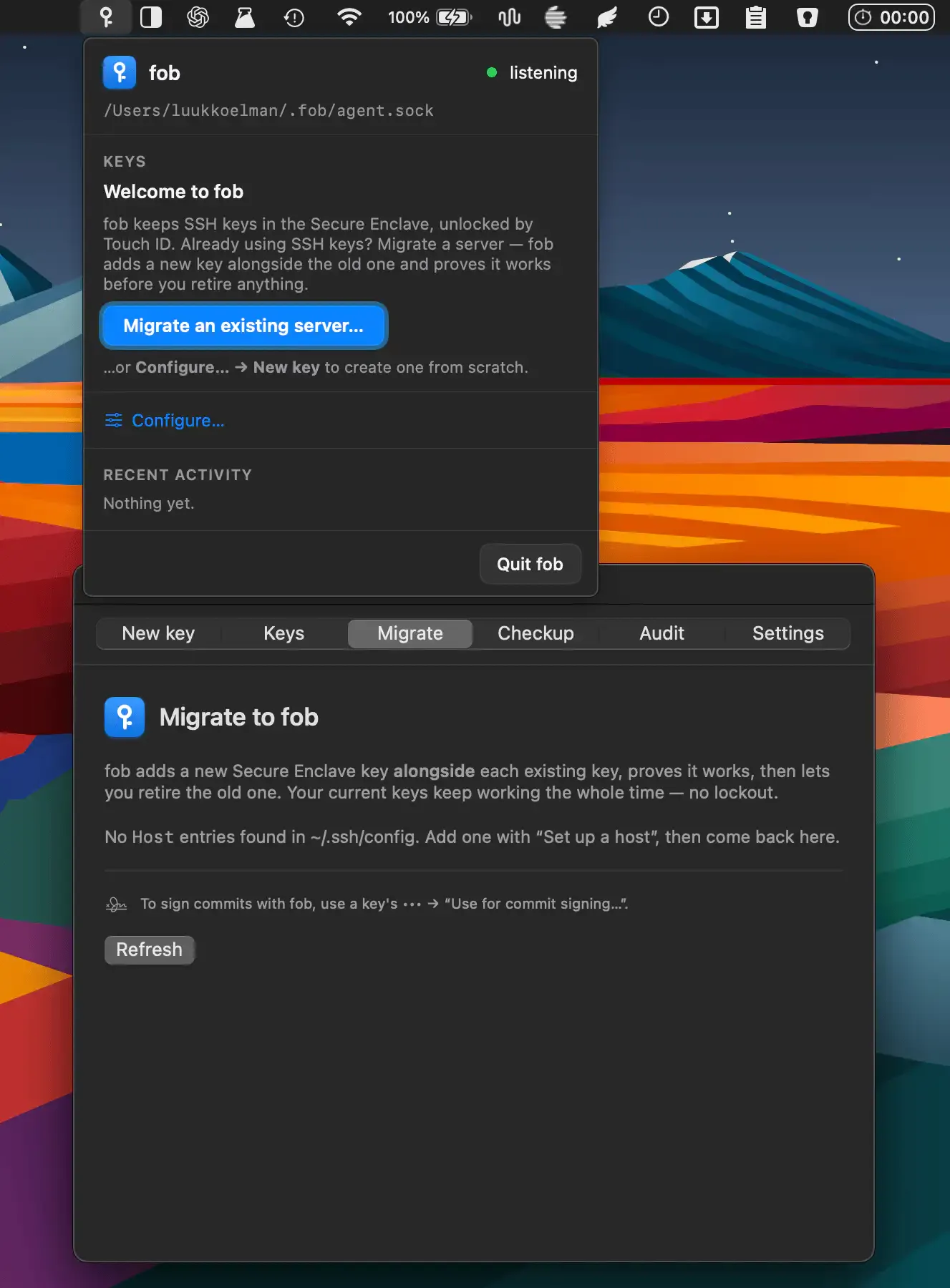
fob is a menu bar SSH key manager that stores private keys in Apple’s Secure Enclave, requiring Touch ID or Apple Watch authentication before each SSH connection or Git operation is permitted. Keys are hardware-bound and non-exportable, protecting credentials even if the Mac is compromised. (Free, open-source)
The Secure Enclave is a dedicated security processor present in all Apple Silicon Macs and Intel Macs with the T2 chip. Keys generated by fob are created inside the enclave and cannot leave it: no copy of the private key exists on disk or in memory. Every authentication attempt presents a destination-aware prompt showing the verified hostname of the target server, preventing misdirection attacks.
Per-host key pinning ties a specific key to a particular service, ensuring that a key intended for GitHub cannot be used to authenticate to an unrelated server even if the user approves the prompt. An optional touch reuse window allows brief re-authentication windows for workflows involving multiple sequential operations, though this is disabled by default.
fob supports GitHub, GitLab, and standard SSH servers. Git commit signing using the enclave key generates Verified badges on code hosting platforms. A tamper-evident SHA-256 hash-chained audit log records authentication events, and the log integrity is verifiable independently. A command-line interface supports scripted access and SSH configuration hygiene reporting.
System requirements: macOS 13 Ventura or later. Requires a Mac with Secure Enclave (Apple Silicon or Intel T2). Install via Homebrew: brew install --cask olivierzol/fob/fob.
Pricing: Free, open-source (AGPL-3.0).
Limitations: Secure Enclave keys cannot be migrated to a new Mac without generating and re-distributing new public keys. Touch ID must be enrolled and functional; the Apple Watch fallback requires watchOS pairing. The AGPL-3.0 license has implications for commercial use in products that distribute fob as part of a service.
Alternatives: 1Password SSH Agent (commercial, cross-platform, Touch ID support), Secretive (free, open-source, simpler feature set), macOS ssh-agent (built-in, no hardware key storage).
Suitable for developers who handle access to production servers or sensitive repositories and want hardware-enforced authentication that eliminates the risk of private key theft.


