
CommuteBar
Live commute time and ETA display in the Mac menu bar using Apple Maps for privacy-focused real-time traffic monitoring and departure alerts.
- Price
- $4.99
- Requires
- macOS 14 or later
- Runs on
- Apple Silicon / Intel
- Size
- 5.1 MB
- Around Since
- 2026
- Open Source
- No
- Last Checked
- 2026-10-31
$4.99 on the Mac App Store.
 1 screenshot
At a Glance
Best For
Watching live Apple Maps commute times and leave-now alerts.
The Catch
Travel times come only from Apple Maps, with car, bike and walking routes but no public transit.
About CommuteBar
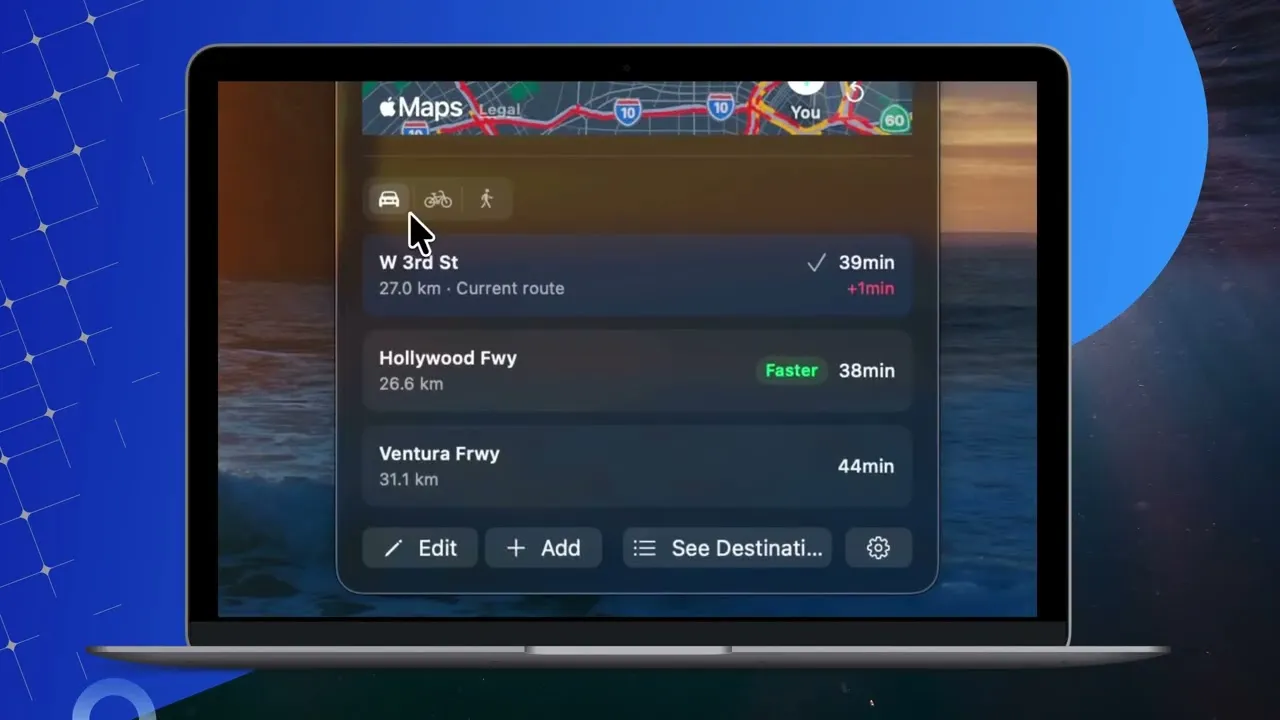
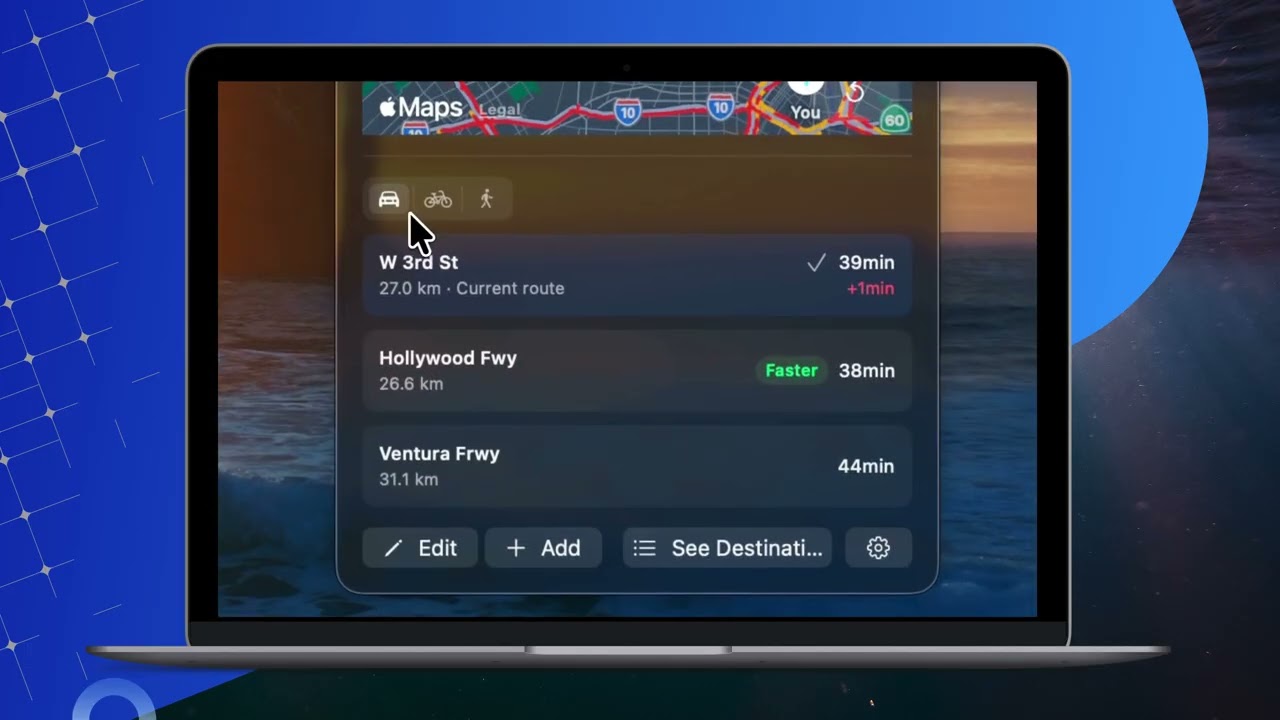
CommuteBar displays live commute ETAs directly in the Mac menu bar by querying Apple Maps in real time, allowing users to monitor traffic conditions without switching away from their current task. ($6.99, one-time)
The app supports multiple saved destinations — home, work, school, gym, or any custom address. Each destination can be configured for driving, cycling, or walking modes, with separate options to avoid tolls and highways. The menu bar updates automatically to show current travel time and whether traffic is adding delay to the expected arrival.
Users can configure commute windows — time ranges when the app actively monitors ETAs — using a drag-and-drop calendar interface. Departure alerts notify users at relevant thresholds: “Leave Soon,” “Leave Now,” and traffic spike warnings, reducing the need to manually check maps before leaving. All routing queries use Apple Maps locally; no location data leaves the device or reaches CommuteBar’s servers.
System requirements: macOS 14 Sonoma or later. Compatible with Apple Silicon and Intel Macs. Available on the Mac App Store.
Pricing: ($6.99, one-time; regular price $9.99). No subscription.
Limitations: Routing relies entirely on Apple Maps, so coverage and accuracy in less-mapped regions may differ from alternatives using Google Maps or Waze data. No iPhone companion app — the feature set is Mac-only.
Alternatives: Google Maps or Waze checked manually in a browser, Fantastical (calendar with integrated travel time estimates), and Apple Maps’ built-in share ETA feature. No other Mac menu bar app focuses specifically on passive commute ETA monitoring with departure alerts.
Suitable for users with regular commutes who want a passive traffic awareness tool that stays in the menu bar without interrupting their workflow.
FAQ
What does CommuteBar do?+
CommuteBar shows live commute times and ETAs in the Mac menu bar by querying Apple Maps in real time. It monitors multiple saved destinations such as home, work, or gym, and supports driving, cycling, and walking modes with optional toll and highway avoidance.
Is CommuteBar free?+
No. CommuteBar costs $6.99 as a one-time lifetime purchase (regularly $9.99). There are no subscriptions, ads, or in-app purchases.
How do I install CommuteBar on macOS?+
CommuteBar is available on the Mac App Store at https://apps.apple.com/app/id6803743918. It requires macOS 14 Sonoma or later and runs on Apple Silicon and Intel Macs.
Does CommuteBar run on Apple Silicon?+
Yes. CommuteBar runs on Apple Silicon (M1, M2, M3, M4) and Intel Macs.
Does CommuteBar share location data?+
No. CommuteBar uses Apple Maps locally on the device. Location data is never sent to external servers or third parties, consistent with Apple Maps' privacy model.