
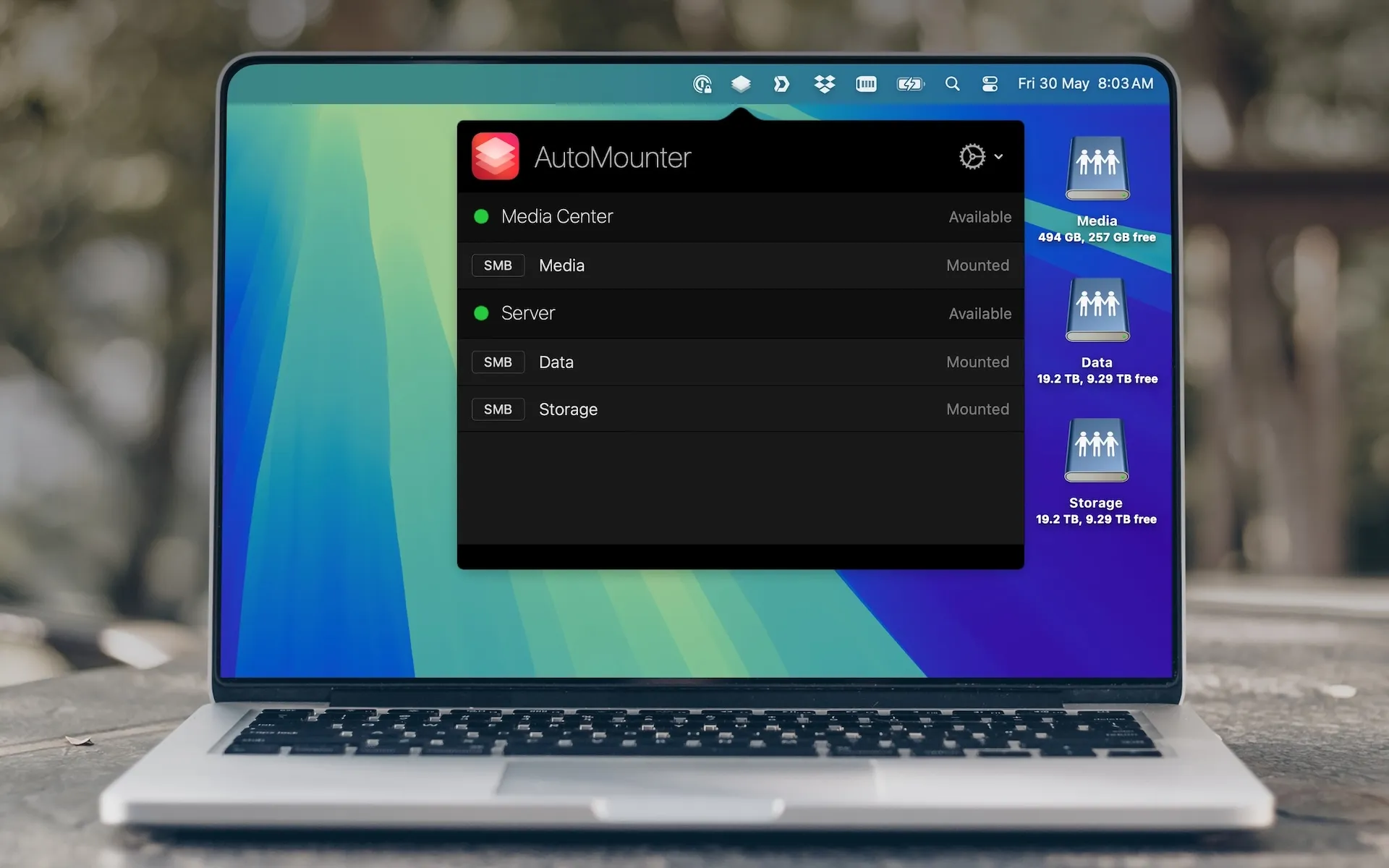
AutoMounter manages network shares and NAS server connections automatically, eliminating manual mounting workflows. The app maintains persistent connections to configured network locations through intelligent monitoring and reconnection logic. Users can configure multiple servers with customizable mount rules that define when and how shares should be mounted.
The server discovery feature simplifies initial setup by detecting available network resources. Wake-on-LAN capability ensures remote servers power on automatically when access is needed. Real-time status monitoring displays the current state of each configured mount rule in the menu bar interface.
Protocol support includes SMB/CIFS/DFS for Windows file sharing, WebDAV over HTTP and HTTPS, AFP for legacy Mac file sharing, FTP in read-only mode, and NFS for Unix-style network filesystems. Mount configuration options allow read-only access restrictions, Finder visibility controls, and authentication method selection between Kerberos and guest access.
The Pro version adds automation capabilities for opening files, launching applications, and executing scripts when shares mount. Custom mount point selection enables mounting into specific directories or at designated locations. Configuration profile import and export facilitates setup replication across multiple Macs. Runtime variable replacement supports dynamic configuration based on system state.
Enterprise deployments benefit from Apple configuration profile support with enforced settings. User variable substitution (such as %AM_USERNAME%) enables personalized mount configurations. Administrators can control update notifications and restrict menu access or quit functionality for managed deployments.
System requirements: macOS 13 or later. The AutoMounter Helper app is required for Pro features and mounting into /Volumes.
Pricing: Available through the Mac App Store and direct purchase via Paddle.com. Pro features require a separate in-app purchase. Volume licensing available upon request for enterprise deployments.
Limitations: FTP mounting operates in read-only mode. NFS protocol does not support mount options. Pro automation features require additional purchase beyond the base app.
Alternatives: Users seeking simpler network drive management may consider the built-in macOS “Connect to Server” functionality. For more advanced scripting needs, command-line tools like mount_smbfs and automount provide greater flexibility.
Suitable for NAS appliance owners, remote workers accessing shared network resources, IT administrators managing enterprise deployments, and organizations requiring automated network share management across multiple Macs.
