
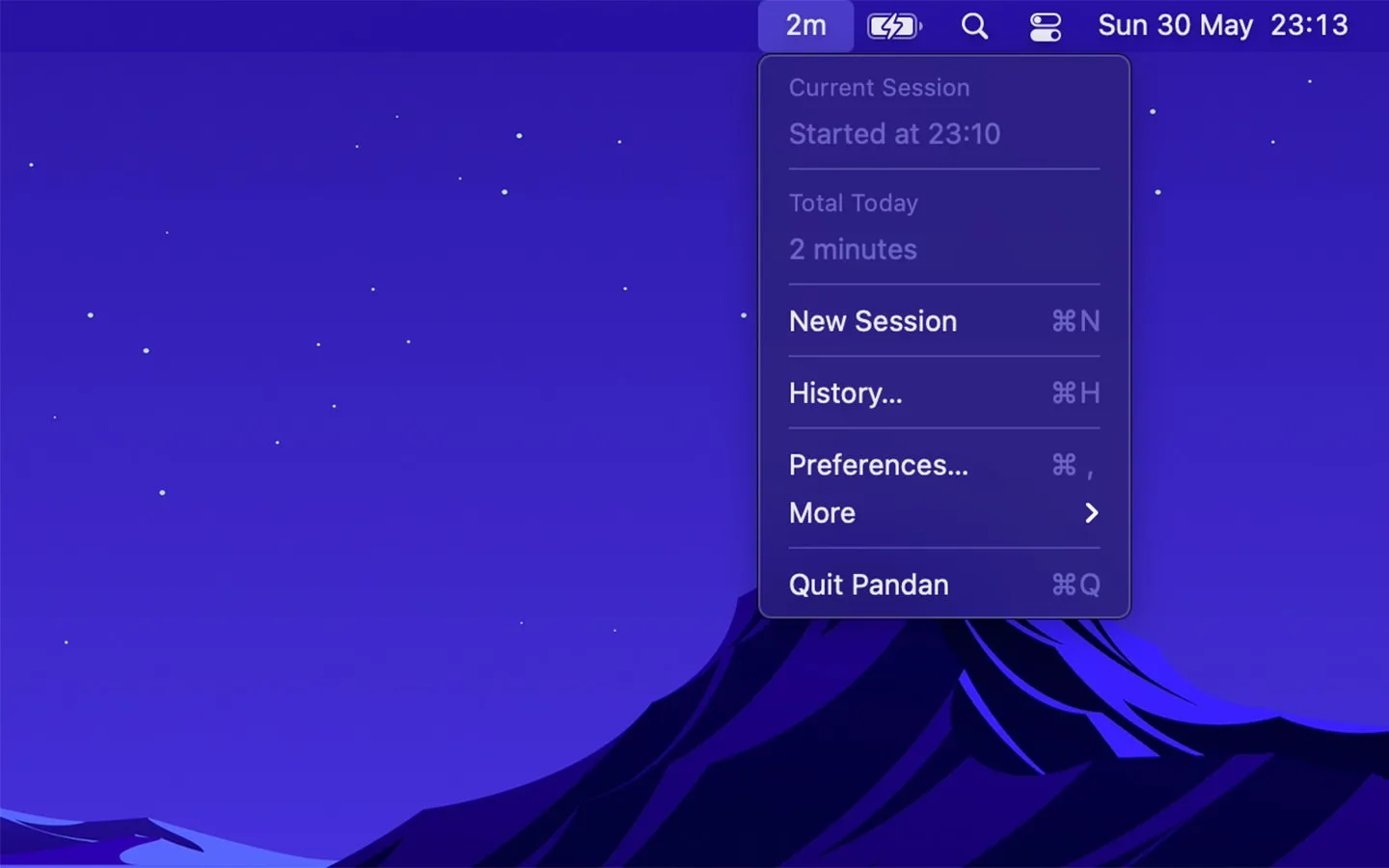
Pandan tracks active work sessions and displays current session duration in the menu bar, promoting time awareness and encouraging regular breaks. The app automatically detects idle time and stops counting when users step away from the keyboard, starting a new session upon return.
The idle detection system recognizes genuine inactivity and pauses automatically. Leaving the Mac overnight results in a reset session rather than accumulated inactive hours. This detection works seamlessly without manual management.
Shortcuts integration enables custom health awareness workflows. Users can configure notifications when active sessions reach specified durations, such as 90-minute reminders to stand and stretch. Session data can be logged to spreadsheets for weekly work pattern reviews. The app supports custom notification sounds and alerts through Shortcuts.
Activity history is intentionally limited to 120 days by design, focusing on time awareness rather than long-term behavior analytics. Command-line session management supports integration with terminal-based workflows.
Pandan runs on macOS 15 or later, with legacy versions supporting back to macOS 11. Resource usage is minimal at approximately 35MB memory with negligible CPU impact. The app is completely free with no advertisements. All data stays local with no iCloud sync.
Limitations include macOS-only availability due to platform restrictions around background activity tracking on iOS. The app does not sync between devices, with each Mac tracking independently.
Alternatives for break reminders include Time Out and Stretchly, though these focus more on scheduled breaks rather than continuous session awareness.
Suitable for users who lose track of time during focused work and want gentle, persistent awareness of session duration to encourage healthier break habits.


