
Minshot
A native macOS screenshot and screen recording tool with annotation, device mockup framing, multi-capture stitching, and image compression from the menu bar.
- Price
- Paid
- Requires
- macOS 15 or later
- Runs on
- Apple Silicon / Intel
- Size
- 13 MB
- Around Since
- 2026
- Open Source
- No
- Last Checked
- Not Listed
(Free, 5 screenshots/day; Pro $4.99, one-time)
Facts from our directory entry. Check the publisher for current pricing and compatibility.
 1 screenshot
At a Glance
Best For
Annotating screenshots, adding device frames and compressing images in one app.
The Catch
It is a young app with frequent releases since mid-2026, so features and pricing are still changing.
About Minshot
Minshot is a native macOS screenshot tool that operates from the menu bar, combining capture modes, screen recording, annotation, device mockup framing, and image compression in a single lightweight app. (Free / Pro $4.99, one-time)
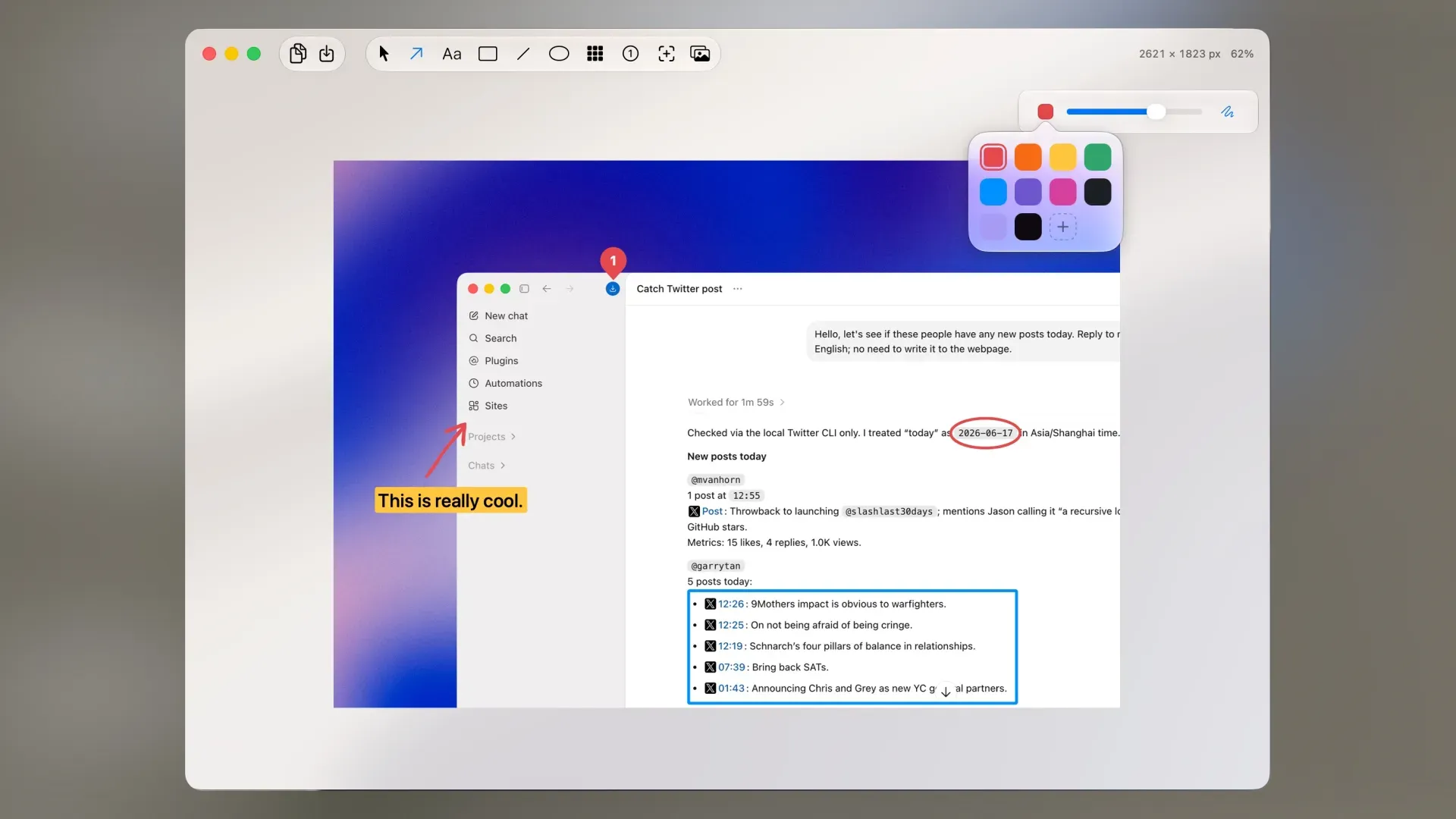
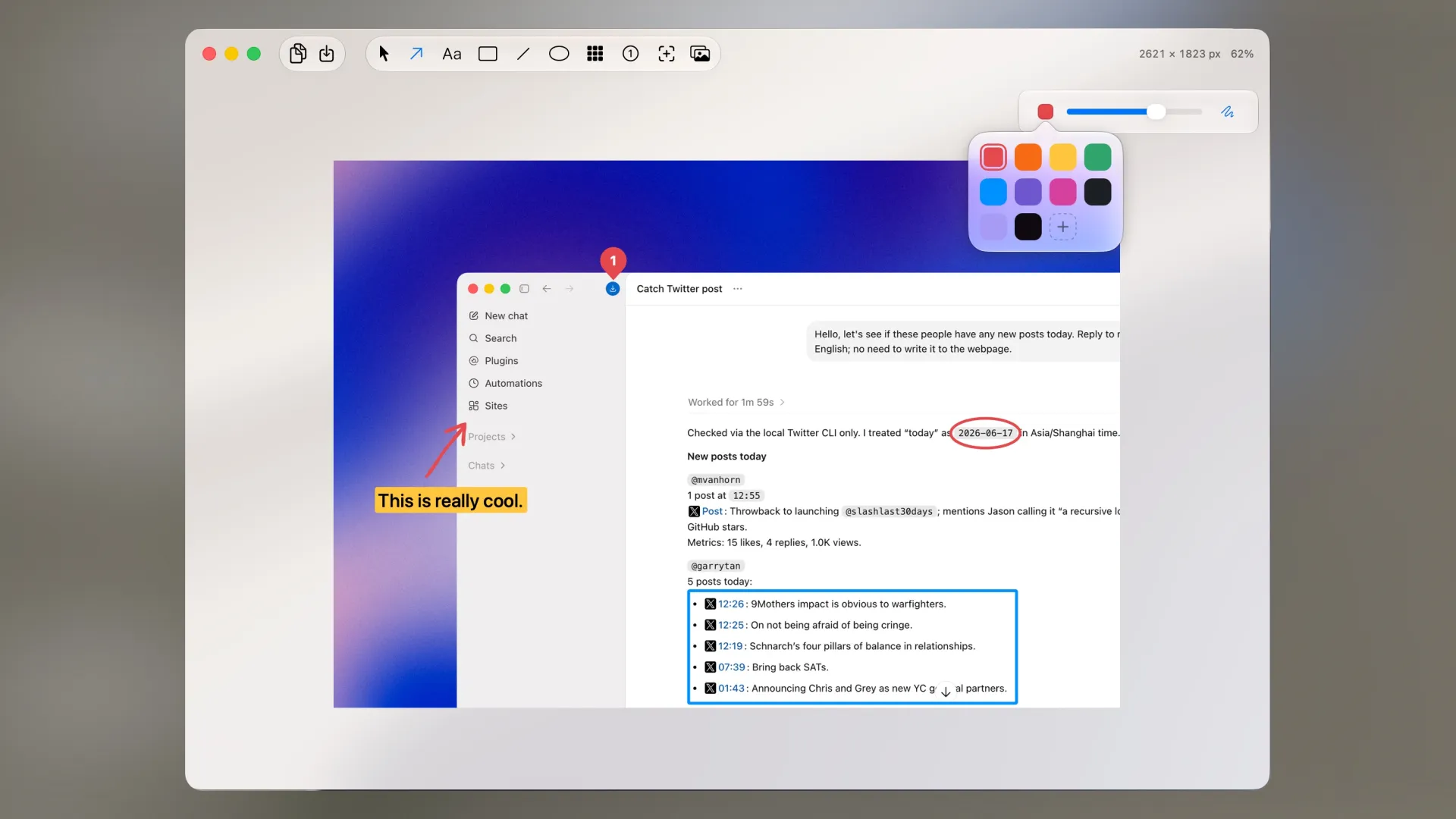
Capture modes include area selection, window capture, and fullscreen. Recorded screenshots open directly in Minshot’s built-in editor without requiring a separate application. Annotation tools include hand-drawn sketch-style arrows, text boxes, blur and redaction overlays, rectangular shapes, step counters, and a magnifier, covering the most common documentation and communication use cases. A multi-capture stitching feature combines multiple screenshots into a single scrollable image, useful for capturing long web pages or chat conversations.
Screen recording supports microphone audio and webcam overlay, with timeline-based video editing for trimming, speed adjustment, and zoom animations. Recordings can generate local subtitles automatically. Finished videos export in standard formats, and images compress to WebP, JPEG, or PNG with configurable quality settings.
Backdrop framing wraps screenshots inside device mockups — including the iPhone 17 Pro — enabling marketing-quality visuals without external design tools. Recently captured screenshots remain accessible for reopening with edits preserved, preventing accidental loss of annotated work.
System requirements: macOS (specific minimum version not published). Screen Recording permission required. Pro license supports up to 2 Macs.
Pricing: (Free, 5 screenshots/day; Pro $4.99, one-time)
Limitations: Free tier is restricted to 5 screenshots per day, which limits use as a daily driver without purchase. Specific minimum macOS version is not documented publicly. Pro license allows only 2 Mac activations.
Alternatives: CleanShot X ($29, one-time or Setapp): more established with scrolling capture and cloud upload; Shottr (free, fast with OCR and measurement tools); macOS built-in Screenshot (free, no annotation editor or mockup framing).
Suitable for developers, designers, and writers who need screenshot annotation and device mockup framing in a lightweight menu bar tool without subscription pricing.
FAQ
What does Minshot do?+
Minshot captures screenshots and records screens from the Mac menu bar, with a built-in annotation editor, device mockup framing, multi-capture stitching, and video editing. Captured images can be compressed to WebP, JPEG, or PNG.
Is Minshot free?+
Minshot is free for up to 5 screenshots per day. The Pro upgrade costs $4.99 as a one-time purchase, unlocking unlimited screenshots and activations on up to 2 Macs with free future updates.
How do I install Minshot on macOS?+
Download Minshot from https://minshot.fehey.com/. The app installs to the menu bar and provides screenshot and recording shortcuts after granting Screen Recording permission.
Does Minshot run on Apple Silicon?+
Yes. Minshot is a native macOS app and runs on Apple Silicon and Intel Macs.
What annotation tools does Minshot include?+
Minshot's annotation editor includes arrows (including hand-drawn sketch-style arrows), text boxes, rectangles, blur/redaction tools, magnifier overlays, and numbered step counters — suitable for product documentation and tutorials.
Can Minshot frame screenshots inside device mockups?+
Yes. Minshot supports backdrop framing inside device mockups including the iPhone 17 Pro, useful for app store screenshots and marketing assets without needing separate design software.