
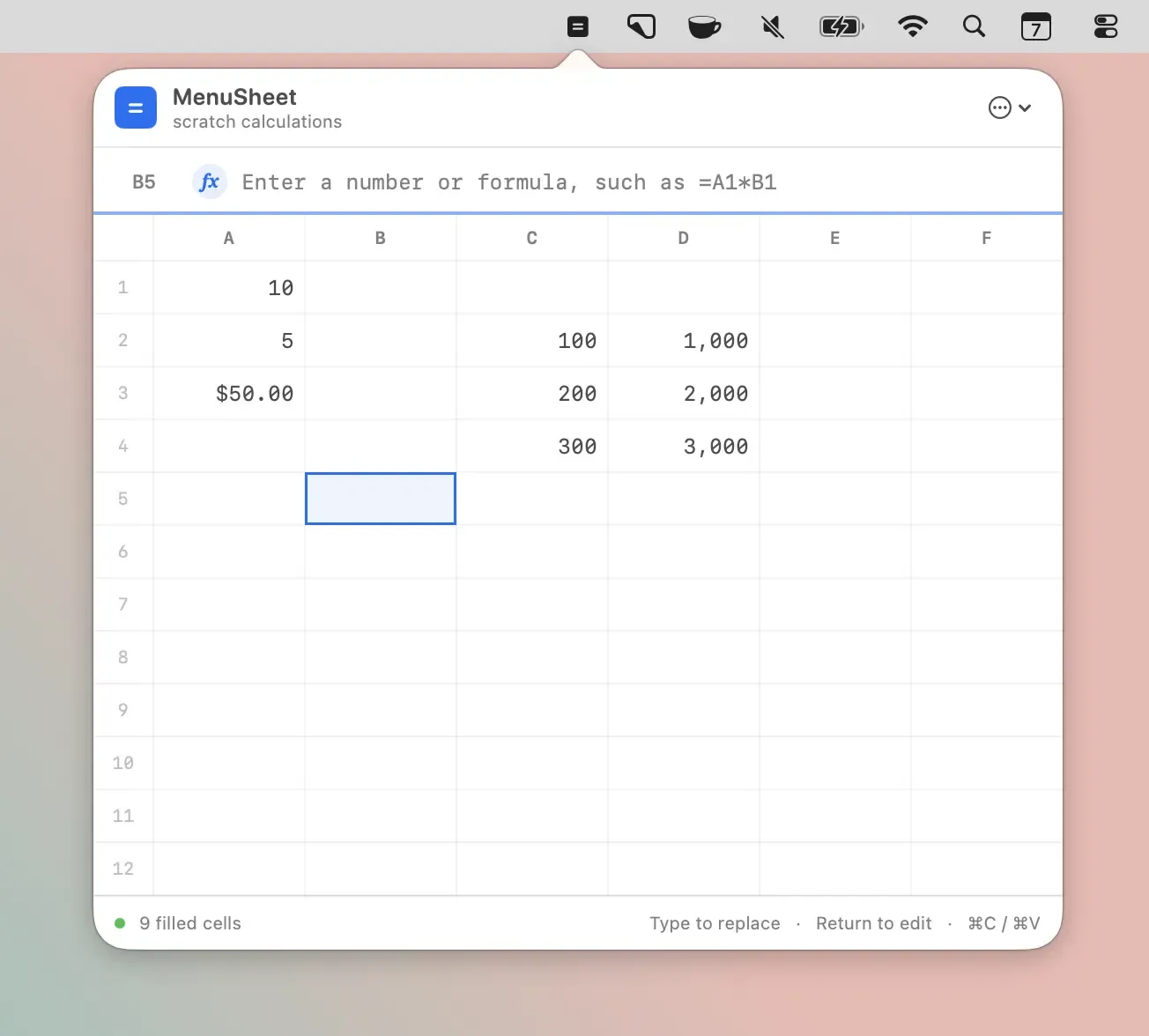
MenuSheet is a menu bar spreadsheet for macOS that provides quick access to a compact 6×12 grid for calculations without opening a full spreadsheet application. ($9.99, one-time)
The app supports numbers, plain text, and formula entry using standard arithmetic operators — addition, subtraction, multiplication, division, and parentheses for order of operations. Cell references and ranges work as expected, and common functions including SUM, AVG, MIN, and MAX are available. Navigation and editing are keyboard-first, designed for users who prefer working without reaching for the mouse.
A configurable global keyboard shortcut summons and dismisses the sheet from any application, making it accessible mid-workflow without switching focus to a spreadsheet app. Data can be exported as CSV or XLSX when the calculation needs to move to a larger document. The app optionally launches at login for persistent availability.
The grid dimensions — 6 columns by 12 rows — are fixed, which suits quick reference calculations but not complex multi-sheet analysis. The file size is 358.1 KB, and the app collects no user data according to its App Store privacy policy.
System requirements: macOS 14.0 or later. 358.1 KB. Available on the Mac App Store.
Pricing: ($9.99, one-time)
Limitations: The grid is fixed at 6×12 cells; users needing larger sheets must use a full spreadsheet application. No chart, conditional formatting, or multi-sheet support. Function library is limited to basic aggregations (SUM, AVG, MIN, MAX). No iCloud sync or cross-device access.
Alternatives: Apple Numbers is a free full-featured spreadsheet included with macOS. Microsoft Excel provides comprehensive spreadsheet capabilities (Microsoft 365 subscription). Soulver is a Mac app optimized for quick calculations with natural language input ($29.99).
Suitable for users who frequently need quick arithmetic, unit conversions, or small data lookups and want spreadsheet-style input accessible from the menu bar without switching applications.


