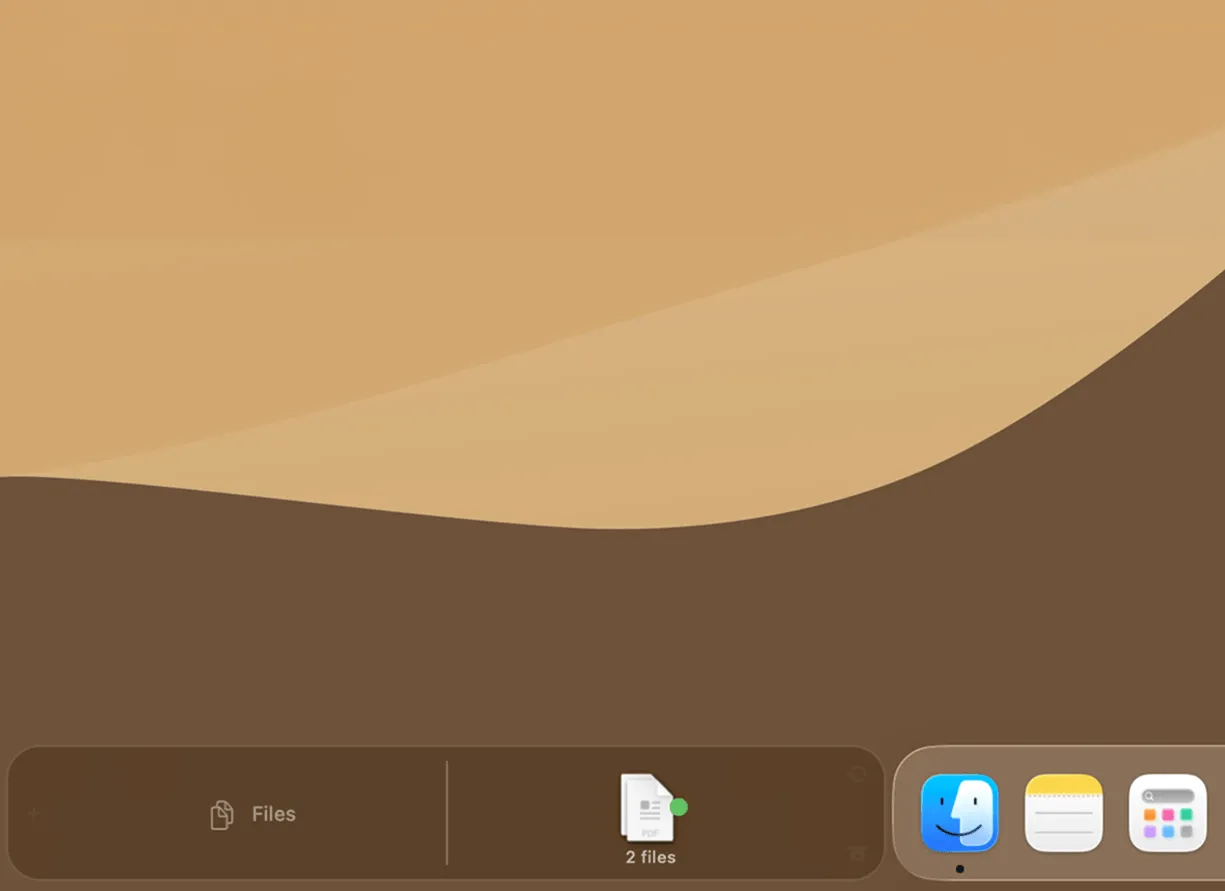
Dockside is a file shelf application for macOS that positions a customizable strip beside the Dock, providing persistent quick access to files, folders, and workflow automation. ($5.99, one-time)
The shelf supports nested folders, an App Drawer for frequently accessed applications, recent screenshots, and recent downloads. Items drop onto the shelf from Finder or any application, and Quick Look previews display file contents without opening a separate viewer. Keyboard shortcuts and trackpad gestures navigate shelf contents without reaching for the mouse.
Up to four drop zones per shelf configuration can execute automation actions when files are dropped onto them. Supported actions include Apple Shortcuts, AppleScript scripts, and CLI commands, enabling workflows such as automatically compressing images with Clop, uploading to cloud services via Dropshare, or running custom shell scripts. The automation system operates using macOS’s built-in scripting infrastructure without requiring third-party dependencies.
Folder monitoring surfaces new files from watched directories automatically, maintaining a live view of active download folders or project directories. Multiple shelf configurations allow different layouts for different contexts. Media controls for Spotify and Apple Music appear alongside file items, and system monitoring widgets display CPU, memory, and network status inline with other shelf content.
System requirements: macOS 13 Ventura or later. Apple-notarized. One-time purchase covers up to 3 Macs with unlimited updates.
Pricing: ($5.99, one-time — covers up to 3 Macs)
Limitations: macOS 13 minimum requirement excludes users on older systems. The Dock-adjacent strip requires adequate screen width on smaller displays. Advanced automation features require familiarity with Shortcuts, AppleScript, or shell scripting.
Alternatives: Yoink ($8.99) provides a temporary drag-and-drop shelf without Dock integration. Dropzone 4 focuses on drop zone automations with cloud service integrations. Overflow 3 offers a similar Dock companion approach for application launchers.
Suitable for users who manage frequent file transfers, need persistent access to project folders, and want to automate repetitive file operations directly from a Dock-adjacent workspace.