
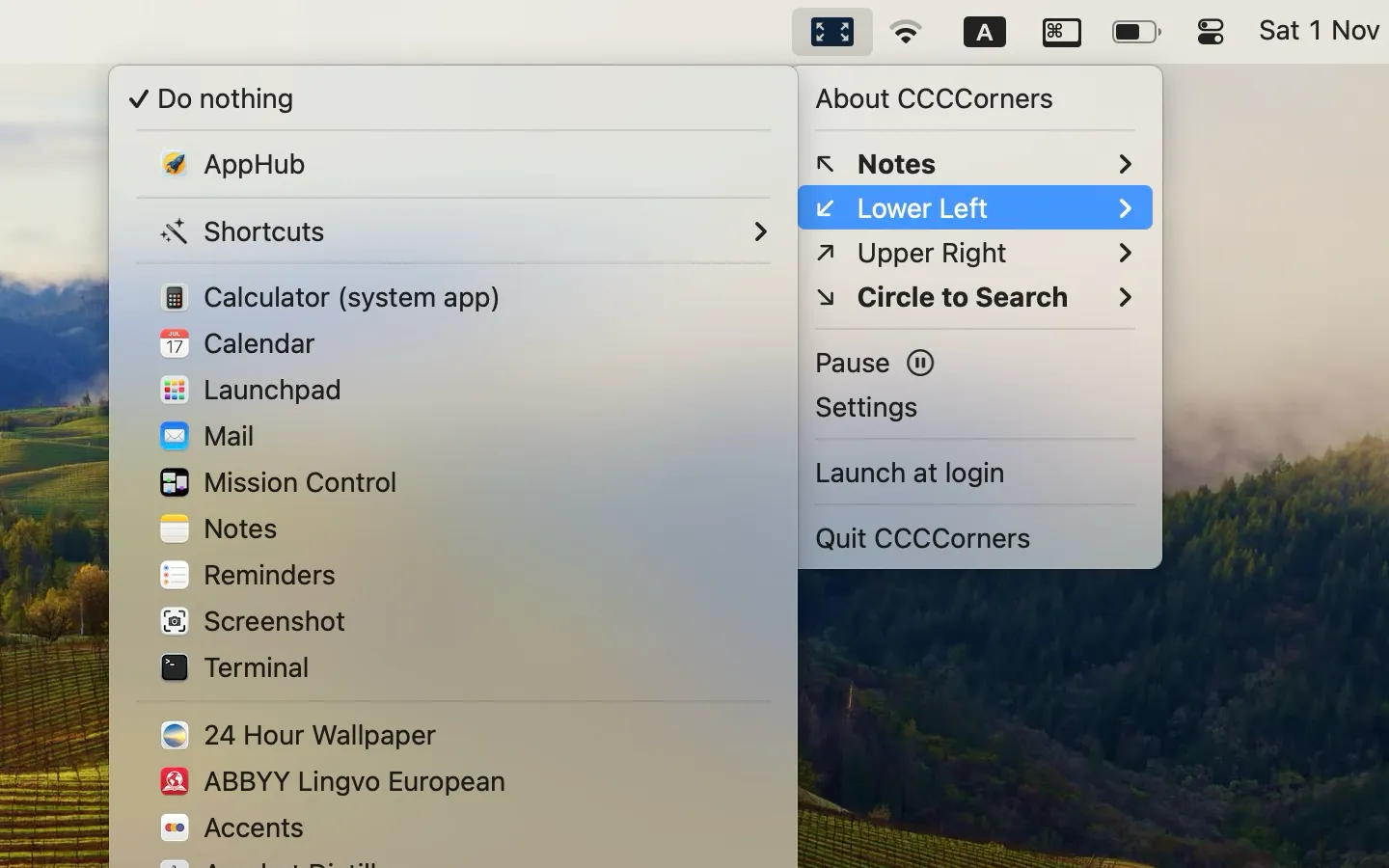
CCCCorners extends macOS hot corners beyond the default system actions, enabling users to launch and close applications by moving the cursor to screen corners. The app operates with a privacy-first approach—its name stands for “confidential, confidential, confidential”—and functions without requiring accessibility permissions for core features.
A notable capability is the smart toggle functionality. Users assign an app to a corner, activate once to launch, and activate again to close or quit the application. This bidirectional control distinguishes CCCCorners from standard hot corner utilities that only trigger one-way actions. Modifier key support (Command, Option, Control, Shift) multiplies available shortcuts, allowing different combinations per corner.
The app integrates with Shortcuts for extended automation possibilities. Users can trigger Shortcuts workflows from hot corners, enabling complex automation chains. The menu bar icon offers eight customization options, or users can hide it entirely for a cleaner menu bar. Configuration happens through an intuitive preferences panel where each corner receives independent assignment.
CCCCorners runs with minimal system footprint at approximately 6MB. The app operates silently in the background without noticeable resource consumption. Developer Bohdan Kolesnyk maintains active development, with version 1.0.2 addressing display refinements for modifier key icons.
System requirements: macOS 12 (Monterey) or later, compatible with Apple Silicon and Intel Macs.
Pricing: $2.99 one-time purchase on the Mac App Store.
Limitations: The app focuses specifically on app launching and Shortcuts integration; it does not replicate all built-in hot corner actions. Users seeking window management or system control features may need complementary utilities.
Alternatives: BetterTouchTool offers hot corner functionality within a broader input customization suite. The built-in macOS hot corners provide basic system actions without third-party software.
Suitable for users who want quick application access from screen corners without complex configuration or invasive system permissions.


