The macOS clipboard holds exactly one item. Copy something new, and the previous content vanishes. This design made sense decades ago, but modern workflows involve constant copying and pasting across applications. Losing clipboard history costs time—sometimes significant amounts when you’ve accidentally overwritten something important.
Clipboard managers solve this by storing everything you copy and making it searchable. After trying several options over the years, I’ve settled on preferences based on specific use cases.
Speed Over Features
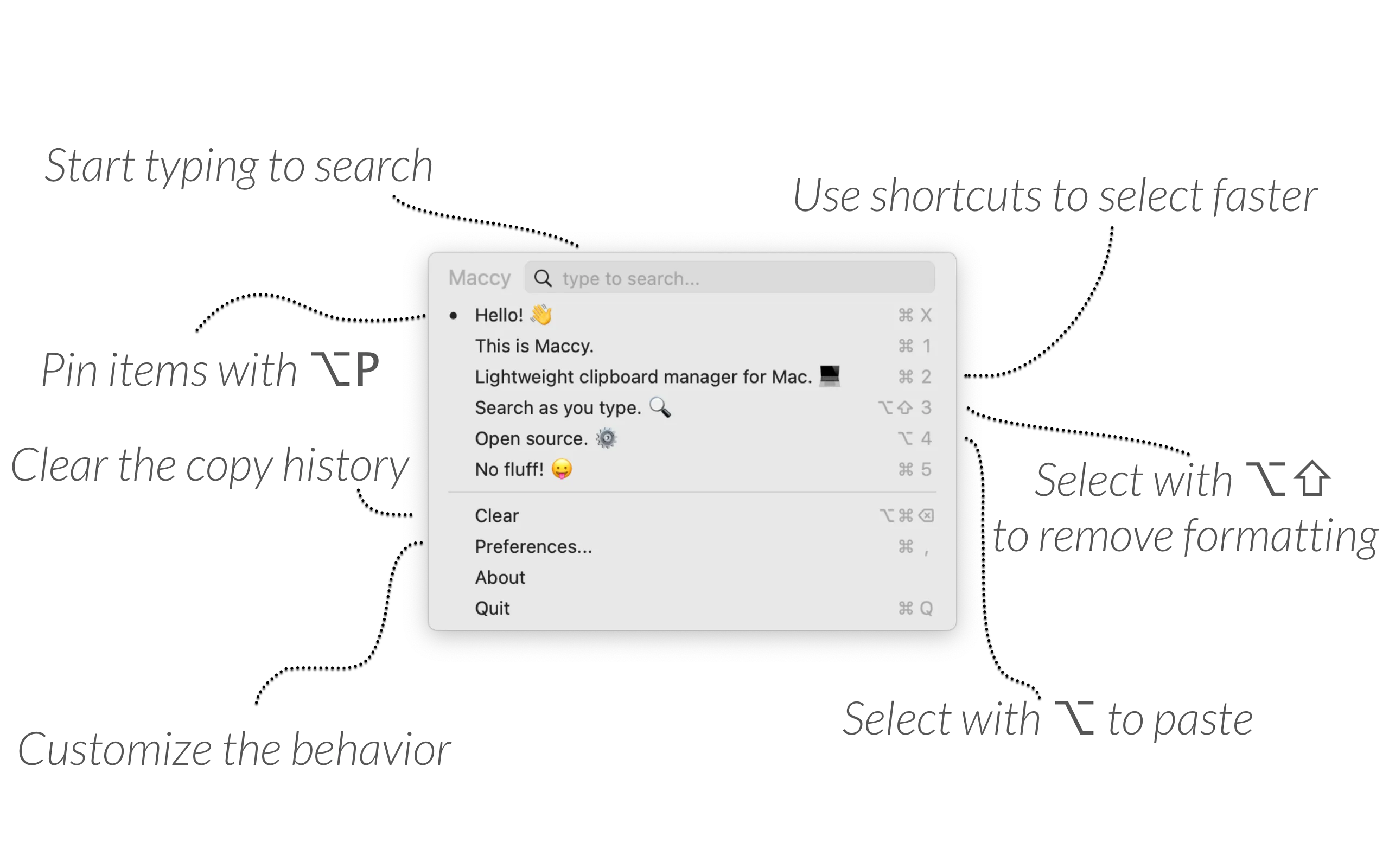
Maccy (Free, open-source) prioritizes speed above everything else. Press Command+Shift+C, type a few characters, press Enter to paste. The fuzzy search locates partial matches within longer strings, so typing “api” finds that API key you copied three days ago.
The keyboard-first design eliminates mouse interaction entirely. Number keys 1-9 access recent items directly. After a week of use, the workflow becomes automatic. I rarely think about it anymore—just copy, work, retrieve when needed.
Privacy features include automatic exclusion of password manager entries. All data stays in a local SQLite database with no cloud sync, analytics, or account requirements. The open-source codebase allows security auditing if you’re inclined.
Installation options include Homebrew (brew install maccy) or the Mac App Store ($9.99 to support development, identical functionality). The price difference is purely about supporting the developer.
The limitation is scope. Maccy doesn’t include preview panes, categories, or cloud sync. Users needing those features should look elsewhere.
Cross-Device Sync
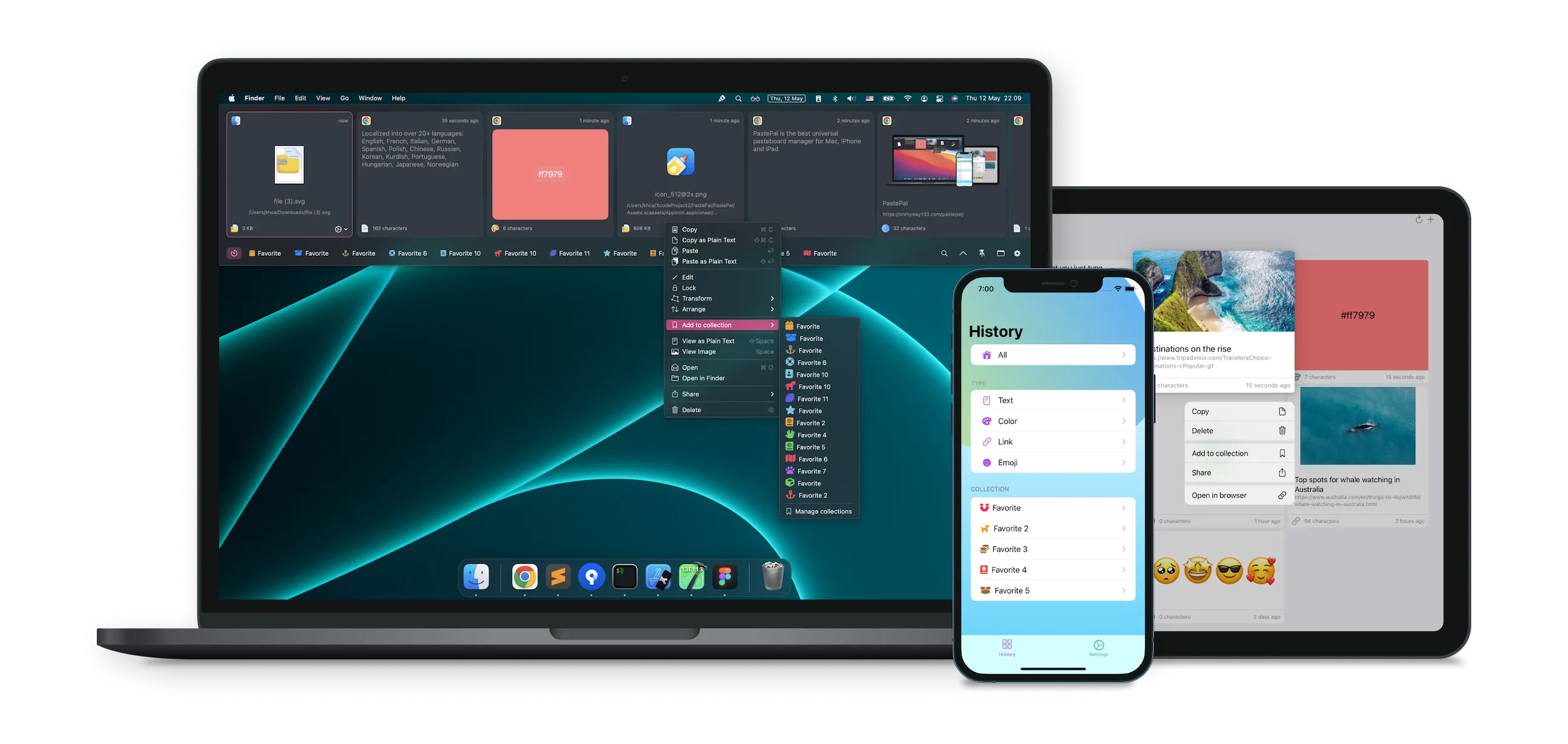
PastePal ($14.99, one-time) addresses the multi-device problem. Content copied on your Mac appears on iPhone and iPad within minutes via iCloud. For users constantly switching between devices, this eliminates the awkward workarounds—emailing yourself, using Notes as a temporary clipboard, or reaching for the phone to recopy something.
Smart content detection recognizes hex colors, images, PDFs, code snippets, and links with thumbnails. The Paste Stack feature queues multiple items for sequential pasting without returning to the app between each paste.
Privacy controls include automatic password filtering and configurable allow/ignore lists for specific applications. All data stays local and in your iCloud account—no third-party servers.
The trade-off is complexity. PastePal has more features than Maccy, which means more interface to learn. If you only use a Mac and don’t need cross-device sync, the simpler option might serve better.
Open Source with OCR
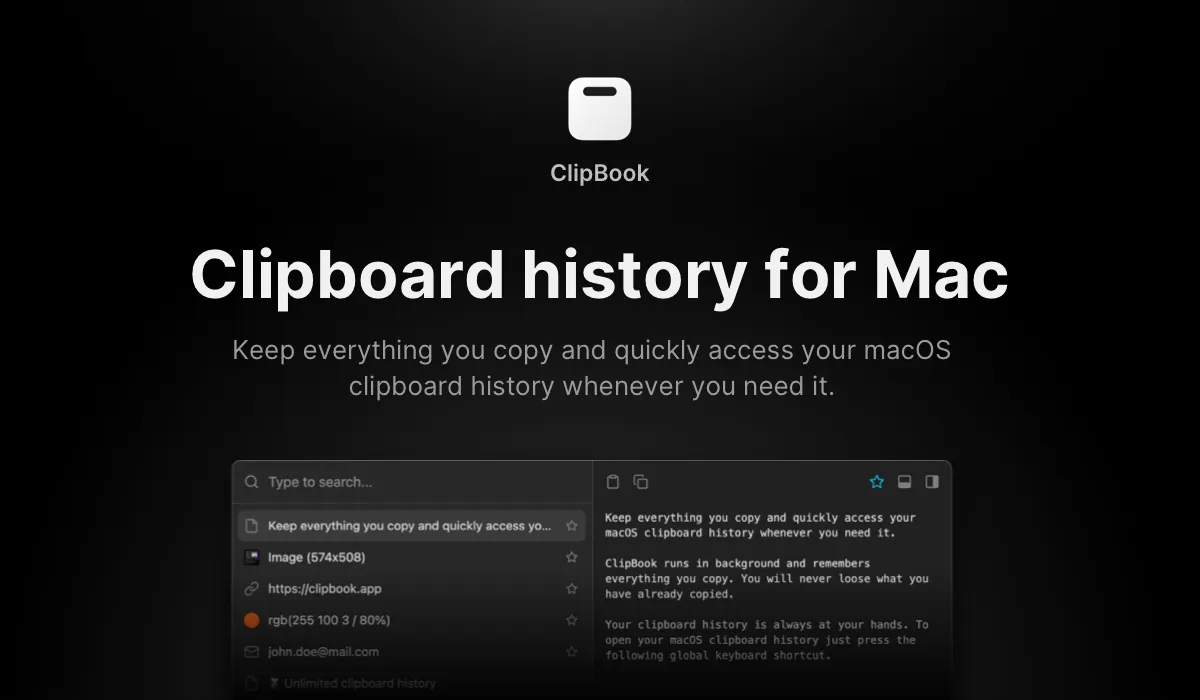
ClipBook ($9.99) combines open-source transparency with advanced features. The OCR text extraction (Shift+Command+C) pulls text from screenshots and images—useful when documentation arrives as screenshots or when copying from non-selectable interface elements.
The preview pane (Command+P) displays full content before pasting, helpful when distinguishing similar items like URLs or code snippets. Integration with Raycast and Spotlight extends access beyond the menu bar.
All data remains local with options to clear history on quit or restart. The complete source code is available on GitHub for inspection.
My Setup
I use Maccy on my Mac Mini because it’s fast and I don’t need cross-device sync for that machine. On my MacBook Air, where I often switch to iPhone for reference, PastePal’s iCloud sync justifies the extra complexity.
The choice depends on workflow. Single-device users who value speed: Maccy. Multi-device Apple ecosystem users: PastePal. Users who need OCR or want open-source with advanced features: ClipBook.
All three options represent significant improvements over the single-item system clipboard. The specific choice matters less than using any clipboard manager at all.