
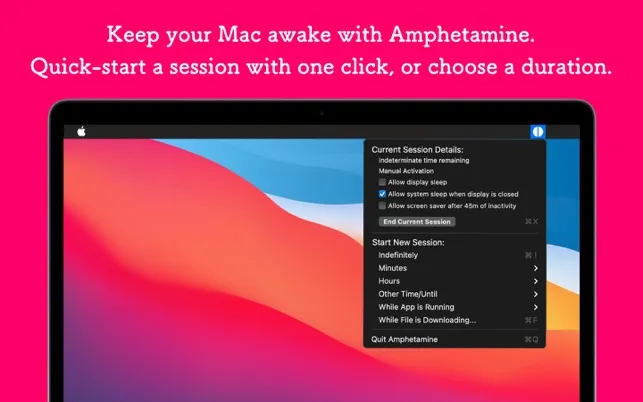
Free Triggers
Amphetamine
Keeping a Mac awake while specific apps run, downloads continue or drives are mounted.
The Catch It is not open source, and its menu bar icon has a fixed size.
KeepingYouAwake alternatives for Mac: Amphetamine adds app and drive triggers, Caffeinate & Disablesleep works with the lid closed, and Lungo adds Shortcuts.
KeepingYouAwake prevents sleep from the menu bar for a preset duration or until you turn it off. It wraps the built-in caffeinate command, is free under the MIT license, and version 1.6.8 supports macOS 10.13 or later.
KeepingYouAwake cannot prevent a MacBook from sleeping with its lid closed. Its controls cover preset durations and low-battery deactivation. Choose an alternative for closed-lid use, triggers based on apps or schedules, or Shortcuts automation.
Free Triggers
Keeping a Mac awake while specific apps run, downloads continue or drives are mounted.
The Catch It is not open source, and its menu bar icon has a fixed size.
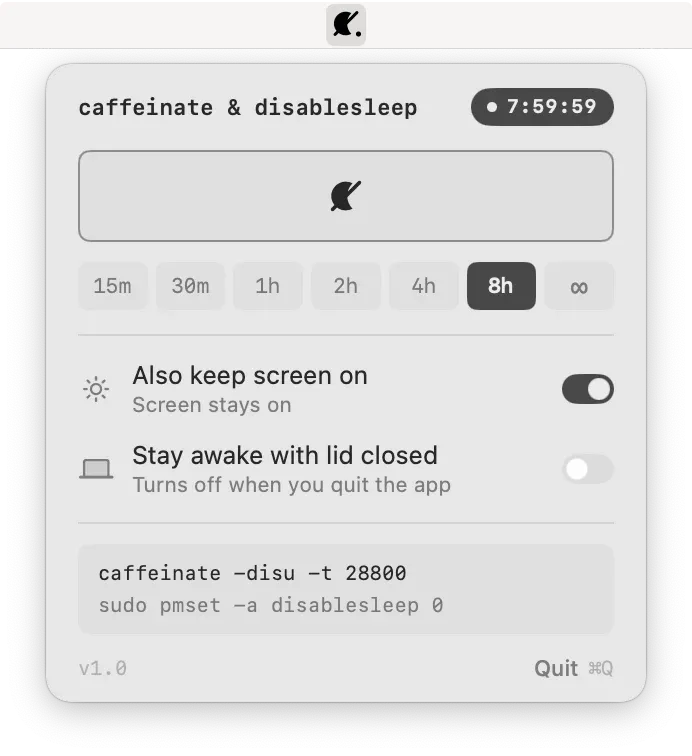
Closed-Lid Control
Keeping a Mac awake with the lid closed during long tasks and scripts.
The Catch Some modes need a one-time sudoers rule, and Awake Session does not work with the lid closed.
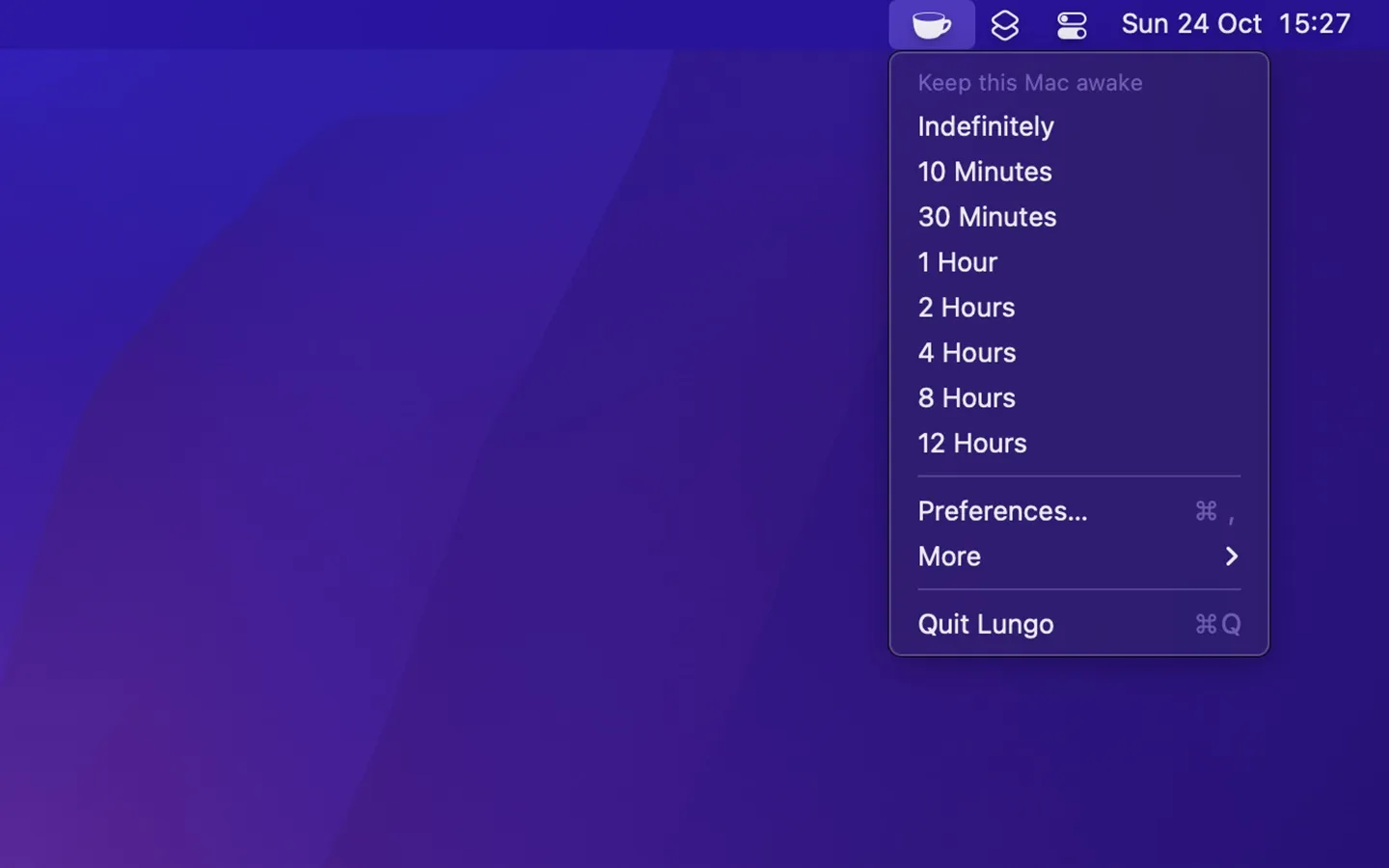
Automation-Friendly Timer
Keeping a Mac and its display awake for a set time, with Shortcuts and URL scheme control.
The Catch The current version needs macOS 26 and costs $4, and system sleep schedules can override it.
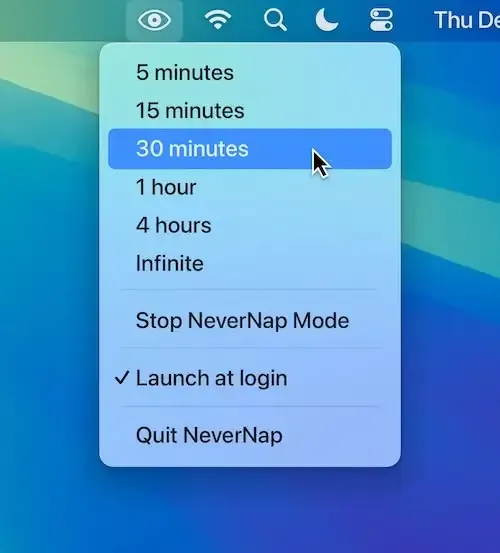
Calendar and App Triggers
Keeping a Mac awake by schedule, app or calendar event.
The Catch It needs macOS 26 or later and costs $2.99.
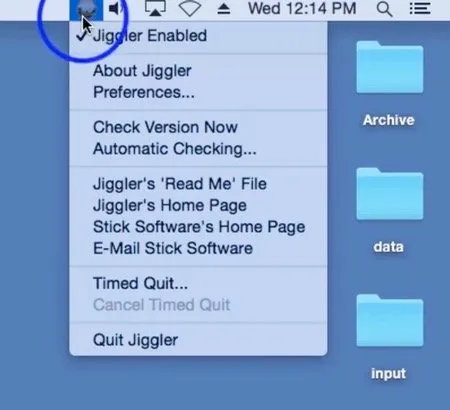
Simulated Activity
Generating mouse movement for workflows that react to input rather than sleep settings.
The Catch It moves the real cursor and needs Accessibility permission.
| App | Best For | Price | The Catch |
|---|---|---|---|
| Amphetamine | Keeping a Mac awake while specific apps run, downloads continue or drives are mounted. | Free | It is not open source, and its menu bar icon has a fixed size. |
| Caffeinate & Disablesleep | Keeping a Mac awake with the lid closed during long tasks and scripts. | Free | Some modes need a one-time sudoers rule, and Awake Session does not work with the lid closed. |
| Lungo | Keeping a Mac and its display awake for a set time, with Shortcuts and URL scheme control. | $4.00 | The current version needs macOS 26 and costs $4, and system sleep schedules can override it. |
| NeverNap | Keeping a Mac awake by schedule, app or calendar event. | $2.99 | It needs macOS 26 or later and costs $2.99. |
| Jiggler | Generating mouse movement for workflows that react to input rather than sleep settings. | Free | It moves the real cursor and needs Accessibility permission. |
These comparisons use the linked directory entries, not a new hands-on test. Confirm current pricing, requirements and release status with each developer. Missing facts are marked “Not Listed.”
Caffeinate & Disablesleep has modes that prevent sleep with the lid closed, after a one-time sudoers rule. Lungo’s closed-lid use depends on external power and an external display.
Amphetamine adds triggers for running apps, active downloads, mounted drives and scheduled times. It can also keep the Mac awake while the display sleeps. It is free but not open source.
Caffeinate & Disablesleep (MIT) and Jiggler (GPL-3.0) publish their source code. Amphetamine, Lungo and NeverNap are closed source.
Amphetamine requires macOS 10.13 or later, and Jiggler requires macOS 10.15 or later. Lungo and NeverNap need macOS 26.